How to Choose Fonts for Laser Cutting and Engraving
On screen the word looks like one solid piece. After cutting, the dot over the i is lost, the join between two letters snaps, and the middle of the O drops out of the sign. Often the cause is not the laser settings: the font was picked as a picture, without deciding which part of the material has to stay.
The choice starts with how the piece is built. A free-standing plywood word, openings in a panel and a dark inscription on a lid each need different geometry. One font can suit engraving and still be awkward for a through cut.
This guide draws on published cases and advice from Glowforge and LightBurn users, on the software documentation and on the descriptions written by the typeface authors. We did not run our own machine tests of the fonts listed here. The Creative Fabrica examples below are candidates for a specific operation, not a ranking of fonts tested under the same conditions.
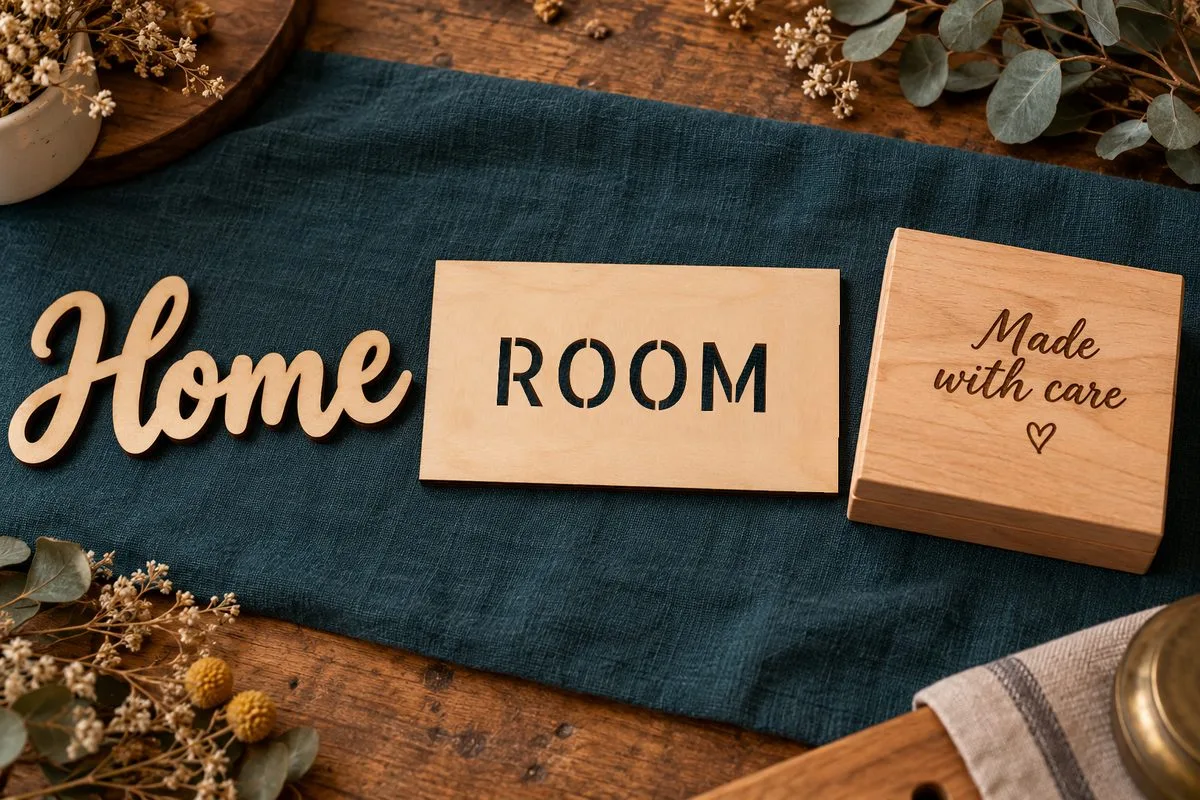
First decide what stays after the cut
- A separate word with no backing. What stays: one connected piece. What the letters need: reliable joins between letters and every loose element attached.
- Lettering cut through inside a sheet. What stays: a panel with openings. What the letters need: bridges that hold the inner parts of the letters.
- Lettering mounted on a backing. What stays: separate letters on a base. What the letters need: parts that are strong enough and a mounting plan.
- Fill engraving. What stays: a whole surface with processed areas. What the letters need: readable strokes, open counters and a suitable fill density.
- Line marking (score). What stays: a whole surface with thin lines. What the letters need: the right centerline route with no unintended second pass.
When a separate letter O is cut out, its inner part is usually waste: what remains is a wooden ring. When an O is cut into a panel, the inner part has to stay in place, otherwise you get a round hole. It is held by bridges or fixed to an extra backing. These are different constructions, even though on a flat sketch they can look almost the same.
What users actually report
Plywood: how you use the font matters more than its name
In a LightBurn forum discussion about cutting 4 mm birch plywood, Mark Phelan writes that he picks a stencil font for labels and uses connected calligraphy for other projects. Joel Brondos explains the role of the inner counters and suggests adding bridges with rectangles and boolean operations. This is a practical reason to sort fonts by construction, but it is not a test of the 15 typefaces below.
A one-piece word: the joins have to be prepared
In a Glowforge community thread about cake toppers, Jules advises welding the letters into one shape and avoiding thin curls and complex distressed outlines. ChristyM names Aerokids as one of her favorite fonts. That is a personal recommendation in the context of toppers, not a published test protocol.
There is also an example of a finished piece: the Glowforge community user ptodd showed the name Nora cut from Proofgrade Medium Basswood and set on a decorative base. The author said he used a font with alternate swashes that he got on Creative Fabrica. He did not give its exact name: Magnolia Sky is mentioned in his reply as an example of working with alternate letters. So crediting the finished sign to Magnolia Sky would be a mistake.
Acrylic: beautiful thin lines can be the weak spot
A Glowforge owner, elizabethjane1228, describes trouble with calligraphy tags in 1/8 inch acrylic: lines that sit close together melt, and with other settings the cut does not go all the way through. In reply, geek2nurse recommends first of all making the letters thick enough, changing the artwork in an editor if needed. There is no universal power recipe here: it is a concrete example of why sometimes you have to change the geometry, not only the machine settings.
Batch work: small islands add assembly time
On the LightBurn forum, Todd (tbeaulieu) discusses making ornaments in batches and notes that a separate middle of an O has to be positioned and glued in. Bernd suggests a stencil font. For a batch this is a labor question: you need to count not only the minutes of cutting but also the number of small parts that have to be placed by hand.
Single-line: a thin drawing does not yet mean one pass
In a LightBurn forum discussion about production marking, Valentino Stillhardt describes fonts that travel the same line twice. For batches of about 200 pieces this added time, and the repeated pass made the result worse on his material. The case belongs to the software and workflow of 2020; it does not describe every modern font. Its useful lesson is to check the actual route.
These reports do not add up to a comparative lab test. They help to choose the criteria: connectedness, holding the islands, strength of the parts, assembly time and the number of passes.
Five checks before you choose a font
1. Type the real word
Do not stop at the font name on the promo picture. Type the customer’s name, the date, the numbers, the punctuation and the alphabet you need. A good join in the word Home says nothing about the dot in Olivia or about the accents in a name like Zoë or José. Capital letters can join differently from lowercase ones.
For every separate dot, accent and decorative element, decide how it will be held. On a backing they are fine. In a free-hanging word they have to be attached, or the layout has to be reworked.
2. Judge the narrowest spot, not the point size
What matters is the size of the thin stroke after the piece is scaled. Two fonts of the same height can have completely different joins. Enlarging the whole word and thickening it locally are different solutions: the second changes the letter shapes and can close small counters.
There is no universal safe thickness for every plywood, acrylic and laser. In a LightBurn forum conversation about cutting names, the first thing Jack Wilborn asks for is the type and thickness of the material: the words “thin wood” are not enough.
3. Check where the bridges lead
In a cut-through panel, every inner island needs an unbroken link to the surrounding sheet. A decorative break in a letter does not necessarily do that job. Check A, B, D, O, P, Q, R, the numbers 6, 8, 9 and the characters of your language.
Do not confuse permanent stencil bridges with temporary tabs that hold parts in the sheet during the job. The first are part of the finished lettering. The second may be removed after processing and do not replace the construction of the font.
4. Separate the letter drawing from the laser route
An ordinary outline font in Line mode is traced along the edges of the letters; that is not a centerline. For a fill such an outline is fine, while thin, fast marking may need a different format.
The current LightBurn documentation describes SHX support, automatic merging of overlapping letters with Welded, and converting text to editable paths. Weld merges overlaps, but it does not create material between letters that stand apart. After converting to paths, keep a separate text copy so you can fix typos. LightBurn: working with text.
5. Treat kerf separately from strength
Kerf is the width of material the laser removes. It depends on the material, the thickness and the settings. Kerf compensation helps to hold a dimension, but it does not make a long thin curl structurally sound. In LightBurn the compensation applies to closed shapes and shows in Preview; a value that is too large can cause problems of its own. LightBurn kerf guide. If you are still dialing in the material itself, our plywood laser settings guide covers that side.
15 typefaces: what is reasonable to try with them
For the fonts listed below, the sources we checked contain no single set of independent laser tests. “The author states” means the developer’s description; “editorial choice” means our reading of the visible drawing for a specific operation. The photo-like mock-ups help to picture the piece, but they can differ from the exact outlines of the original font.
1. Sukima Stencil Bold: lettering inside a panel
Sukima Stencil, DesignByPlatform is described as a modern stencil sans serif. The editorial scenario is a cut-through sign that keeps the inner parts of the letters. Before cutting, check the bridges on your real text; the name Bold does not set their thickness in millimeters.
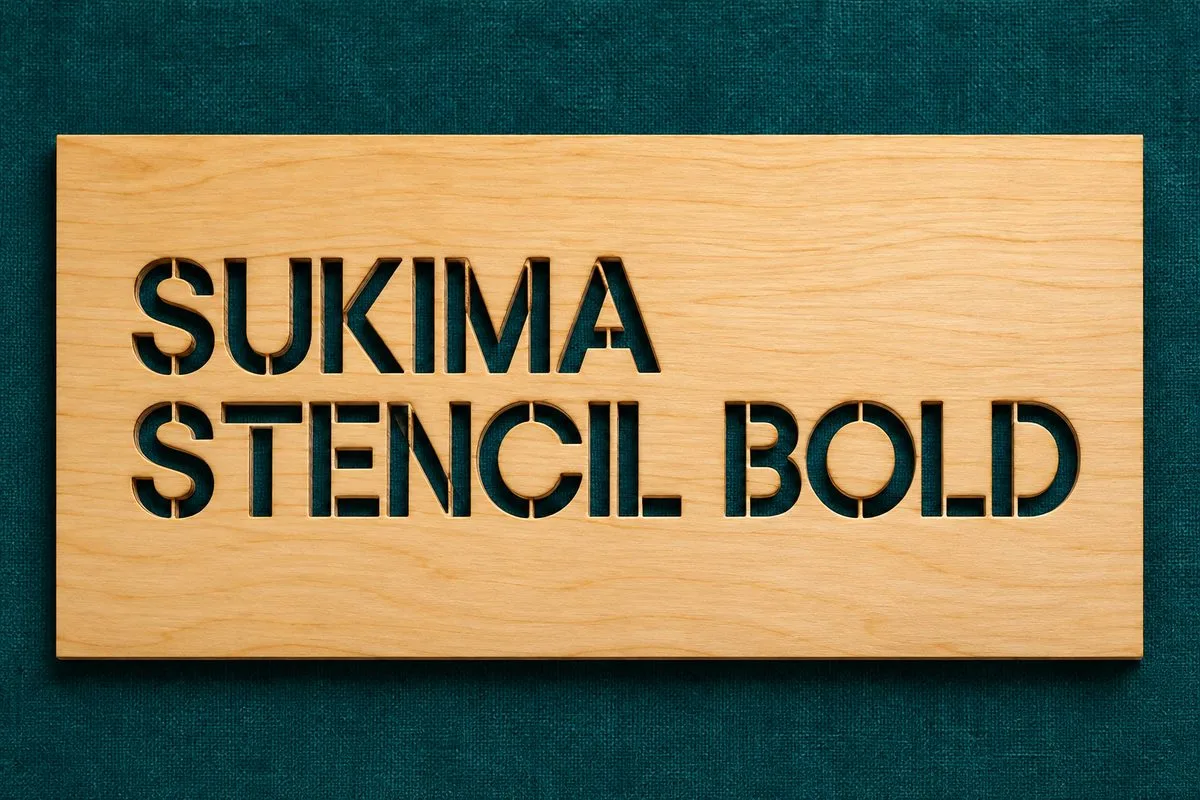
Illustration of a through cut: the background shows through the openings, and the inner parts are held by bridges.
2. Straight Fighter: a large stencil composition
Straight Fighter, Arterfak Project has a military poster character and stencil breaks. A workshop panel is our editorial use case. Sharp endings and narrow strips of remaining sheet need special attention.
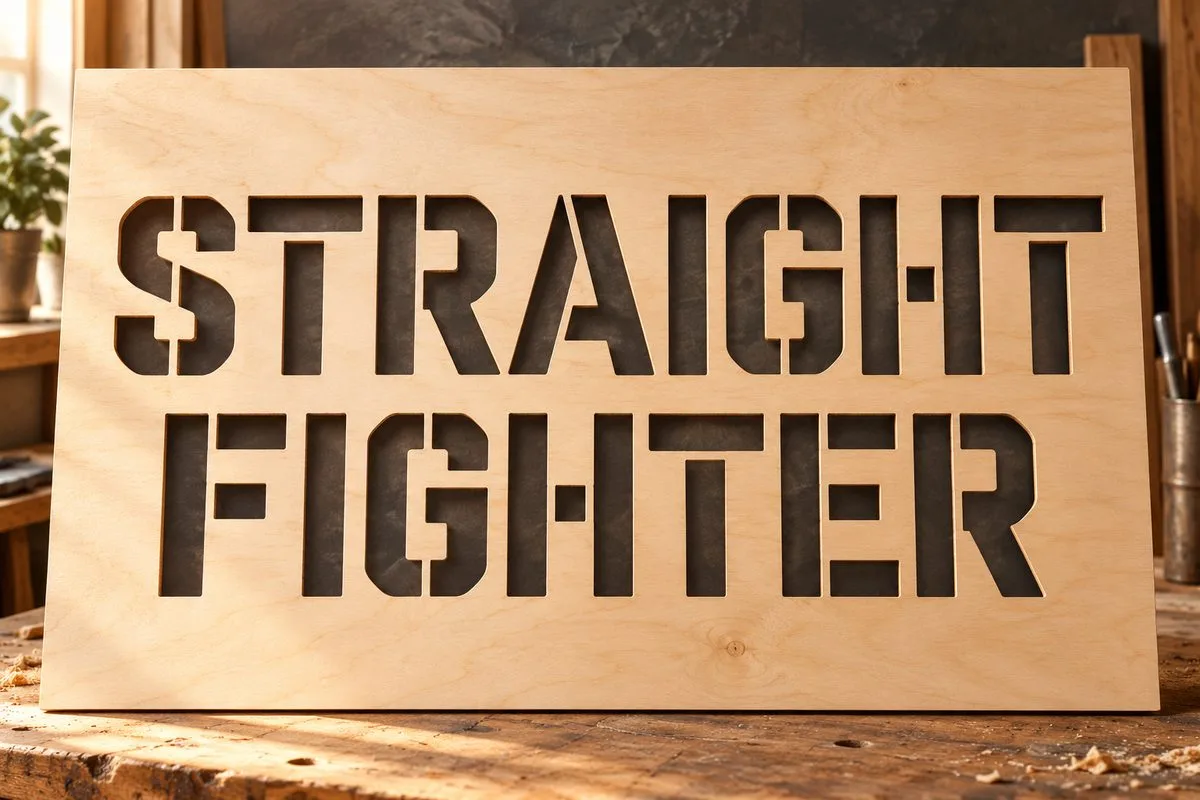
Cut-through lettering; not glued-on black letters and not engraving.
3. Begab Stencil: separate letters on a base
Begab Stencil, Digital Typeface Studio is shown here as mounted lettering. The same author’s page on Font Bundles directly states use with a laser and an engraver and the absence of closed loops. Mounting on a base lets you use separate letters and the dot of the i.
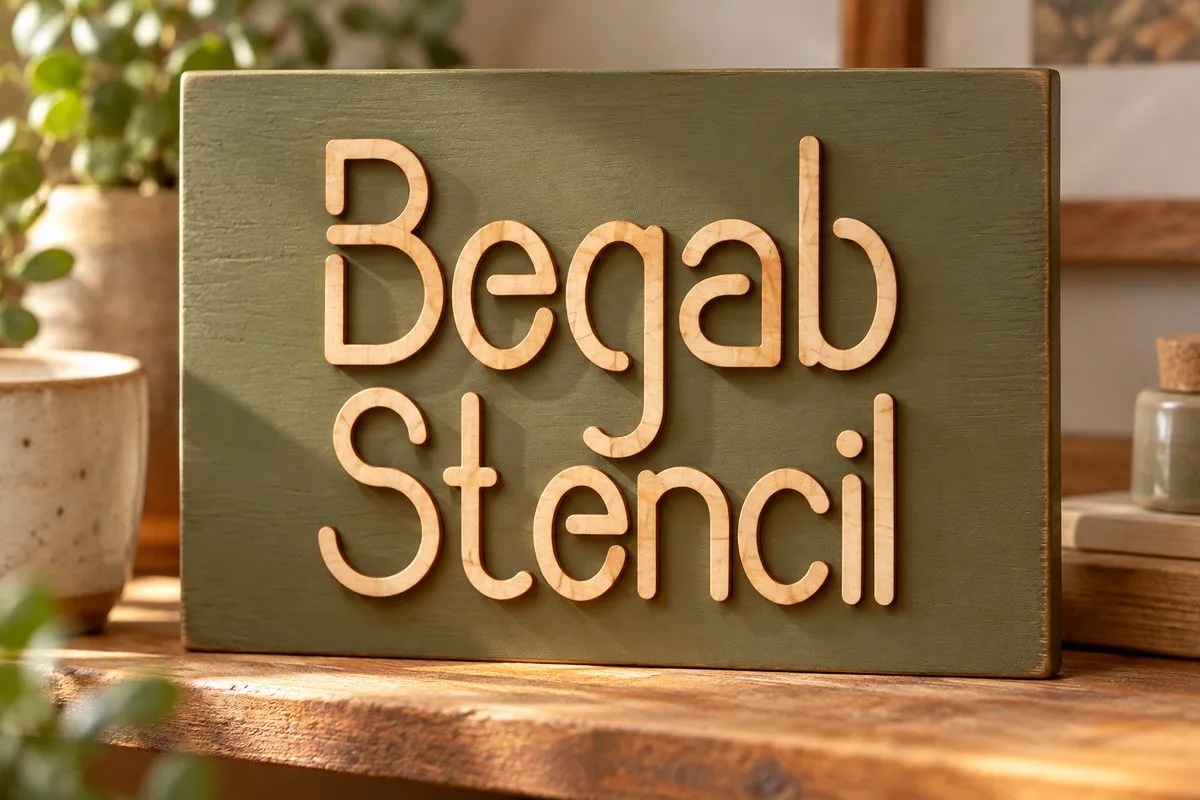
The letters are cut along their own outlines and fixed to the panel.
4. Stencil Bold: engraving with a distressed look
Stencil Bold, GraphicsNinja is a decorative font with a distressed texture. We chose fill engraving: the small light areas keep the worn look without turning into a scatter of cut-out pieces. A through cut would need a separate check of the outlines and possibly removing part of the decoration.
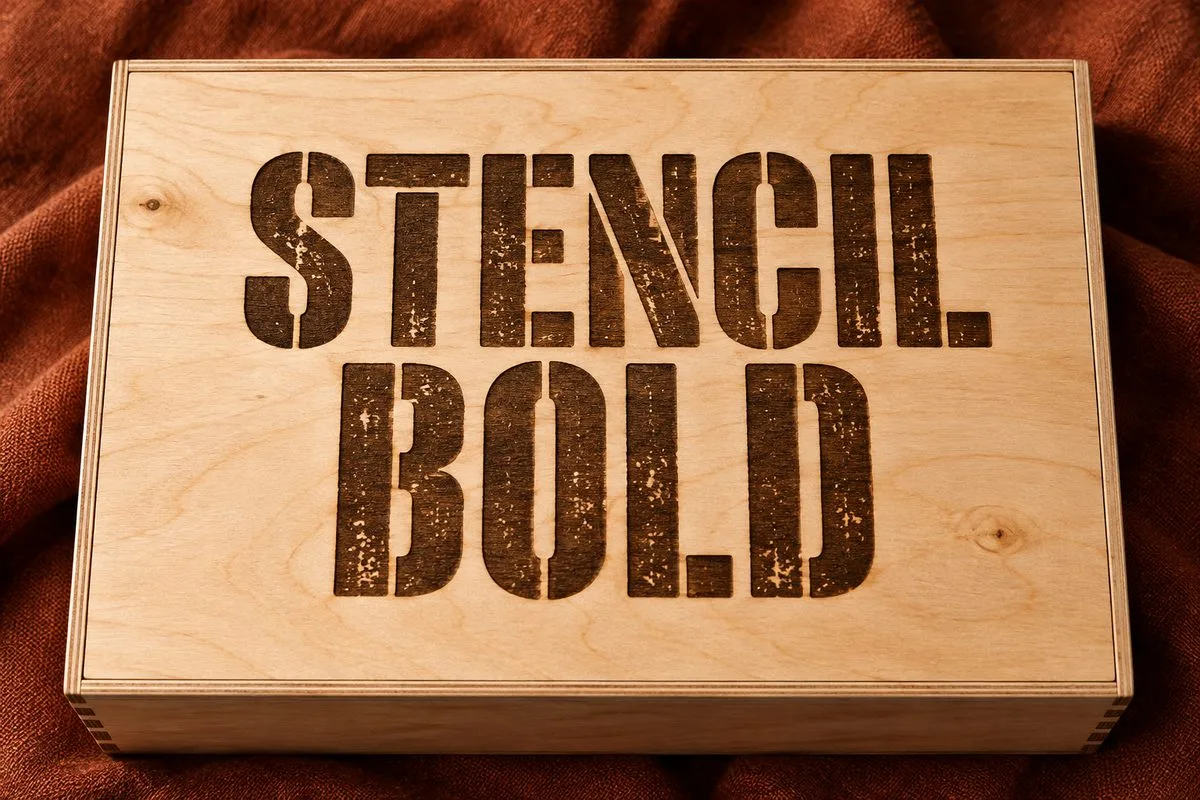
The dark areas are engraving; the surface of the lid stays whole.
5. Stitch: engraving a segmented drawing
The author of Stitch, ochakov states laser and paper cutting. But the specimen consists of separate strokes that form the outlines of the letters. For the wooden box shown here, the editorial choice is to engrave those segments. Cutting every stroke as a separate mounted part would give a completely different construction and a complex assembly. It is also no reason to call the font single-line.
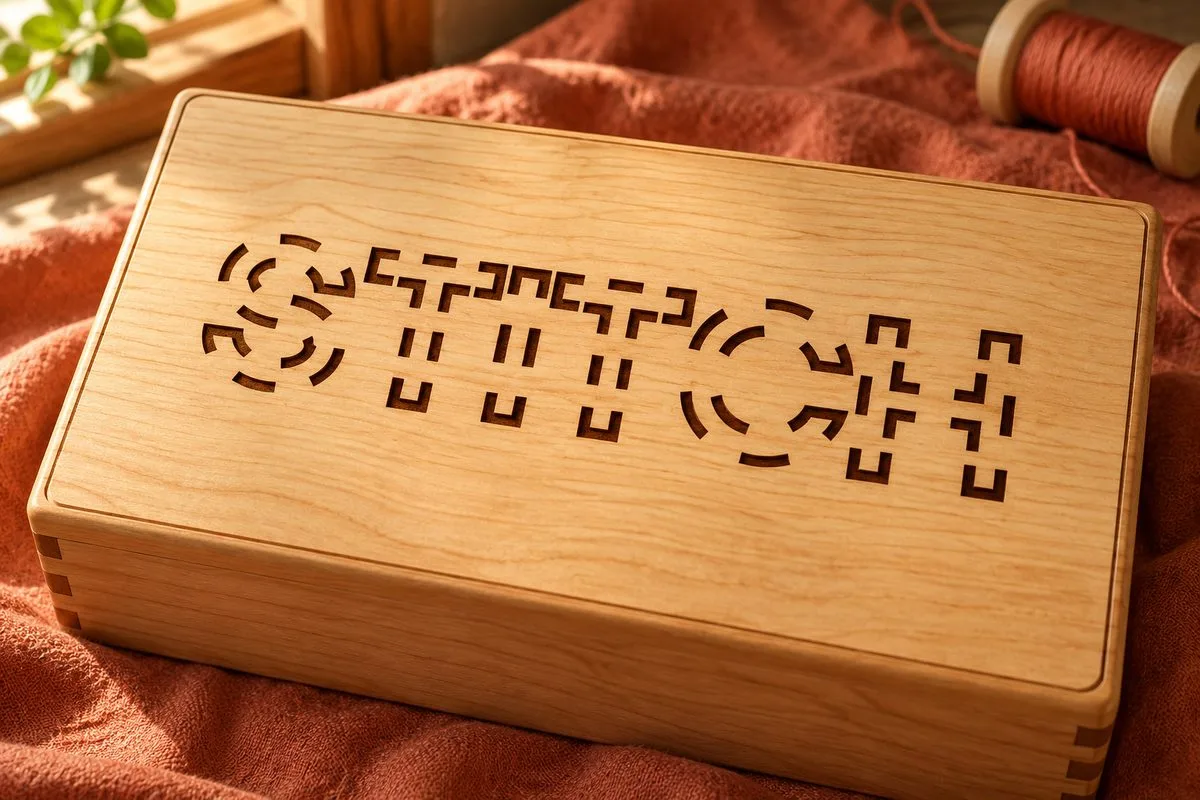
The character of the double broken outline is kept, not replaced with ordinary dotted lettering.
6. Renatha Bold: decorative mounted letters
Renatha, rotterlabstudio is stated by the author to be a bold connected script. That does not mean any line of any capital letters will be a single part. We use the capitals shown here for letters mounted on a base. For a free-standing word, check the chosen case, the ligatures and the real joins after the paths are merged.
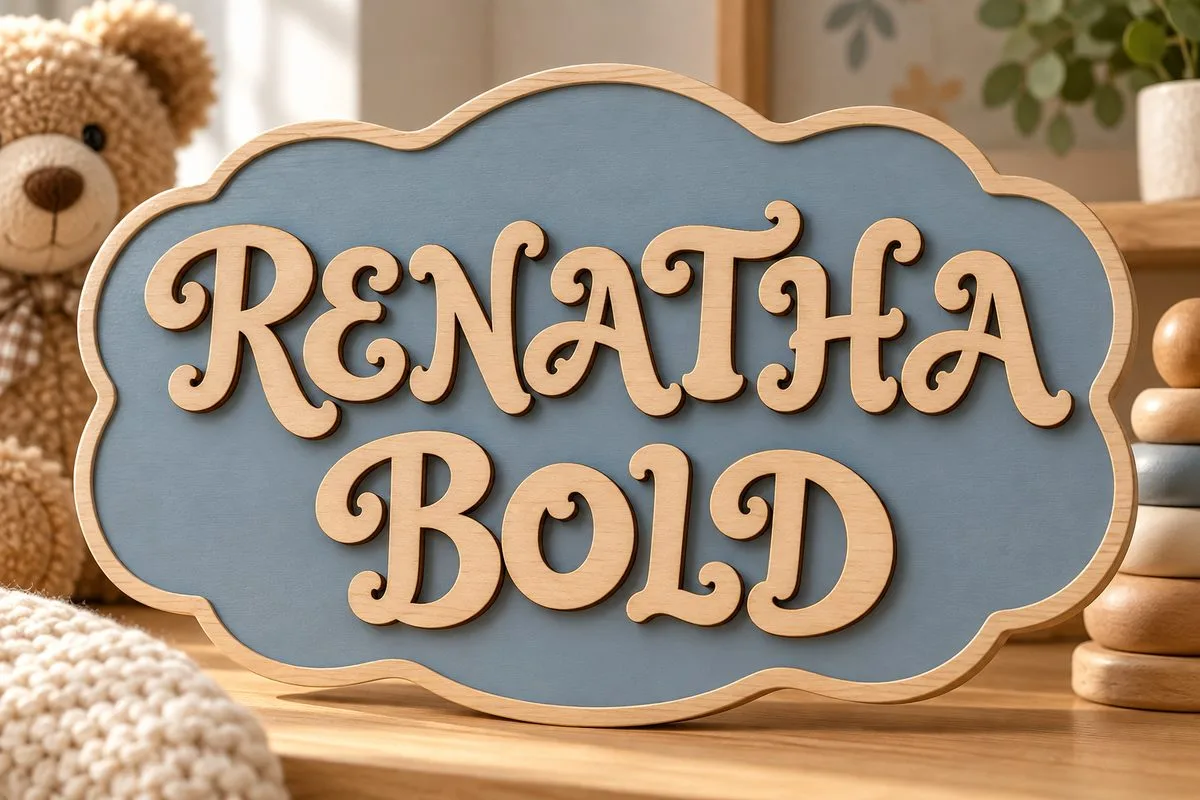
The base holds the separate elements; the illustration does not promise a one-piece, free-hanging word.
7. Roadscript: cut lettering for a layered sign
Roadscript, Edignwn Type is a retro duo with an automotive look. The editorial scenario is script lettering on top of a wooden base. In the word Roadscript the dot over the i stays a separate element and is fixed to the backing. The base cannot be removed without rework: that would change the construction.
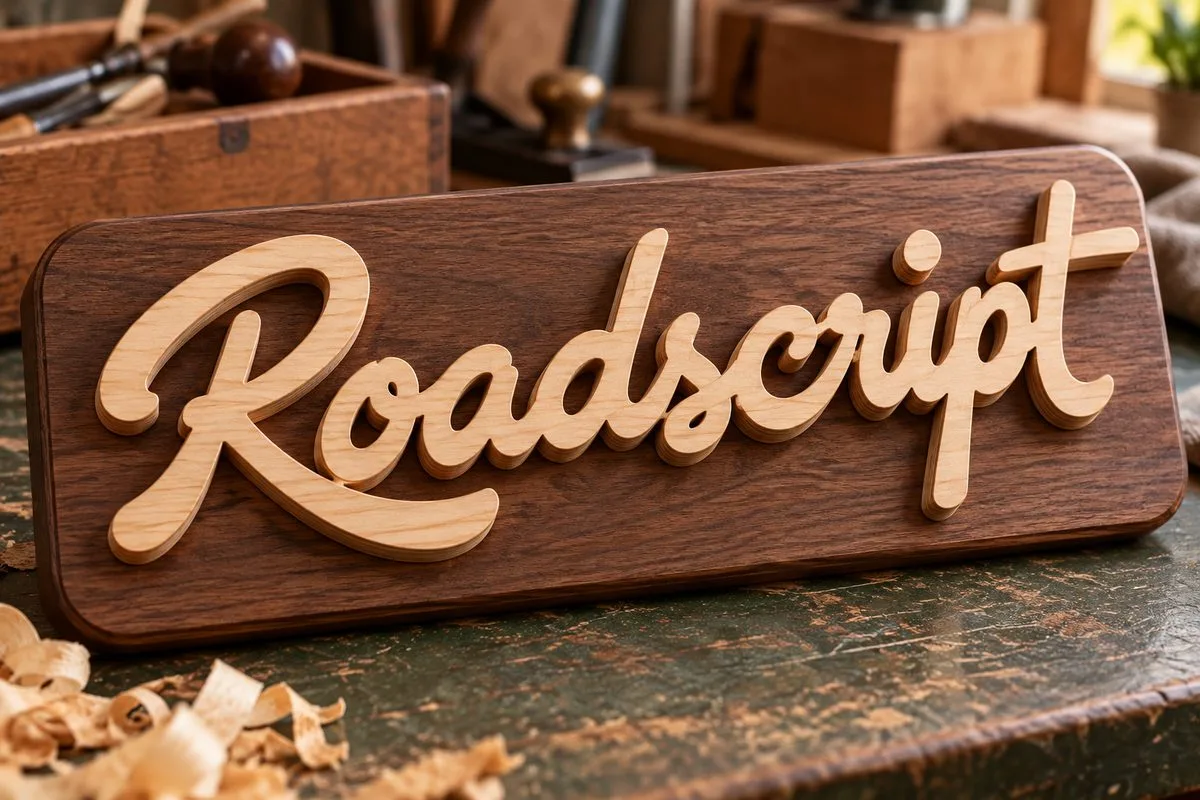
A mounted script with a separate dot over the i. The joins of the main word are checked in the vector.
8. Martita: fine calligraphy for engraving
The author of Martita, grin3 describes a connected handwritten font with ligatures. The long thin swashes make engraving on a whole lid a sensible first scenario. If you need a separate wooden word, the weak spots will have to be checked and reinforced. Simply making the word taller is no proof of enough strength.
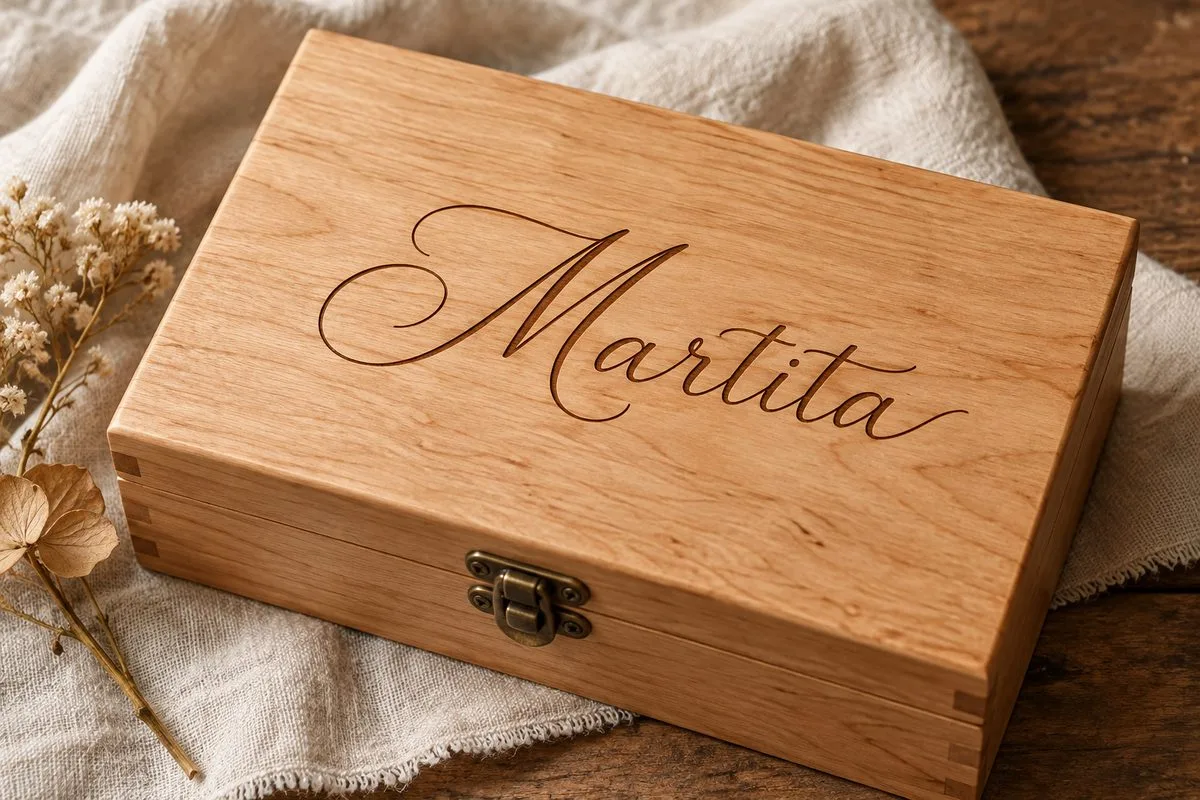
Engraving keeps the fine drawing without asking the free curls to be strong.
9. Direkt Stencil: check the outlines first
Direkt Stencil, Digital Typeface Studio is a handwritten typeface. The scenario chosen here is engraving. For openings in a sheet you have to confirm separately that every island is held: the word Stencil does not replace looking at the specific letters.
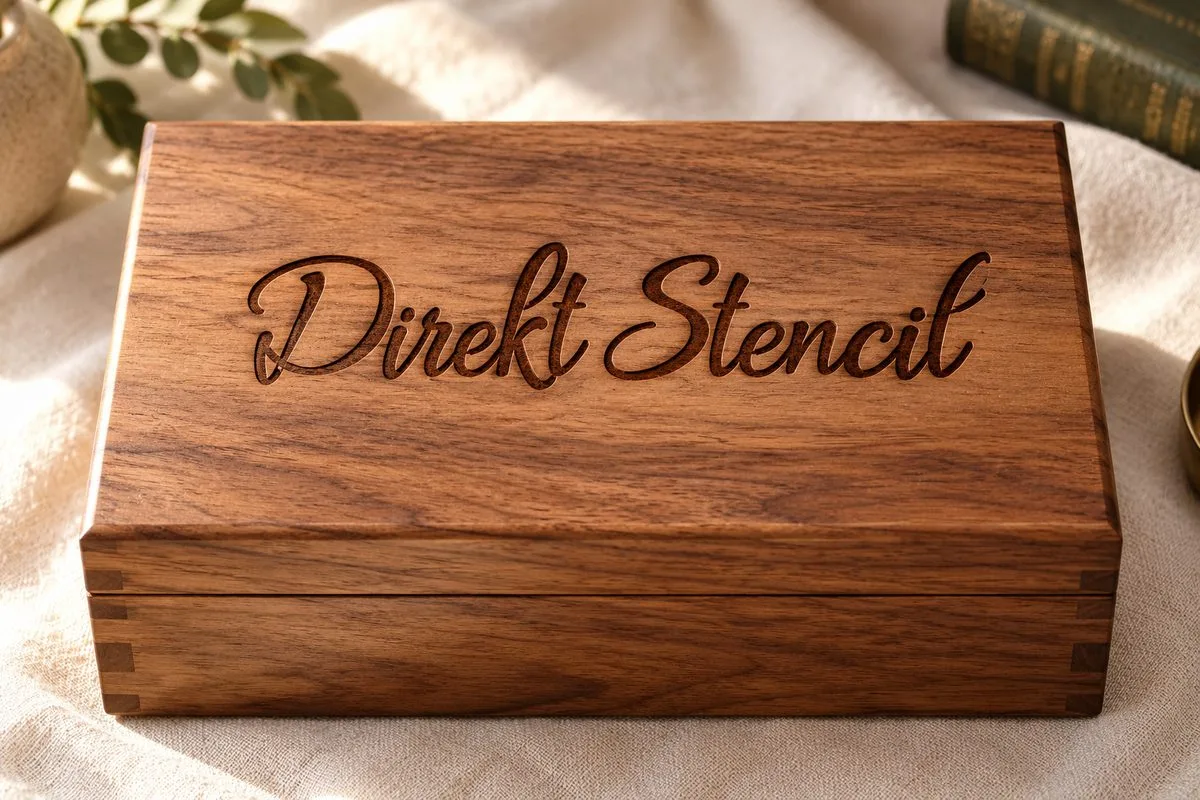
Dark handwritten engraving on an intact surface.
10. Simplify Notation: thin line marking
Simplify Notation, Single Line Studio is stated to be single-line. The scenario is thin lettering on a wooden tag. Before a batch, check exactly how your software reads the file: one route, a repeat along the same path, or two neighboring outlines.
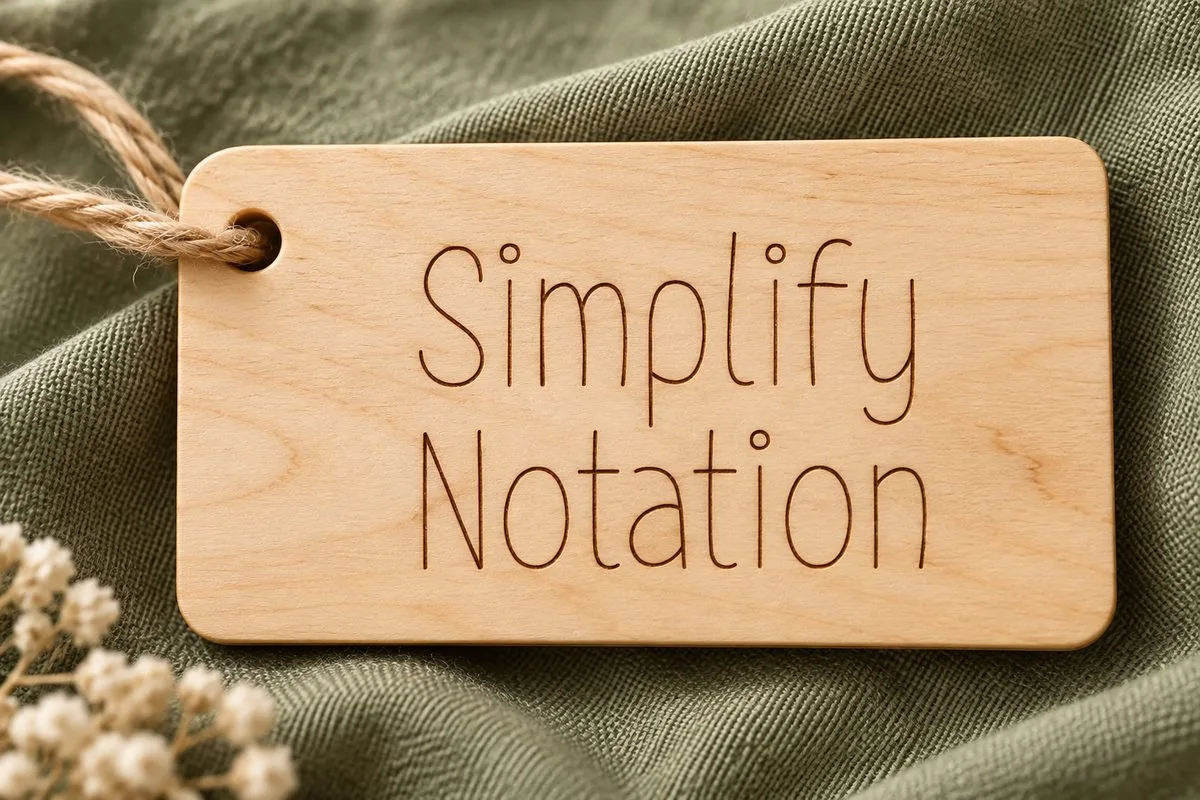
Illustration of thin marking; the number of passes is set by the machine job.
11. Sketchy Gossip: a specific purpose from the author
Sketchy Gossip has the most specific description of machine use in this group. Missy Meyer on Creative Market names engraving and Glowforge scoring and lists single-stroke and double-stroke versions, OPF and an SVG alphabet. So you choose not only the typeface but also the right file.
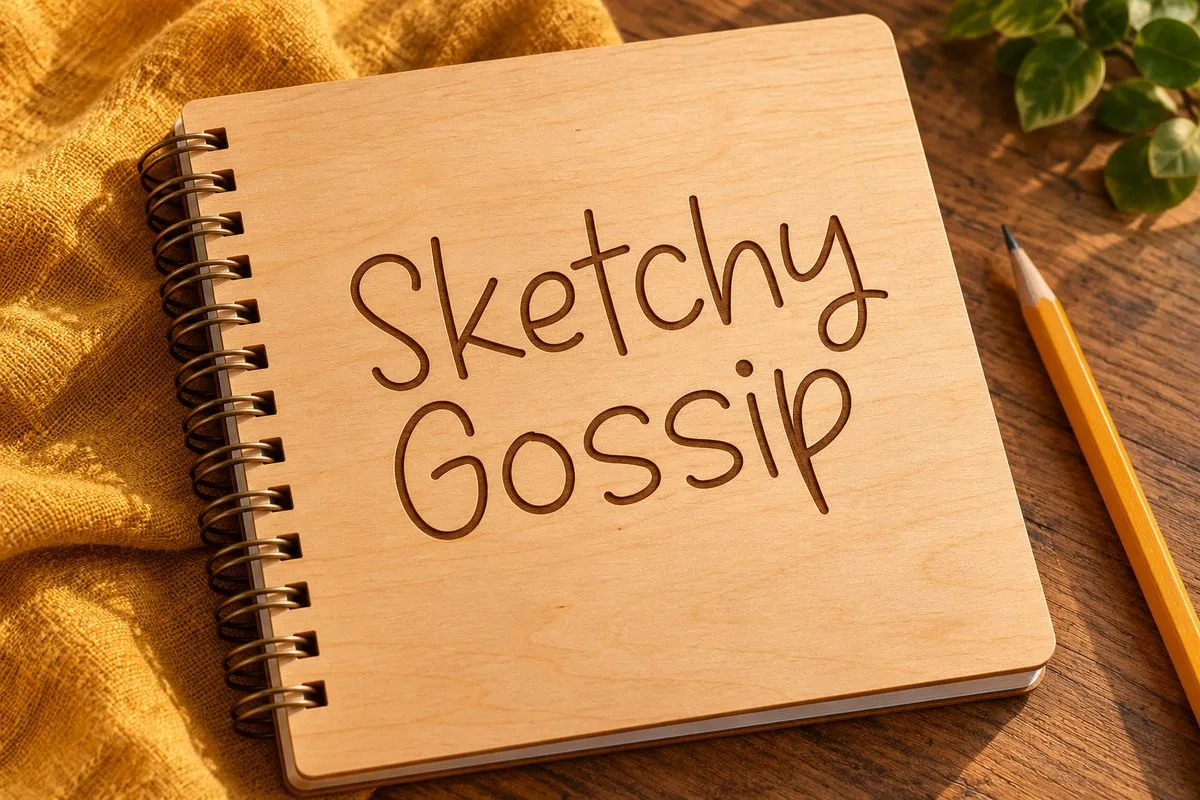
Visualization of engraving. The width of the mark on the mock-up is not a machine parameter.
12. Early Youth: expressive line lettering
Early Youth, Single Line Studio is stated to be a display single-line font. Its distinctive letters are worth considering for short decorative marking, where shape matters more than strict technical neutrality. The illustration shows lettering on a box. Checking the routes and the readability at final size is a must.
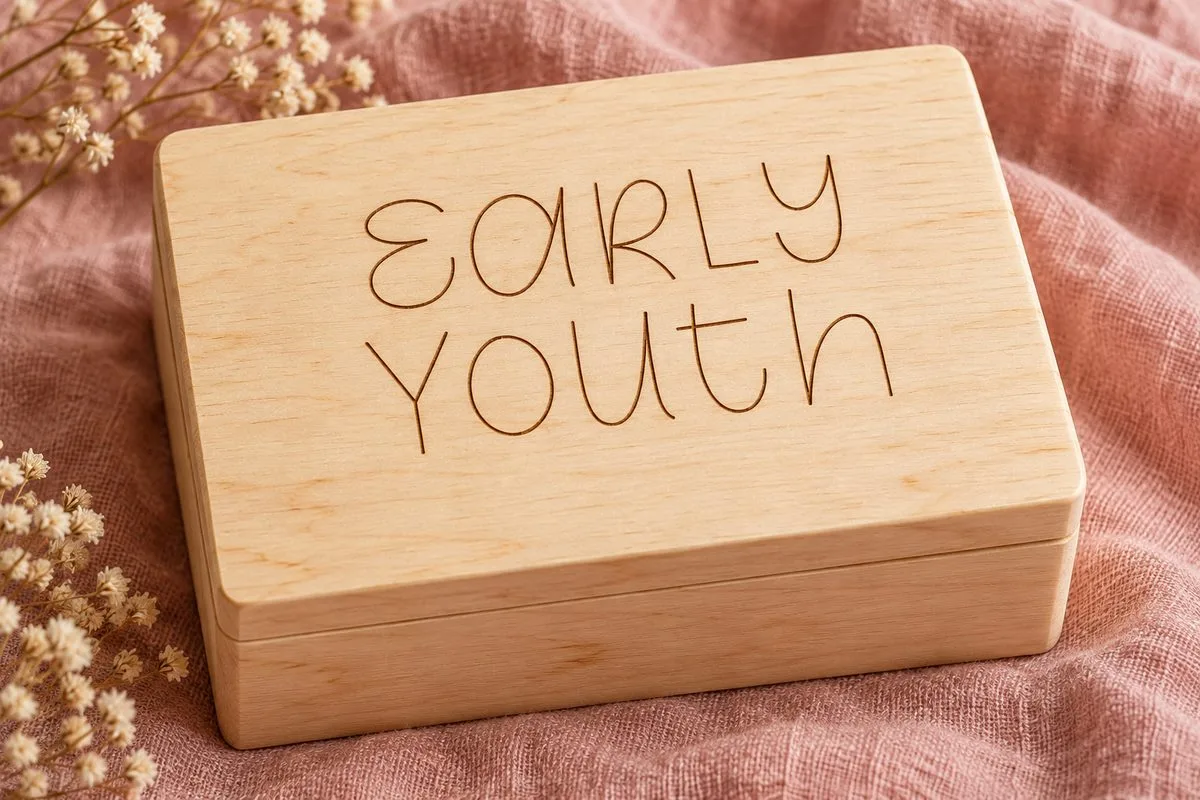
A line drawing on a whole lid, not free-standing cut letters.
13. Industrial Sans Bold: narrow fill lettering
Industrial, unio.creativesolutions is described as a sans serif family. The style on the specimen is narrow and tall. The editorial scenario is engraving on the front panel of an organizer. At a small size, judge the inner counters and how easy the characters are to tell apart: the word Bold does not automatically make any lettering easy to read.
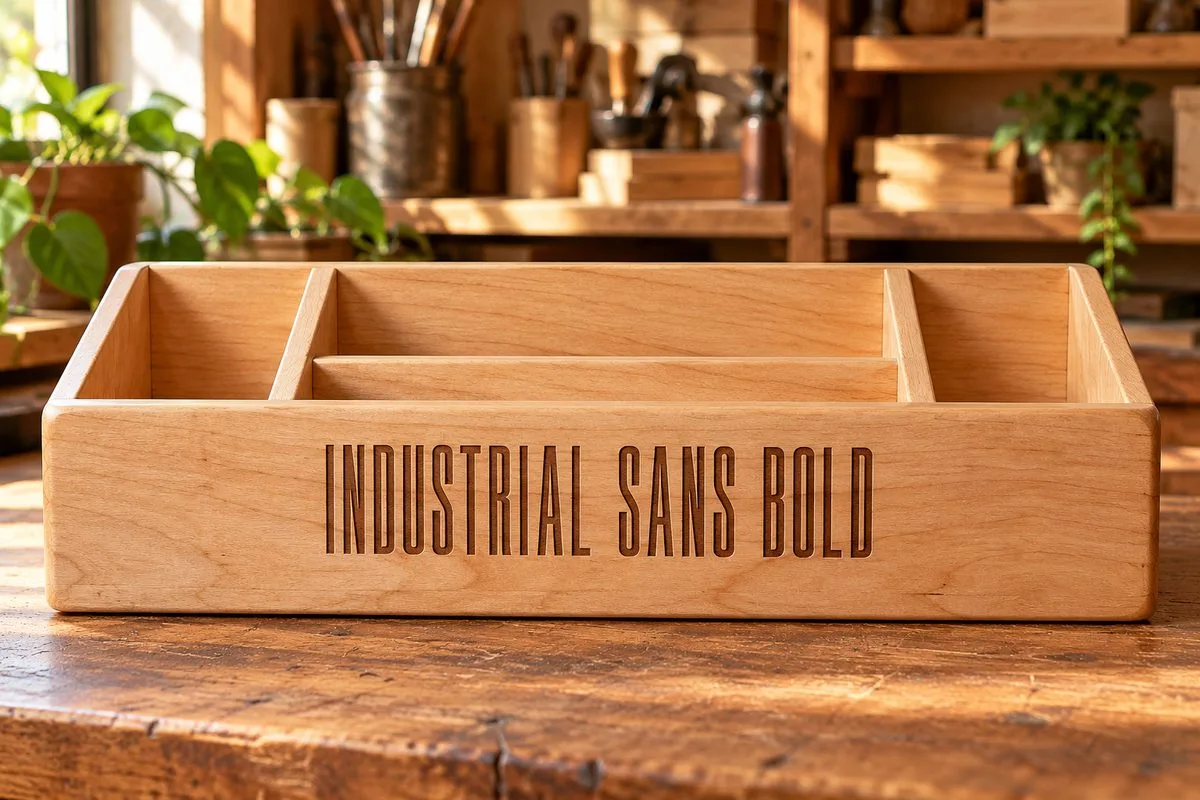
Fill engraving that keeps the narrow proportions of the letters.
14. Rafory: engraving and a check of the alphabet you need
The description of Rafory, Vadova Std states a neutral grotesque, open apertures and Cyrillic support. These are reasons to consider it for signs and nameplates. Check your own line, including accented letters and numbers. For a cut-through panel, the ordinary closed letters will need bridges.
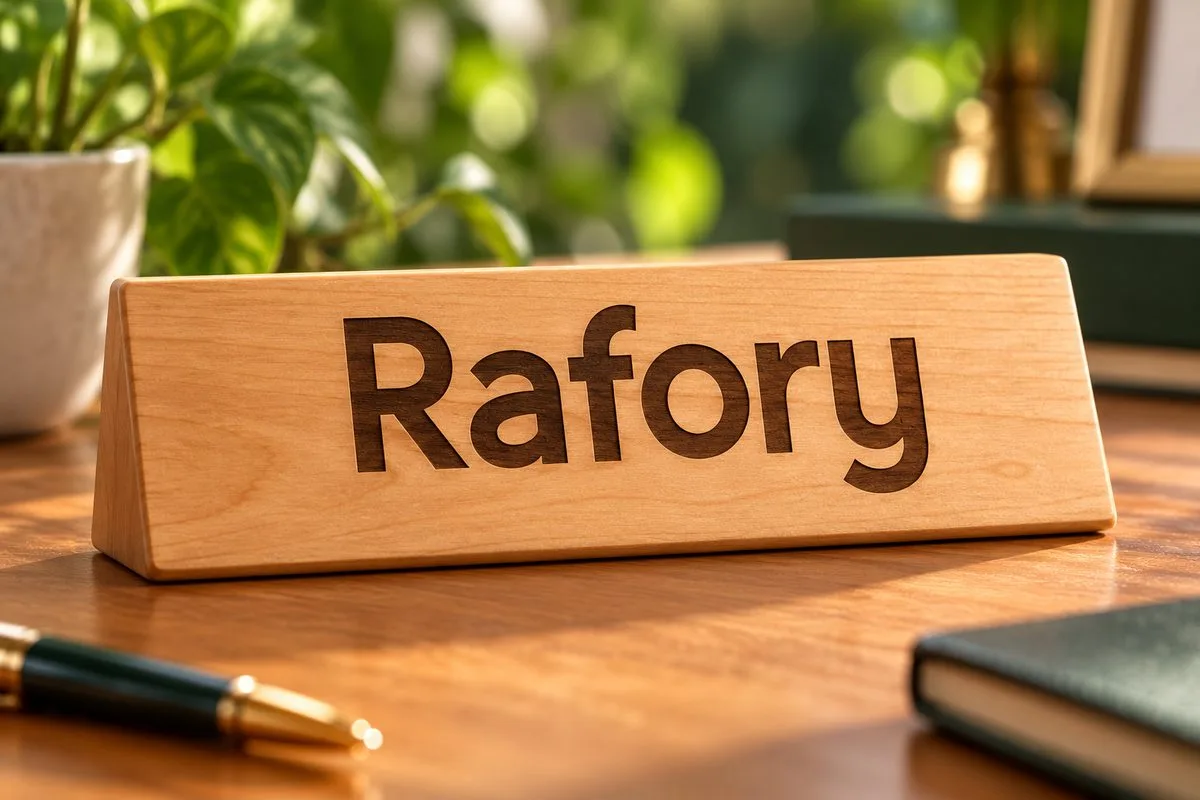
Illustration of a fill; this Latin example does not check any other alphabet.
15. Libertas: separate letters on a shared base
Libertas, Vadova Std is presented by its author as a bold sans serif typeface, and the specimen shows a heavy display style. The editorial scenario is large mounted letters on a base. Check the dot of the i and the gaps between letters on your own word before cutting.
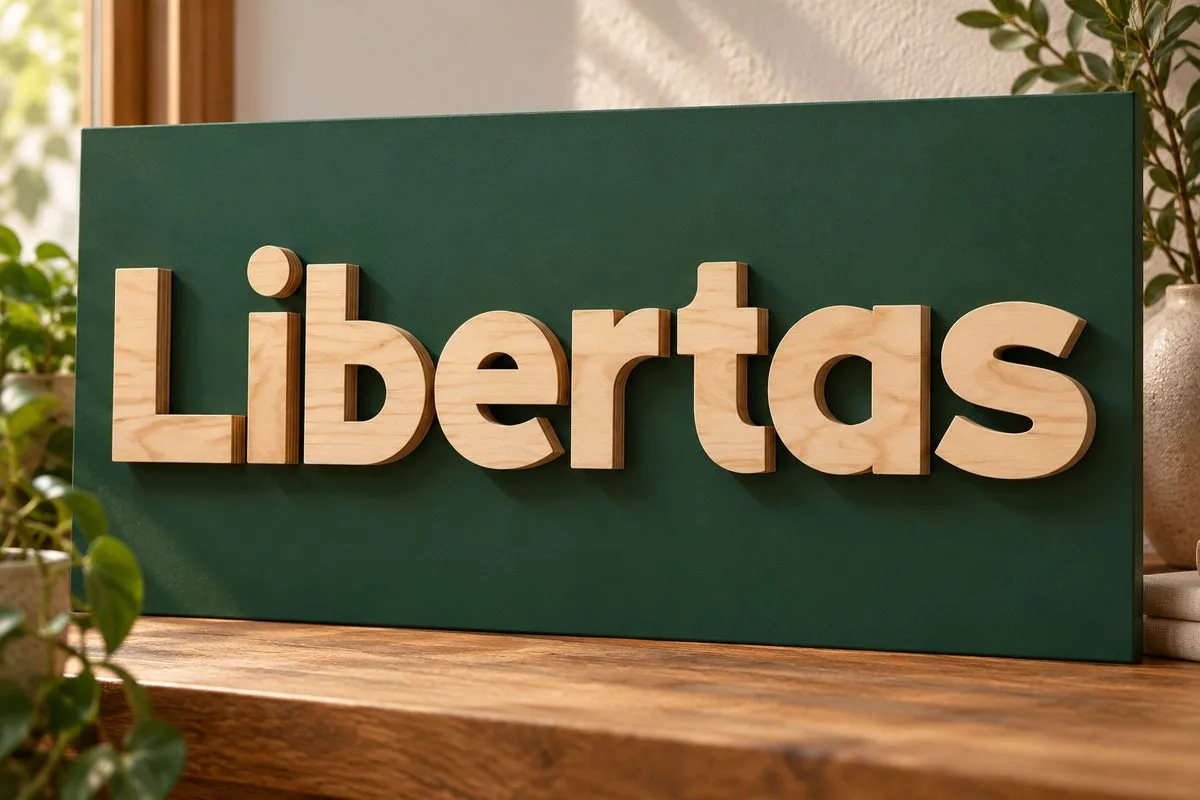
Separate letters and the dot of the i are fixed to the base. The gaps between letters are judged after scaling.
How to prepare the lettering you chose
First save a text version with the name of the font and the style. Then make a working copy at final size. Decide which outlines are cut, which areas are engraved and which lines are only marked. The same color on screen should not hide different operations.
For a one-piece word, check that the overlaps are merged and look at every element that is still separate. For a panel, trace the link from each island to the sheet. For mounted lettering, plan where the parts sit and how they are fixed, dots included. For marking, watch the movement of the laser, not just the still image of the letters.
Then prepare a test piece from the same material. The editorial order of checks we suggest:
- Put the real word on the test piece in three sizes: the target size, slightly smaller and slightly larger.
- Add the most difficult letter and the narrowest join from the project.
- For a panel, make several bridge widths; for engraving, several settings.
- Compare geometry at the same settings, and settings on the same geometry. That makes it clear what improved the result.
- After processing, check not only the look but also removal from the sheet, cleaning, mounting and ordinary handling of the piece.
- Keep the successful sample together with the file, the material, the thickness, the settings and the date.
The built-in Material Test in LightBurn helps to compare processing parameters, but a font test piece has to be judged on your own text. The documentation also reminds you about speed units: mm/s and mm/min are not interchangeable. LightBurn Material Test.
Material and machine limit the choice
A typeface does not fix a mismatch between the material and the laser source. For example, xTool states directly that a blue diode does not cut clear acrylic. Changing the font to solve that problem is pointless: you need a suitable combination of material and equipment. xTool: processing acrylic.
Do not carry over a setting found for someone else’s machine only because the font name is the same. The material, thickness, focus, state of the optics and processing mode should all be part of the record of a successful result. And the mechanical strength of a word cannot be judged only by the fact that the laser went through the sheet.
Frequent questions
Should I always pick a font labeled laser cut? No. Look at the construction of the letters and the stated operation. Even a direct statement by the author needs a check of the final word. A Cricut or Silhouette badge alone does not confirm laser tests.
Can I cut an ordinary font? You can consider it for separate mounted letters. For a cut-through panel you have to solve the problem of the inner islands. For a single word you have to provide the joins.
Why did Weld not turn the whole word into one part? It merges overlapping areas. A separate dot, an accent or a letter that does not touch its neighbor stays a separate part.
What minimum letter size works? Without the material, the settings, the specific style and the purpose of the piece, no such size is defined. Measure the thin parts and the counters after scaling, then make a test piece.
Is single-line always faster than a fill? Not necessarily by as much as you need: the result depends on the path length, repeated passes and the job. First check the actual route and compare the time on the same text.
Which of the 15 fonts has already proved its quality on my laser? This article makes no such promise. For your own library, choose typefaces after a repeatable test on your material. Public cases help to define what to check, but they do not replace that step.
The right font is the one with which a specific piece of lettering keeps its readability, the construction it needs and an acceptable amount of work. Start with the operation, check the problem letters and keep the successful test piece. That process is what turns a beautiful typeface into a piece you can reproduce.
Once your lettering is ready, pair it with a design: browse our free laser cut patterns, the laser cut craft ideas collection, or name-based projects in the personalized laser cut designs guide. Each design card links to a download on Creative Fabrica that is free with their free trial.
Sources were reviewed on October 7 and 8, 2026. The technical commands were checked against the available LightBurn 2.1 documentation. Before getting a typeface, check its availability, its files and its license with the rights holder.
Can’t find the design you need?
Describe your idea in a few words and generate your own SVG design with AI.
Good to know: the files in this guide are hosted on Creative Fabrica. Downloading is free with their free trial: a payment card is needed to start it, and you can cancel the subscription at any time.