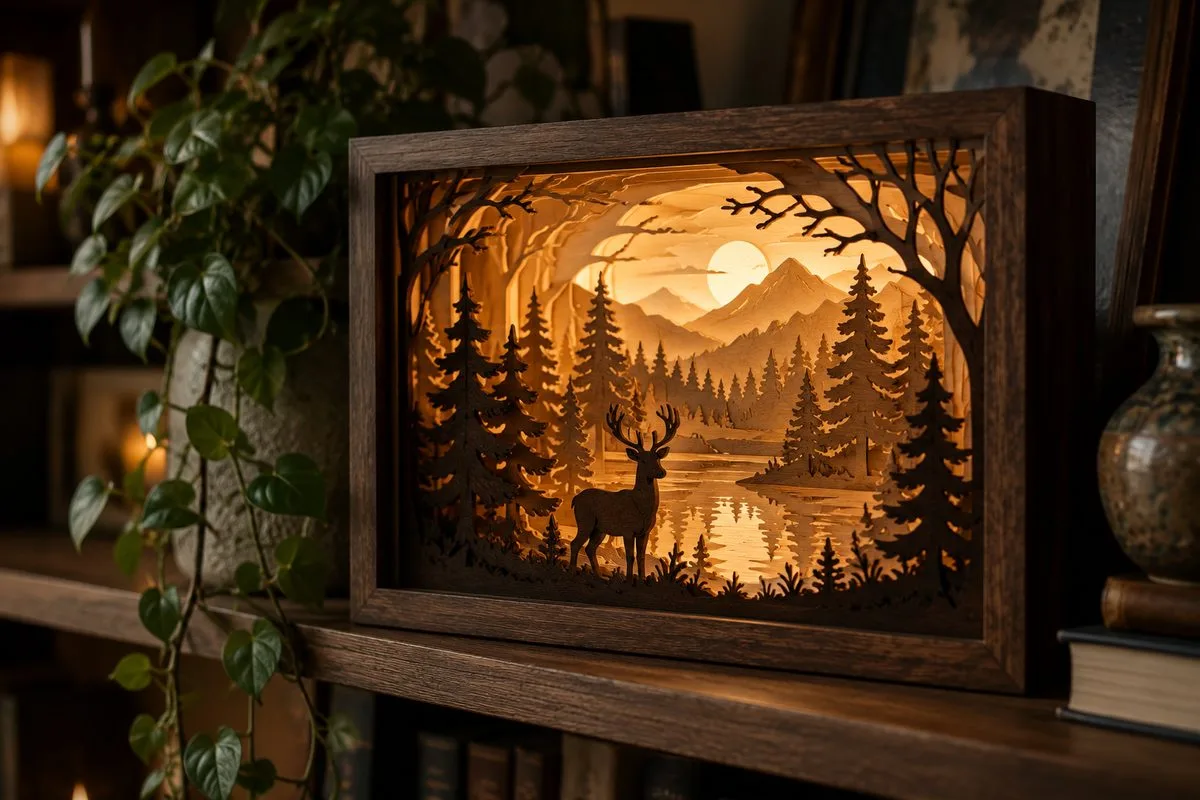
How to Choose a Shadow Box Template: Free vs Pro Files
Two shadow box templates can look identical in the preview picture and behave completely differently on your cutting mat. One assembles in an evening and glows like a jewel; the other fights you at every layer and ends up in the “someday” drawer. The difference is rarely the art — it’s the engineering. Here’s what actually separates template tiers, and how to judge any file before you commit cardstock to it.
The anatomy of a good template
Whatever the price, a usable shadow box file contains:
- Numbered scene layers — each one a different element (foreground, midground, background), in cutting order.
- A frame/spacer system — either repeating frame layers that create depth, or marked spacer positions.
- A diffuser layer if the design is meant to be lit.
- A stated finished size matched to a common frame depth — “fits 8×8 inch, 2 inch deep” beats “scalable” every time.
- A license you can read. Personal-only or commercial, spelled out.
If a listing can’t show you the layer breakdown, treat the pretty lit photo as decoration, not evidence. (New to how the layers work? Start with our lighted shadow box tutorial.)
Free templates: what $0 actually buys
Free files — from marketplace freebie sections and the sources in our free-files guide — are honestly great for two things: learning the assembly logic, and testing whether you enjoy the craft before spending. Their typical trade-offs:
- 5–7 layers instead of 9–12 — shallower depth, simpler scenes.
- No frame system — you improvise spacers, which is where beginners’ boxes go crooked.
- One size, no resize guidance — scaling a shadow box isn’t proportional (spacer thickness doesn’t scale with the art).
- Personal-use licenses — fine for gifts, not for the craft-fair table.
None of that is a flaw at $0. It becomes a flaw when you try to sell the result or gift something structural.
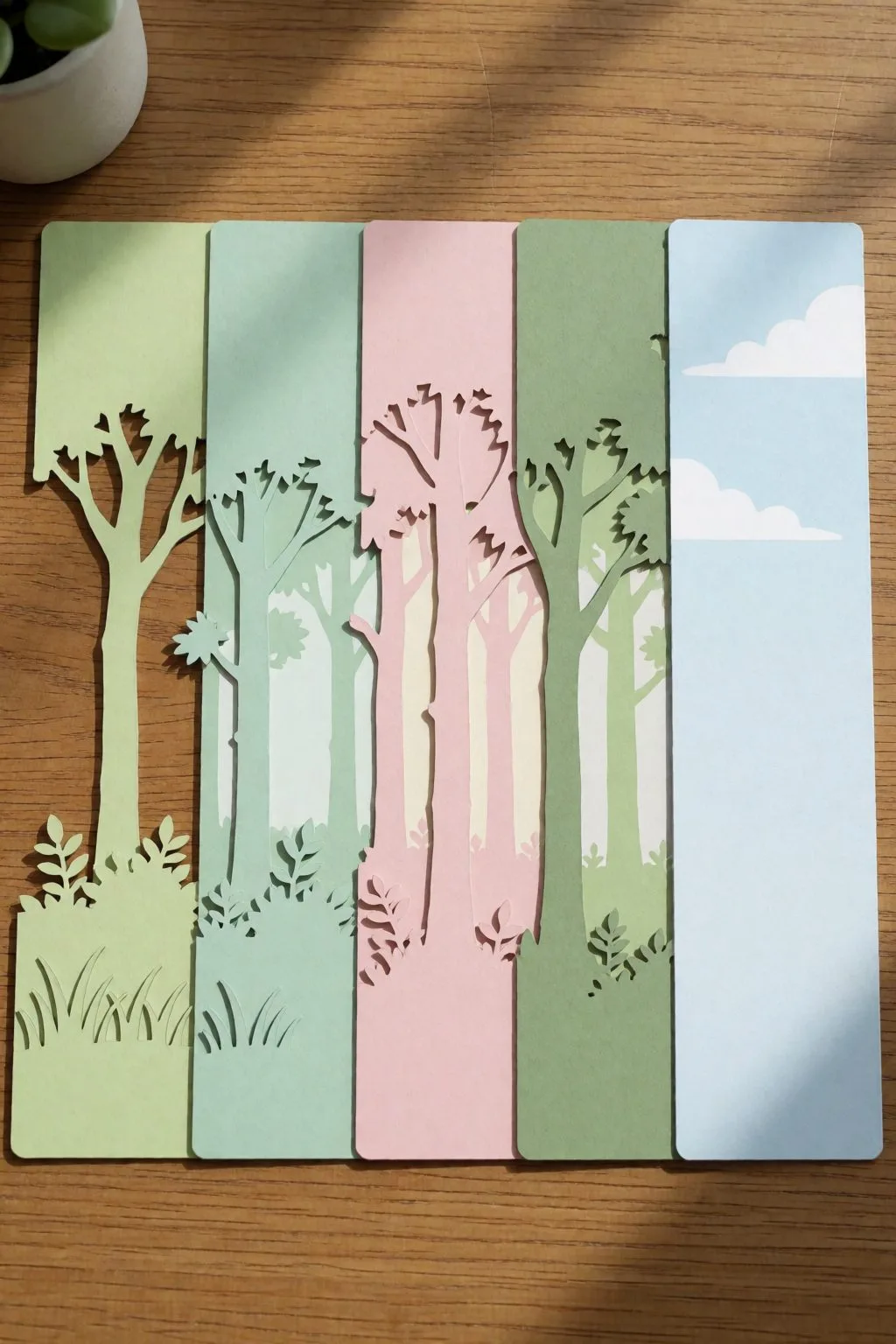
Mid-tier templates ($3–8): the sweet spot for most makers
This is where marketplace singles from Creative Fabrica and Design Bundles live, and where the engineering usually appears:
- 8–12 layers with real foreground/background separation
- Frame layers included and matched to standard frame depths
- Both SVG and PDF (hand-cutting) versions
- Commercial licenses on most files — check each one, limits like “up to 250 physical items” are common
One mid-tier habit that saves money: buy one excellent template and master it before collecting twenty. Your third build of the same scene takes a third of the time — that’s when a template starts paying for itself, especially if you’re selling the results.
Premium sets ($10–25): buying a product line, not a file
Premium multi-scene bundles and designer collections add what a business actually needs:
- Scene families — four seasons of the same forest, a village that grows piece by piece: repeat customers collect them.
- Multiple sizes engineered separately (not just scaled), including large statement formats.
- Assembly guides with photos — sounds trivial, halves support questions when you teach workshops or sell kits.
- Generous commercial terms for finished-item sales.
The math: a $15 set that yields a product family selling at $45–120 per box is the cheapest business asset you’ll ever buy. The trap: premium art with amateur engineering exists — the checklist below catches it regardless of price.
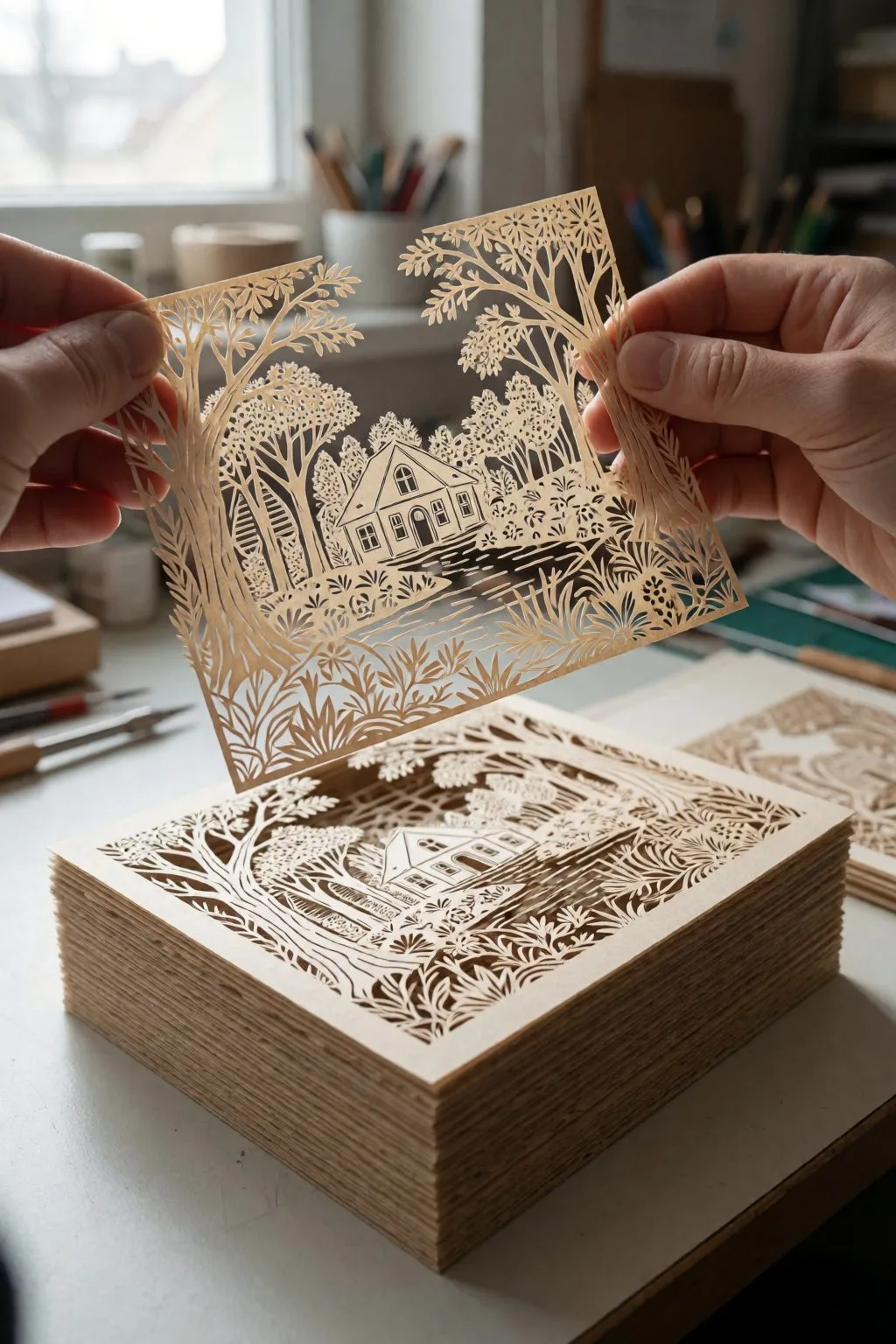
The 5-point check before any purchase (or download)
- Layer preview shown? No layer breakdown in the listing = walk away.
- Different layers, not repeated ones? Every layer should add a distinct scene element.
- Smallest detail vs your material: hairline branches tear in cardstock and burn on laser. Look at the thinnest bridge in the preview.
- Frame depth stated in cm/inches? “Fits any frame” is a red flag; physics disagrees.
- License text you can quote. If you might ever sell one — confirm commercial use before buying, not after.
Start here, whatever your budget
The honest path for a first-timer: one free 5-layer file to learn the logic (an evening), then one mid-tier lighted scene as your second build. By box number three you’ll read layer previews the way mechanics read engine sounds — and you’ll know exactly whether a premium scene family fits your product plans.
FAQ (schema-ready)
How many layers should a shadow box template have? Beginner-friendly: 5–7 layers. Rich lit depth: 9–12. More layers demand brighter LED backlight and more patience — depth comes from separation quality, not raw layer count.
Can I sell shadow boxes made from purchased templates? Usually yes with mid-tier and premium files — most include a commercial license for finished physical items, often capped (e.g. 250 units). Free files are frequently personal-use only. Always read the specific file’s license.
Why did my scaled-down template stop fitting the frame? Shadow boxes don’t scale proportionally: art shrinks but spacer thickness and frame depth don’t. Use templates engineered for your target size, or rebuild spacer allowances manually after scaling.
Can’t find the design you need?
Describe your idea in a few words and generate your own SVG design with AI.
Good to know: the files in this guide are hosted on Creative Fabrica. Downloading is free with their free trial: a payment card is needed to start it, and you can cancel the subscription at any time.