Six Small Tricks Behind This Year’s Best Free Halloween SVG Files
By the end of September the free Halloween files all start to look alike: another witch hat, another ghost, another pumpkin. What separates a file that photographs well on a porch from one that ends up in the offcuts bin is rarely the drawing. It is a few construction decisions the designer made before exporting the SVG. Here are six of them, with the files they come from. Every file below is free.
1. Raised lettering instead of engraved lettering
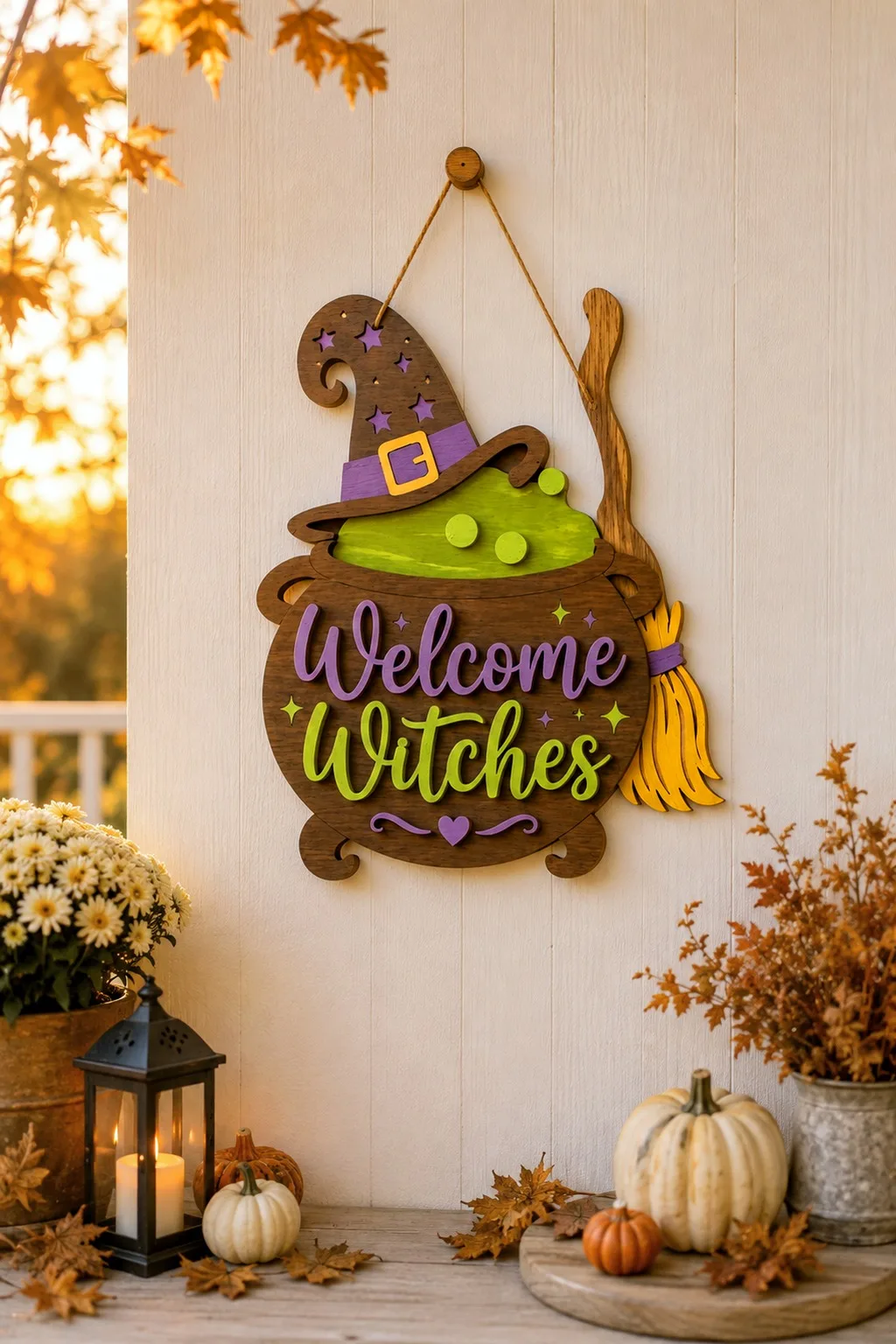
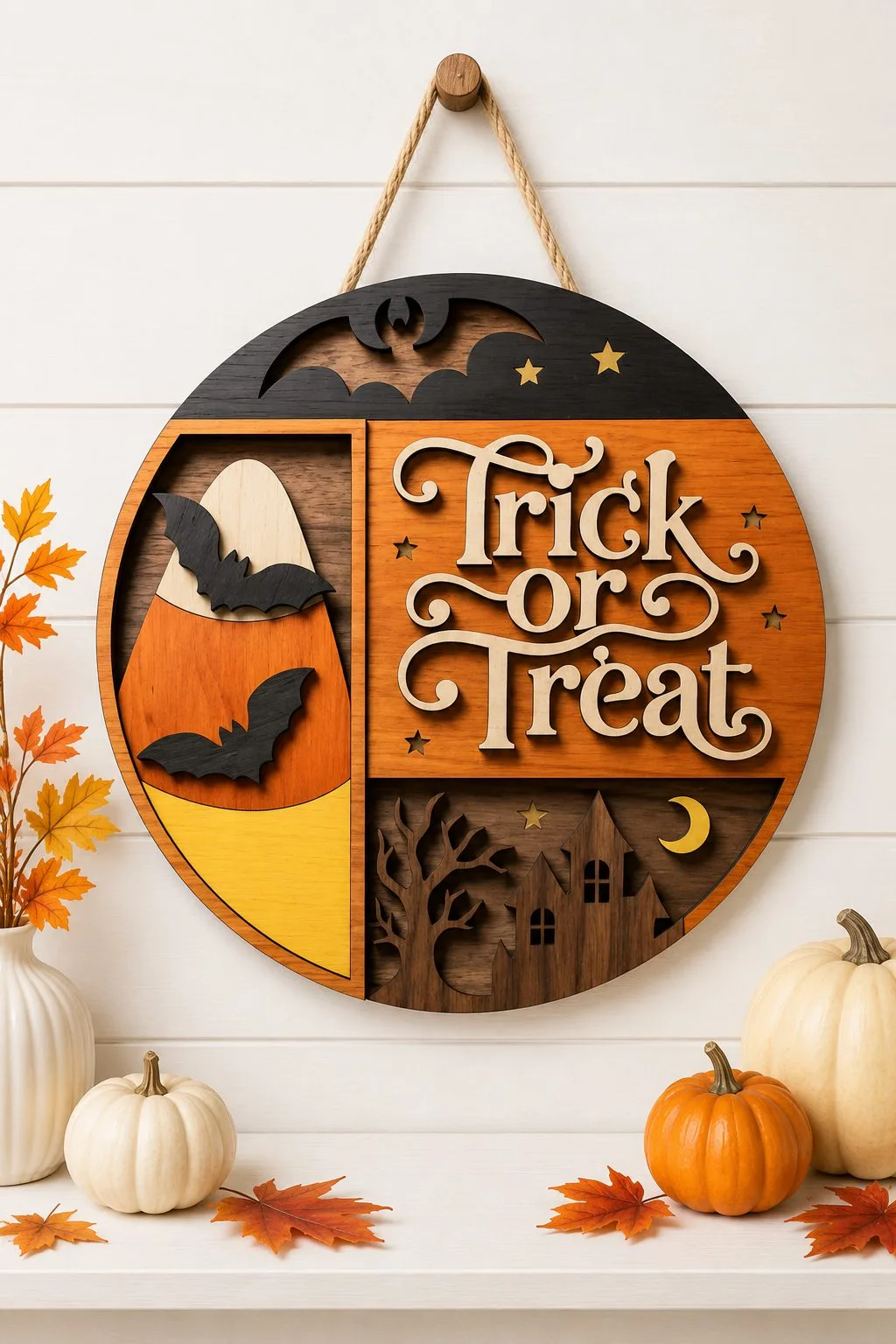
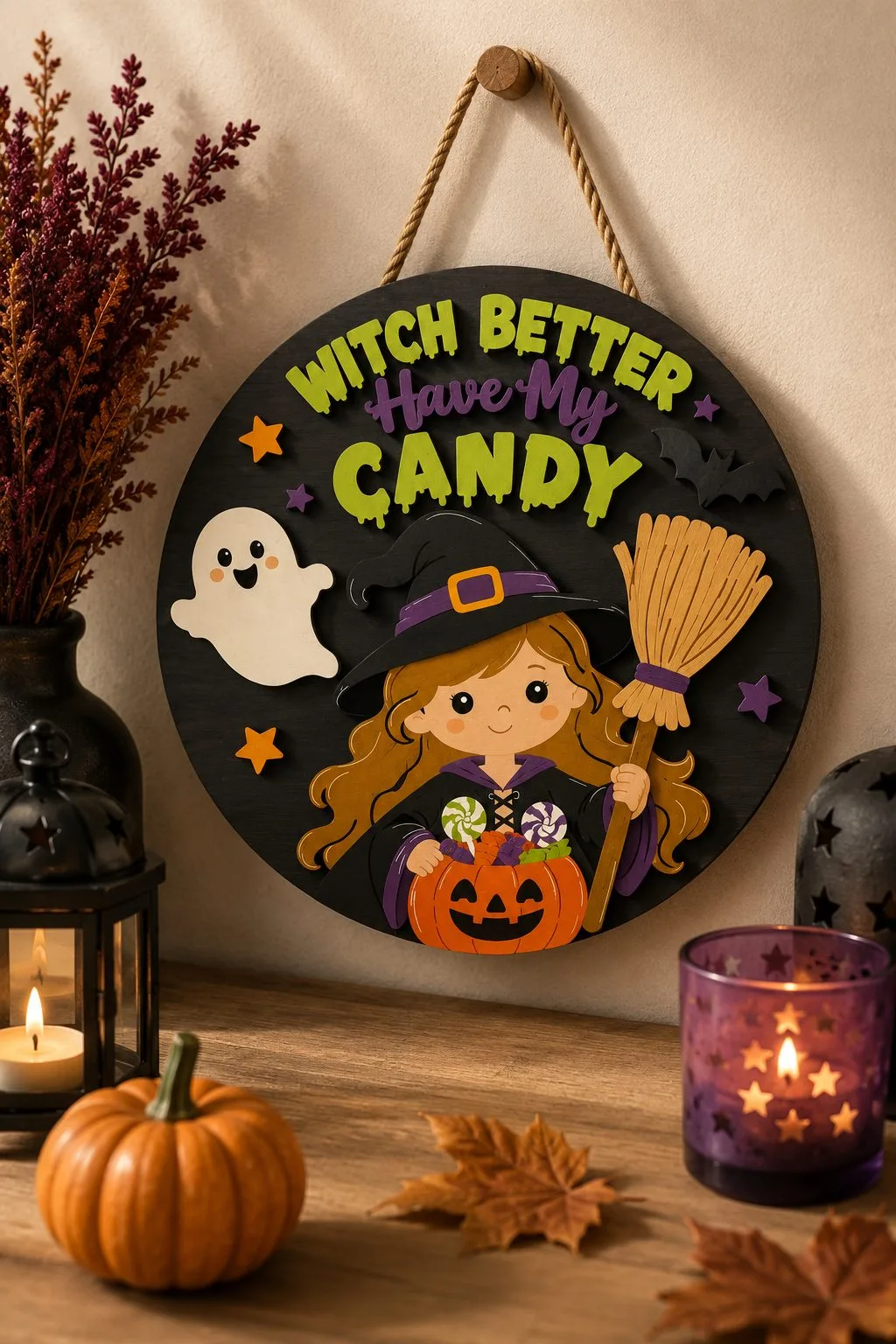
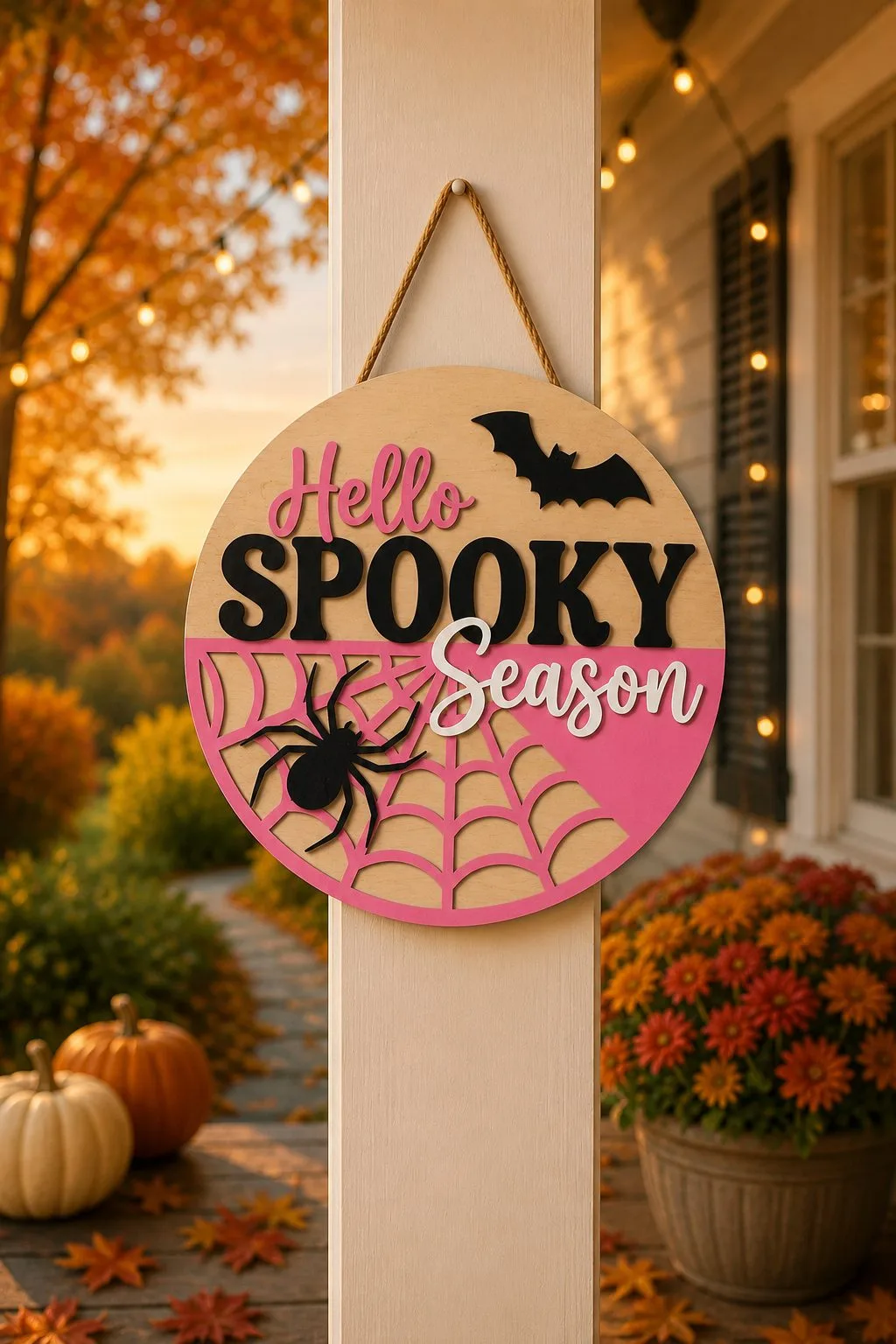
A layered door sign works when the text is a separate piece raised above the backing. It casts a small shadow, so the words stay readable from the pavement. On a sign where the text is engraved flat, the letters disappear at three metres in October light. If you are cutting for a front door or a market stall, choose files where the lettering is a physical layer.
Trick Or Treat Door Hanger — lettering cut as its own layer. Download free →Layered Witch Door Sign — the same trick, a deeper stack. Download free →Spooky Season Door Hanger — short word, maximum contrast. Download free →
2. One shared base plank instead of separate pieces
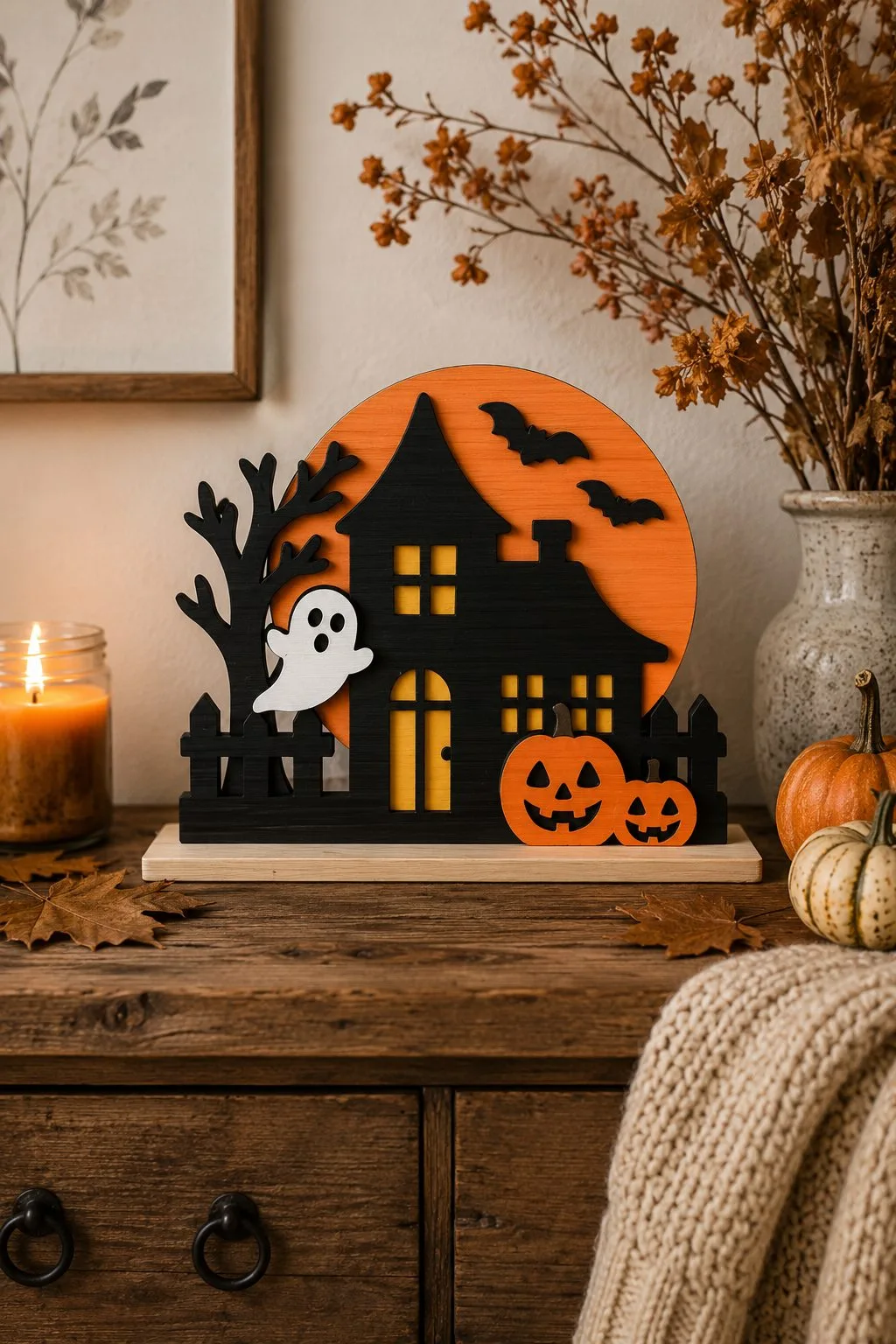
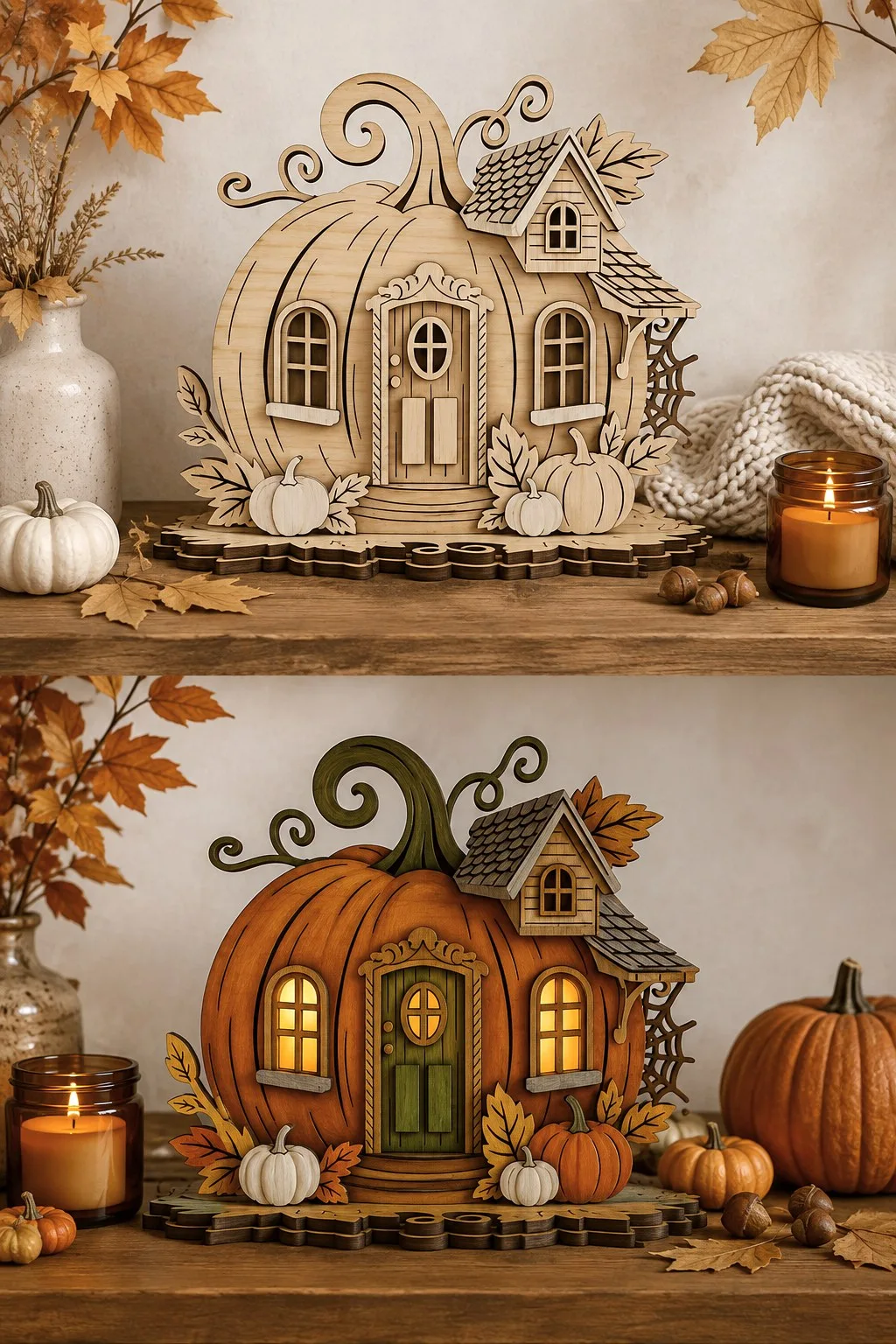
Most haunted-house files give you a single building. The layered house files put the house, the ghost and the pumpkin into one slotted base plank, so the whole scene lifts in one hand. Pieces standing on separate feet drift out of line every time the shelf is dusted, and they photograph badly because nothing holds the group together. Before you spend material on a scene, check whether the file has a common base.
Layered Haunted House — house, ghost and pumpkin on one plank. Download free →Pumpkin Fairy House — house, leaves and pumpkins on one shaped base. Download free →
3. Leave part of the wood unpainted
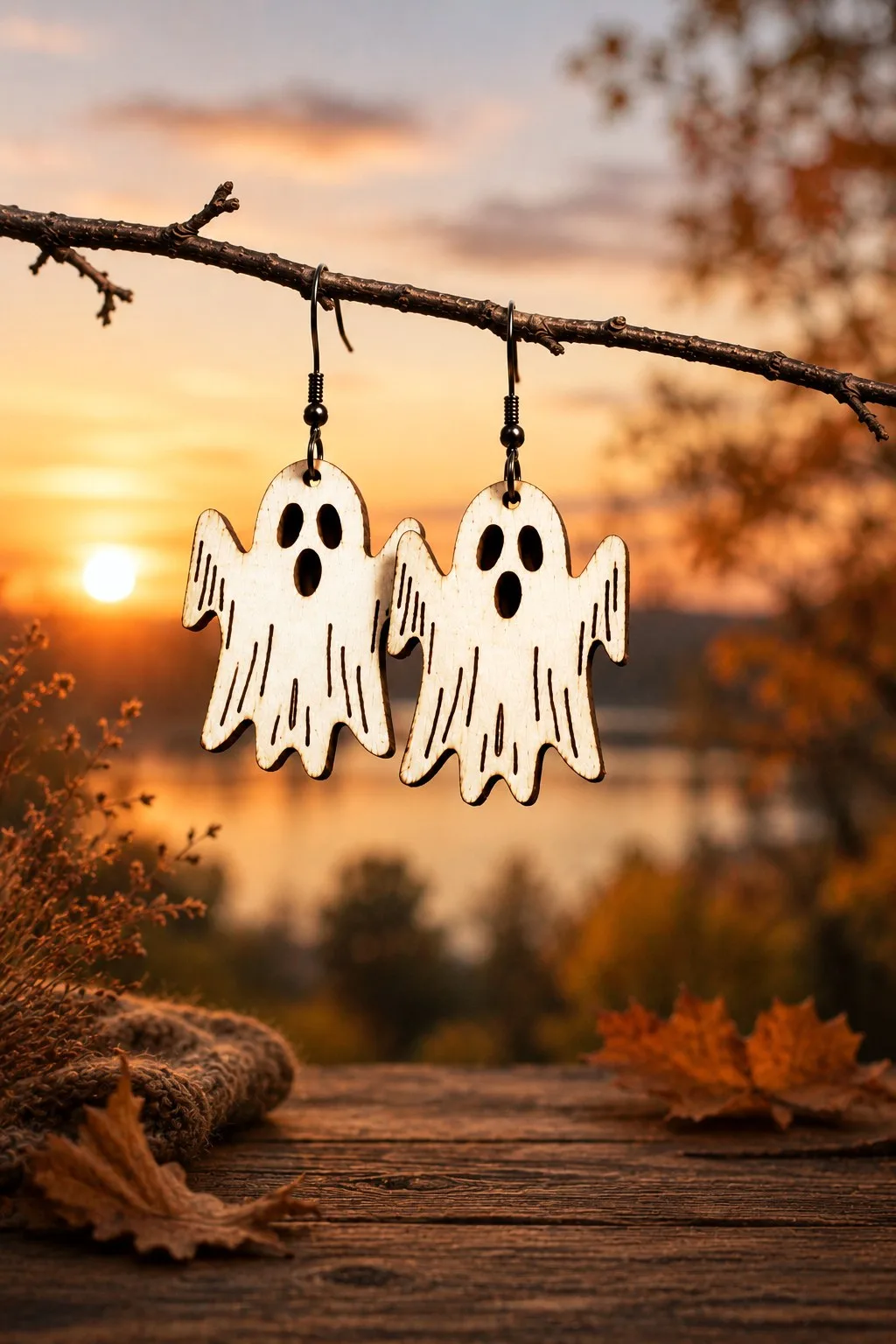
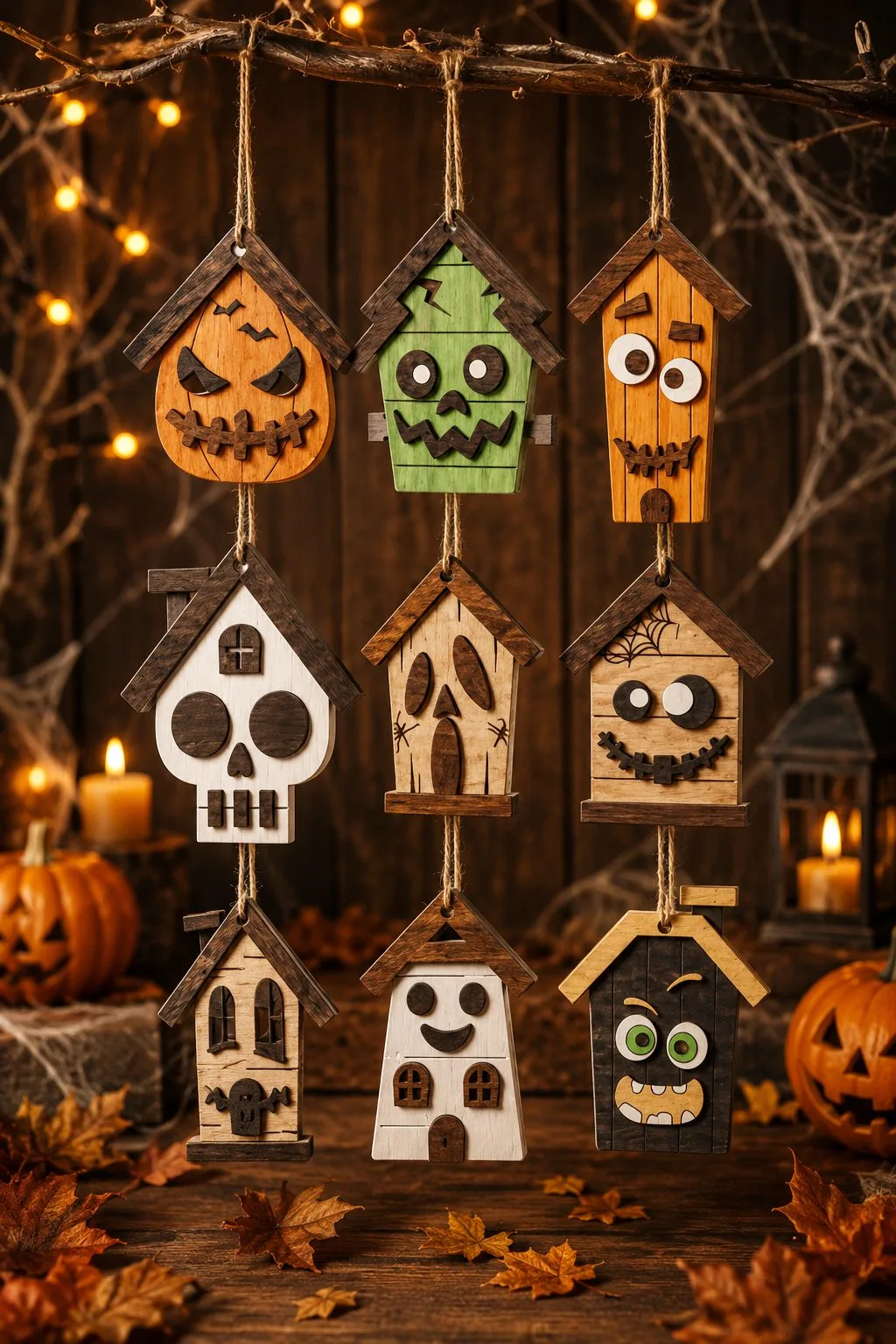
On small pieces the temptation is to paint every surface. The sets that photograph best do the opposite and leave a band of bare plywood, usually at the top, near the hook or the earring finding. The bare wood gives the eye a place to rest and keeps two strong colours from fighting each other, which is what makes bright seasonal palettes look deliberate rather than accidental. It costs nothing, and it is the step most people skip.
Halloween Earrings Bundle — bare wood kept at the top of each pair. Download free →House Ornaments Bundle — painted fronts, plain wooden edges. Download free →
4. A face cut through the wood, not engraved on it
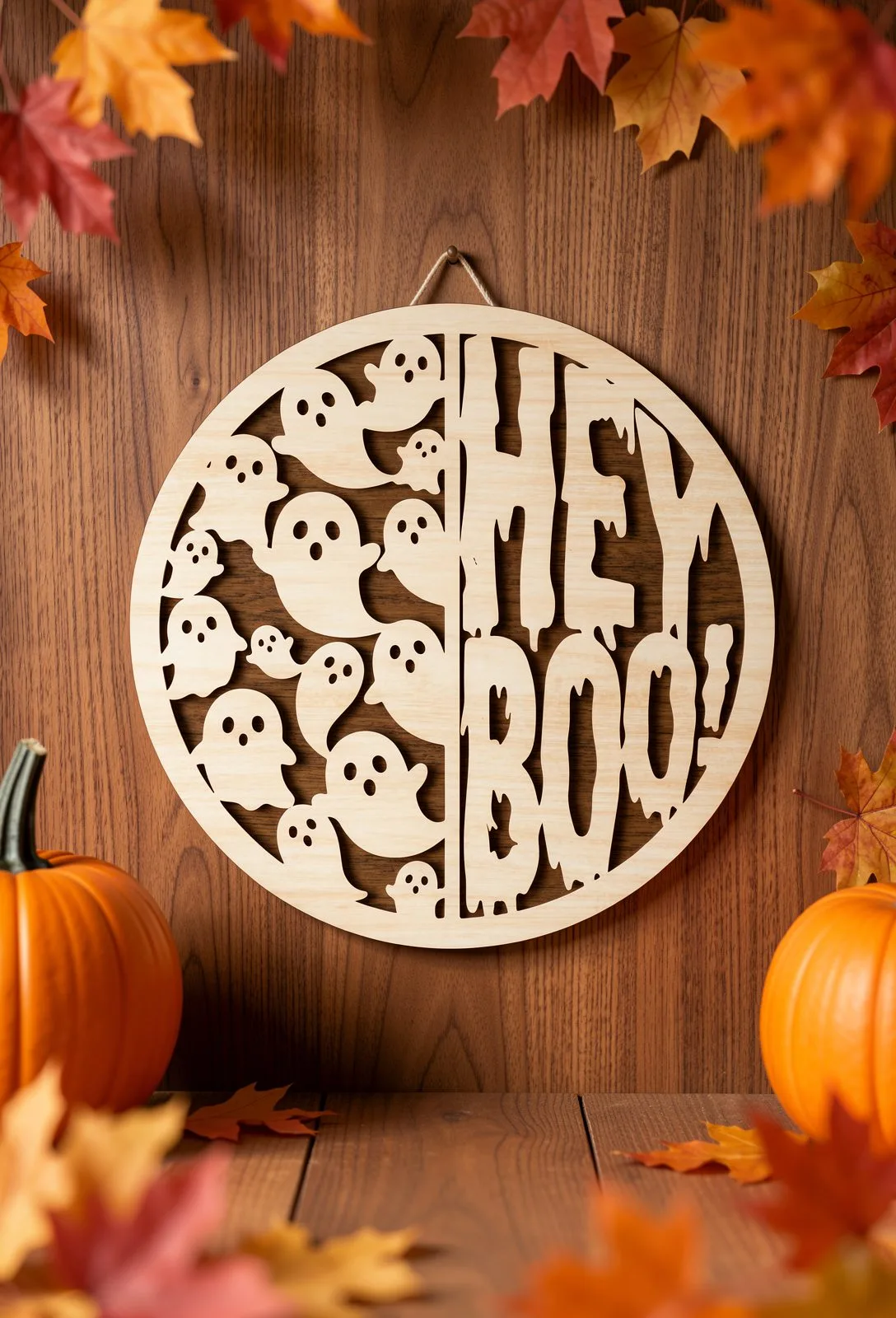
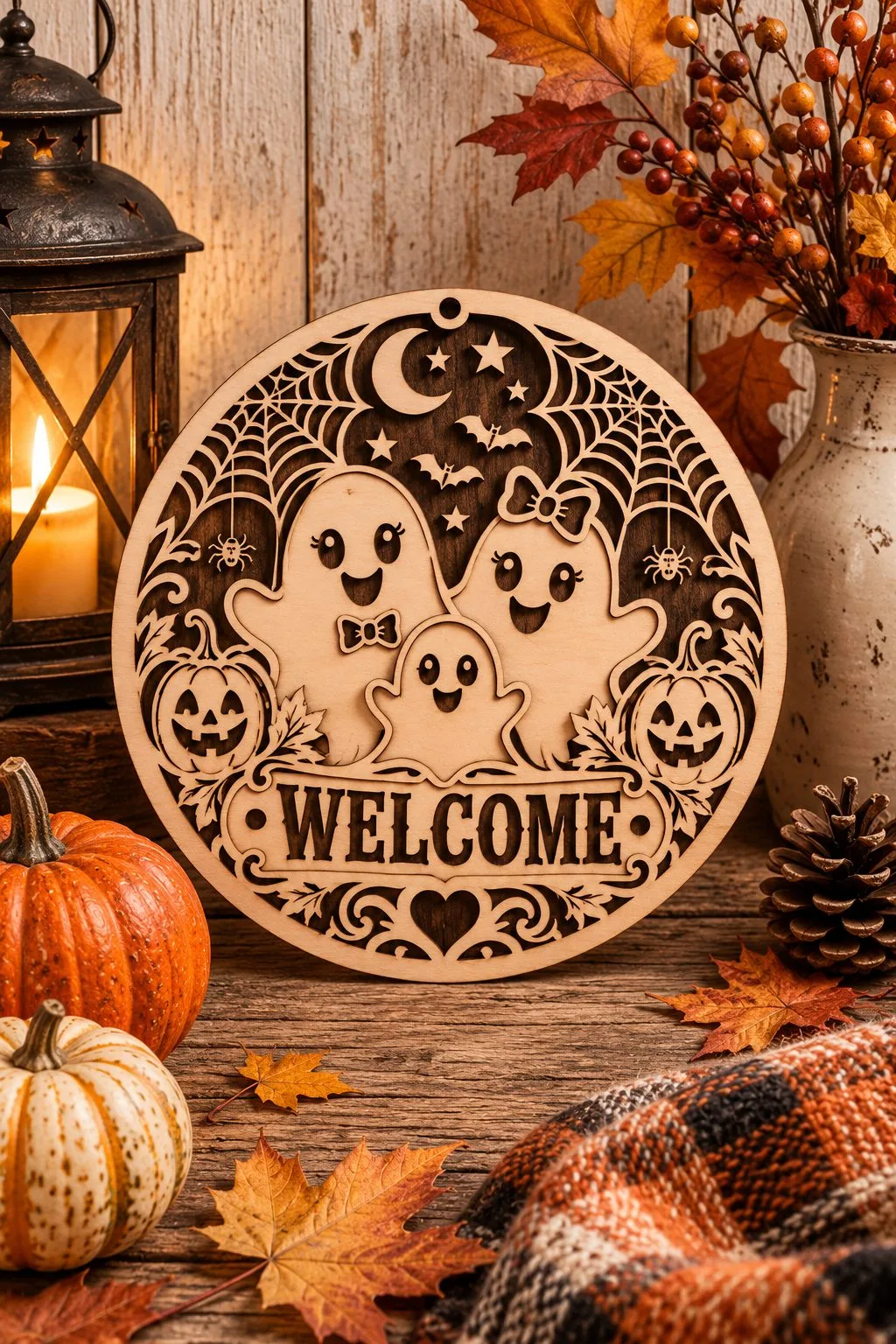
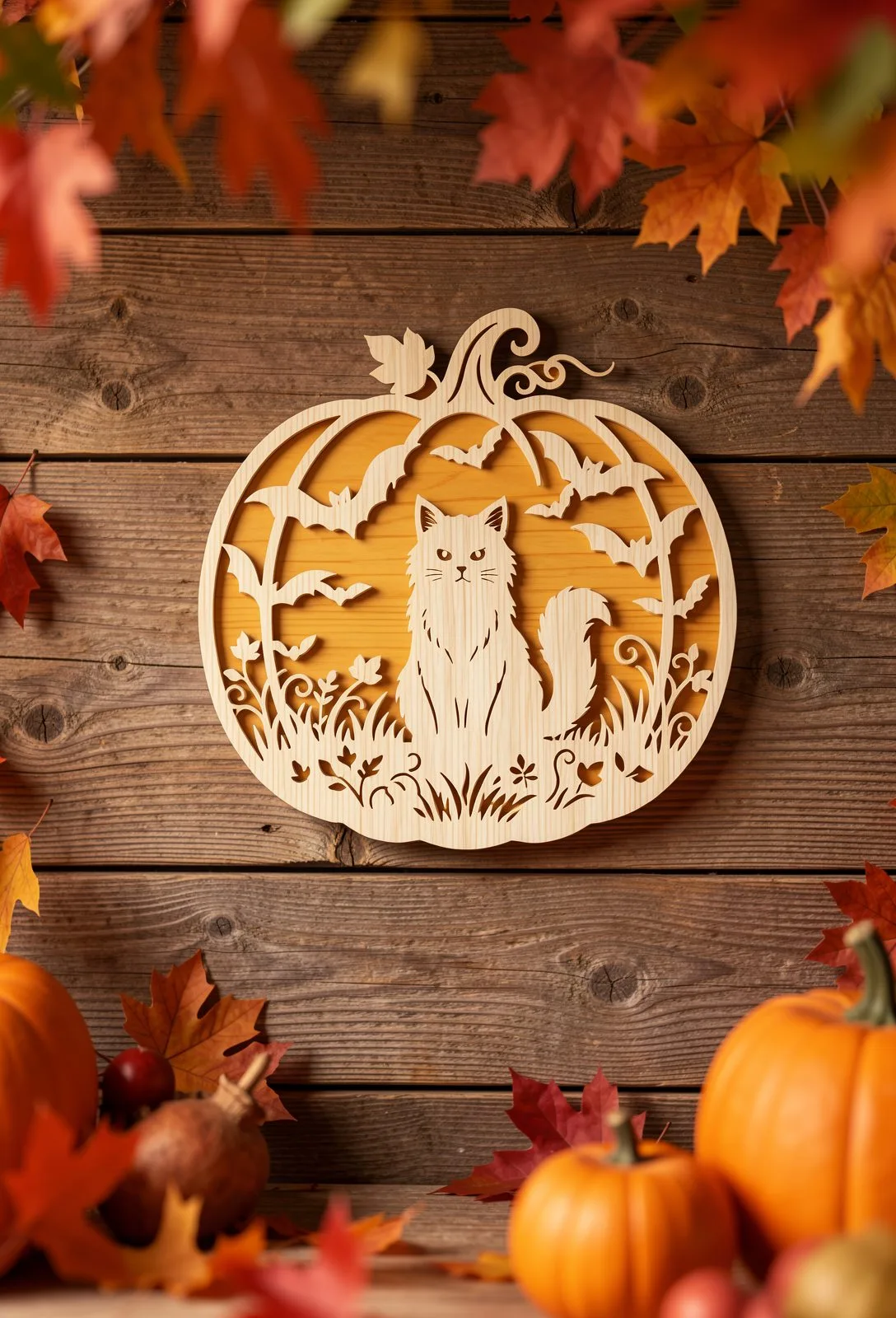
Several ghost files this year cut the eyes and mouth right through the panel instead of engraving them. Light passes through the openings, so the face changes as the piece is moved or lit from behind, and there is no scorched edge to sand. It is a different cutting job as well: small internal openings need a clean bed and a careful lead-in, and they are unforgiving on soft plywood. Cut one test piece before running a batch.
Ghost Hey BOO — the face is an opening, not an engraving. Download free →Ghost Welcome Sign — the same cut-out face on a door piece. Download free →Cat in a Pumpkin — eyes, bats and grass are all openings. Download free →
5. Check which colour is cut and which is engraved
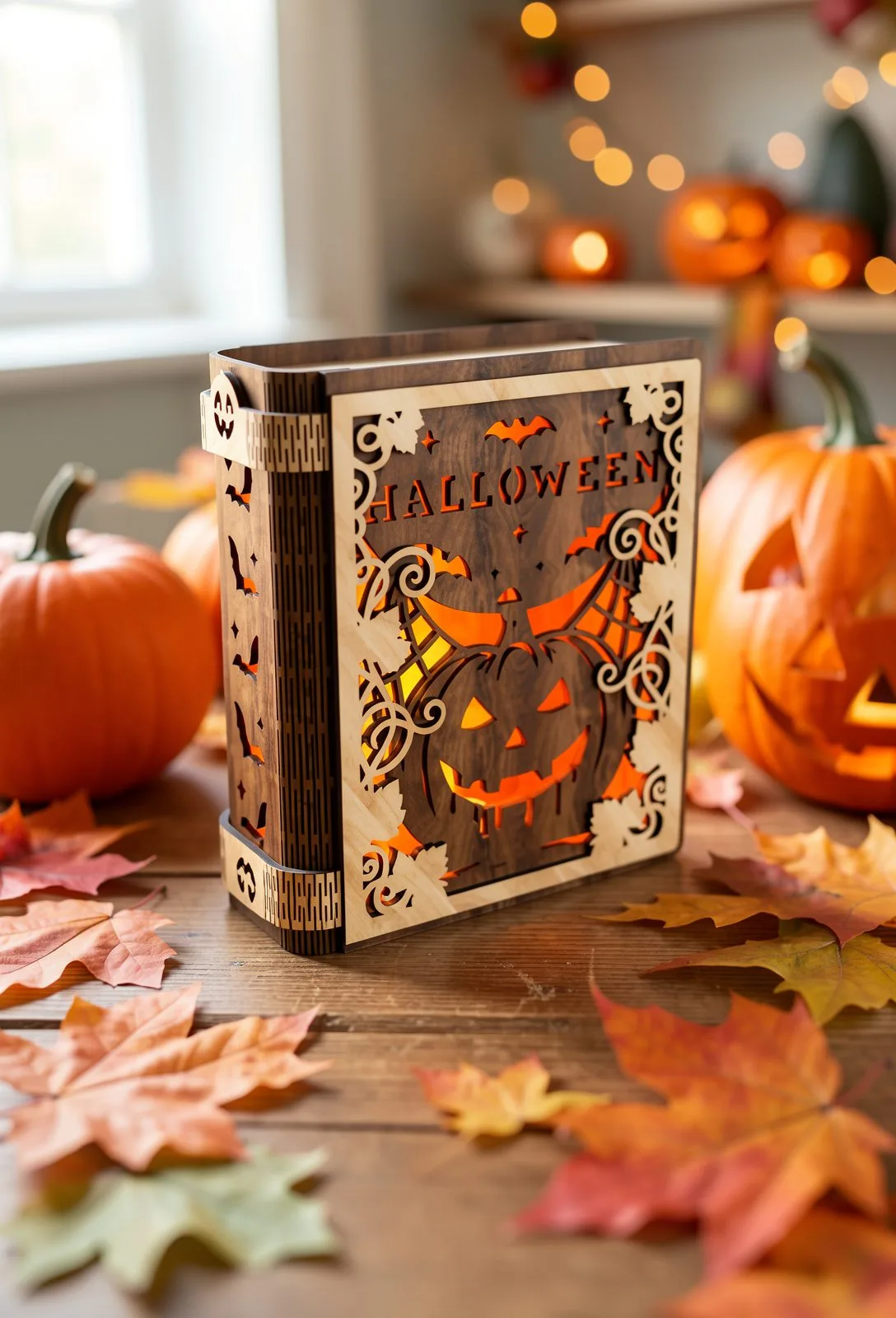
Most of these files follow the same convention: red lines are cut, black lines are engraved. It sounds obvious until your software imports the layers in a different order, assigns the wrong operation, and the machine cuts clean through what should have been a shallow engrave. That one mistake ruins more good plywood than anything else. Open every new file in your own software, check the layer assignments before you start, and save the corrected version. If you are still finding your settings, our plywood settings guide covers the test square that saves the sheet.
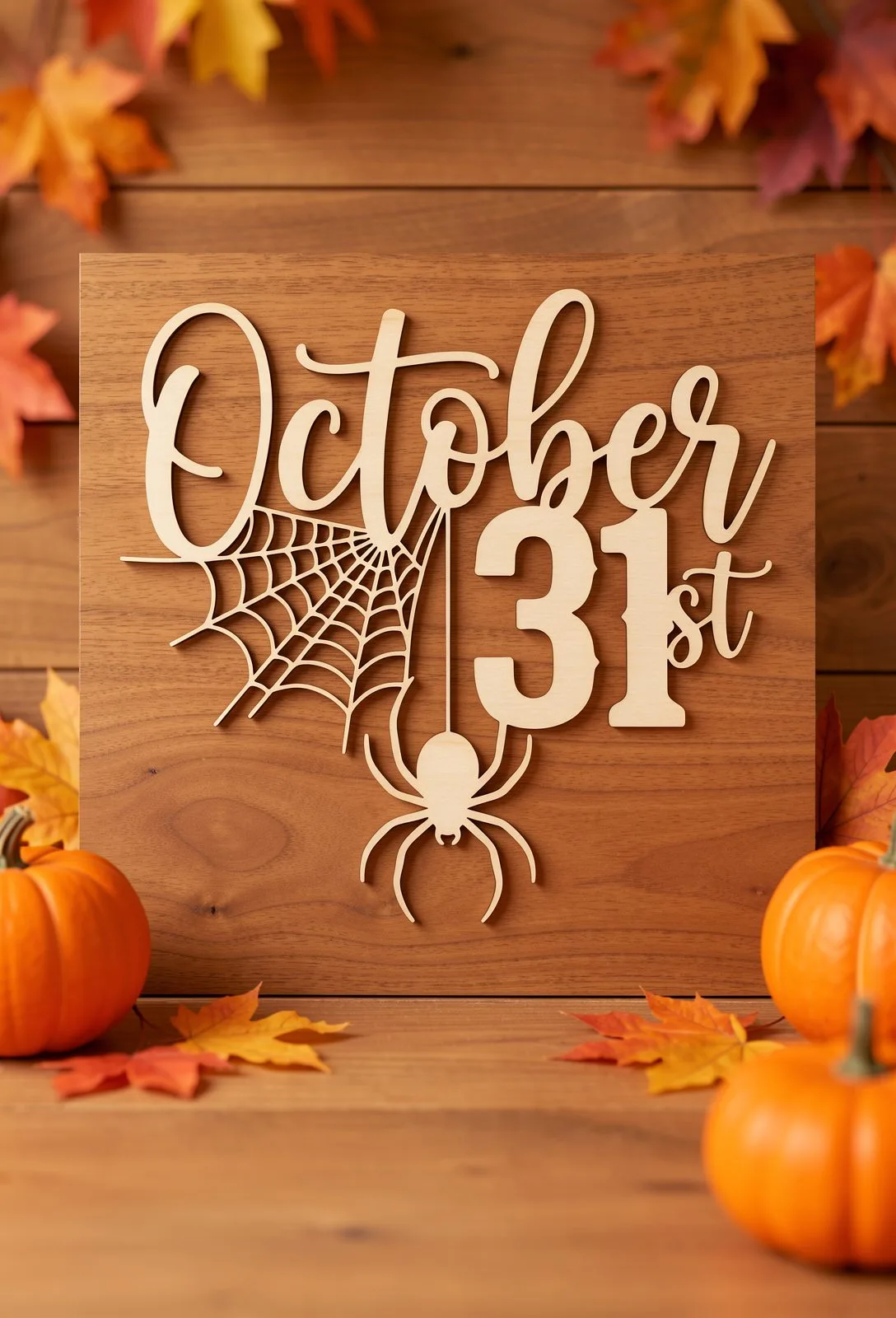
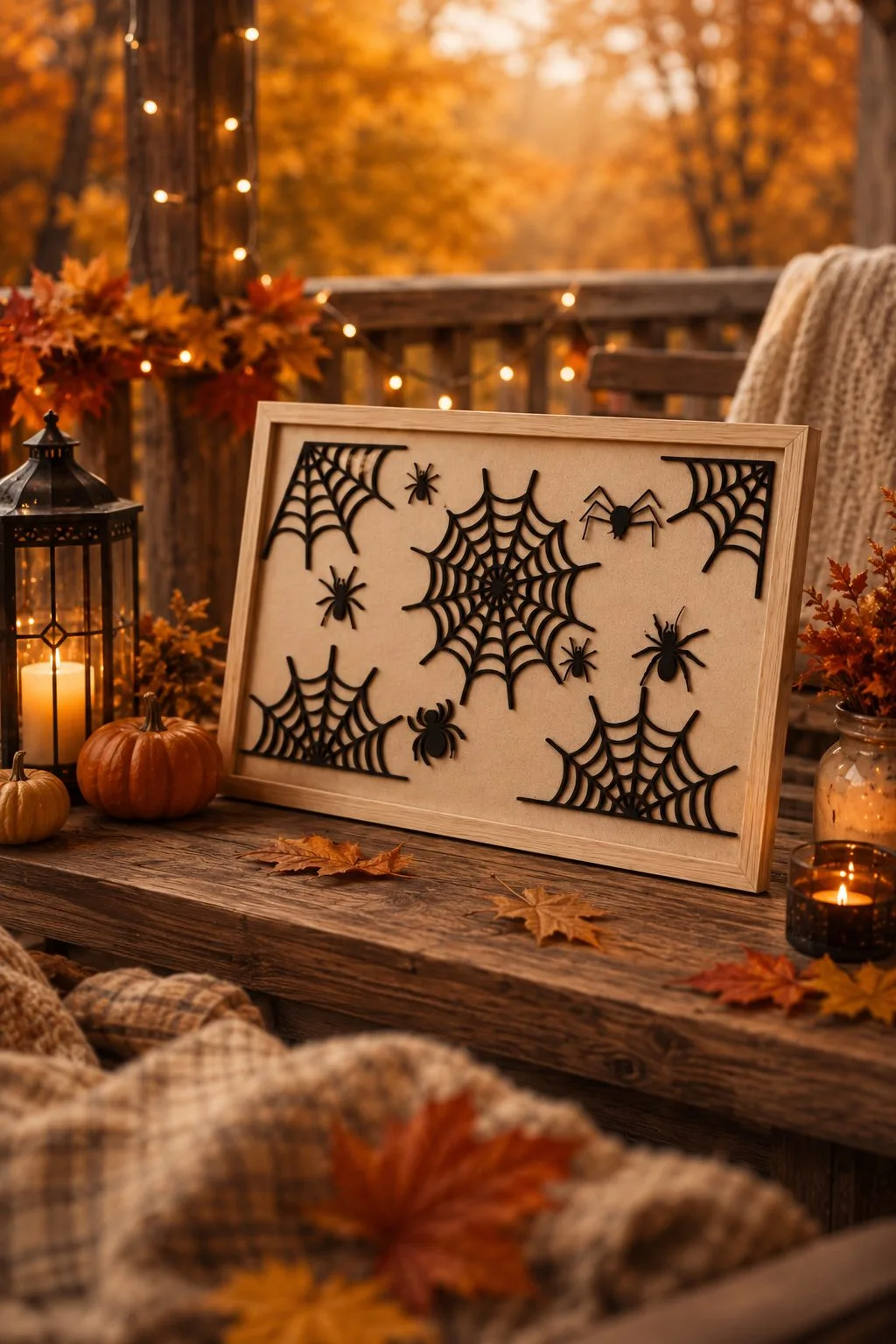
Book Lantern Night Light — cut and engrave layers in one file. Download free →October 31st Sign — engraved detail beside cut lettering. Download free →Spiderweb Wall Art — fine cut lines, no engraving to confuse. Download free →
6. Do not resize a file with finger joints
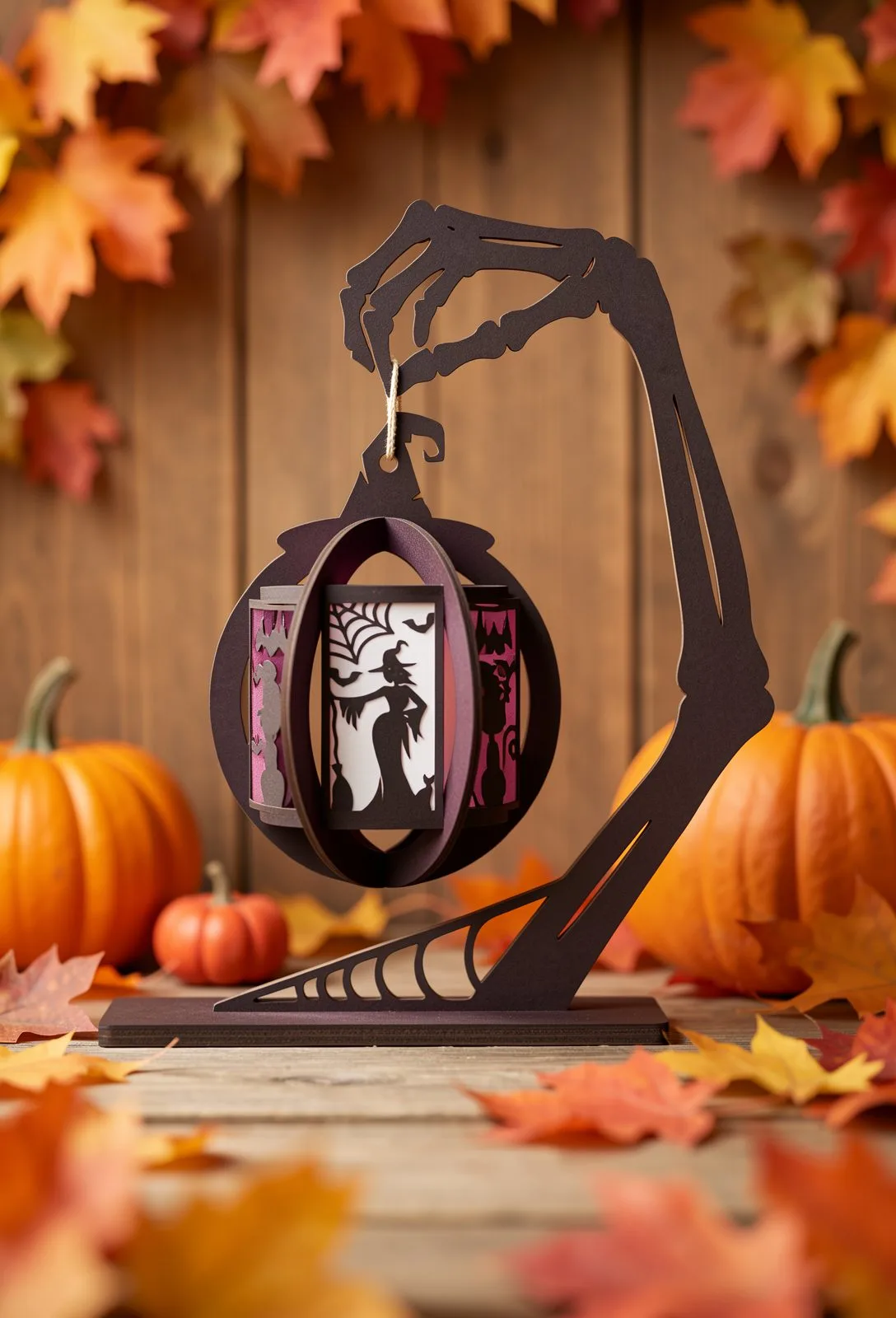
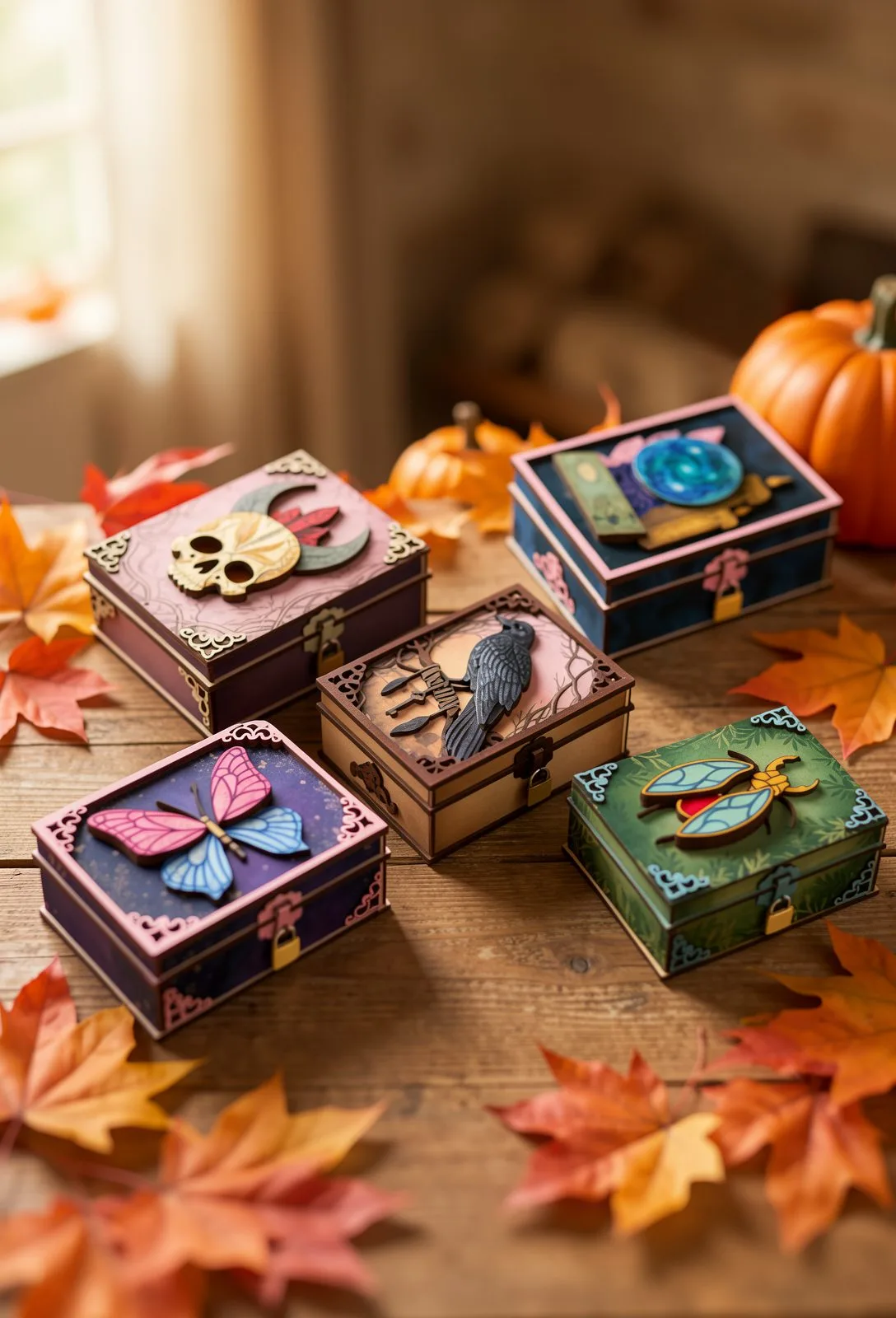
The Skeleton Hand Lantern carries a plain instruction from its designer: do not resize. The same applies to any piece that is assembled rather than stacked flat — a lantern, a shadow box, a keepsake box with a lid. There is a real reason for it. The joints are cut for one specific material thickness — 3 mm here — and when you scale the drawing, every dimension scales with it, including the width of each finger joint. Your plywood does not. The joints stop seating, the corners will not close square, and clamping does not fix it. If a file names a thickness, cut it at that thickness. If you must change the size, resize the outer silhouette only and leave the joints alone.
Skeleton Hand Lantern — finger joints cut for 3 mm stock. Download free →Mystical Wooden Boxes — lid, walls and hinges cut for one thickness. Download free →
7. What to cut first if you are selling
Search interest in Halloween files climbs from July and peaks well before the 31st. By the time porches are decorated, most people have already found and cut what they wanted. For a market stall or a craft fair, the first half of September is the sensible window: late enough that buyers are thinking about it, early enough that you still have material and machine time. Cut the large scenes and lanterns first, since they take the most bed time, and keep the flat single-layer pieces for the days when the machine is free.
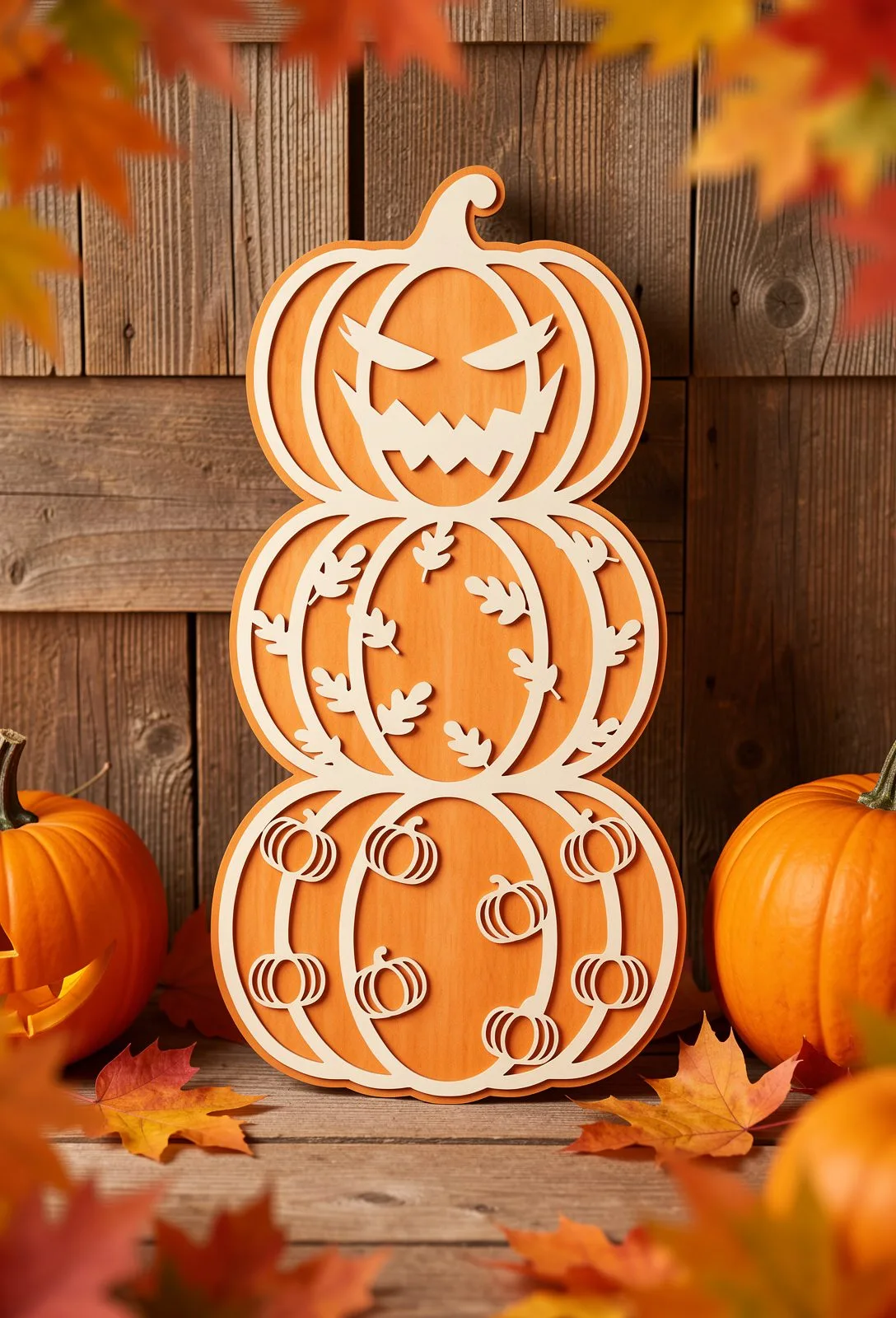
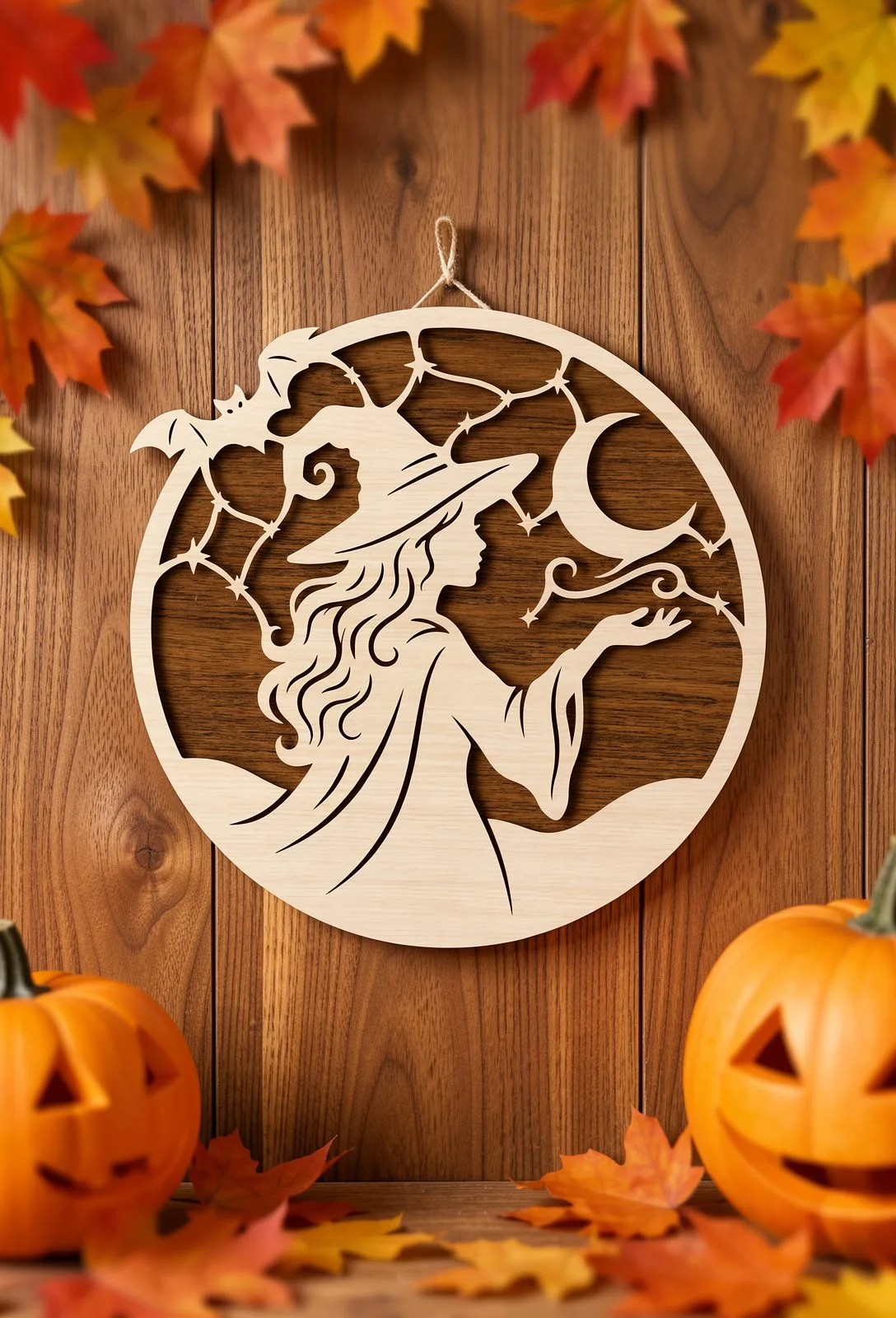
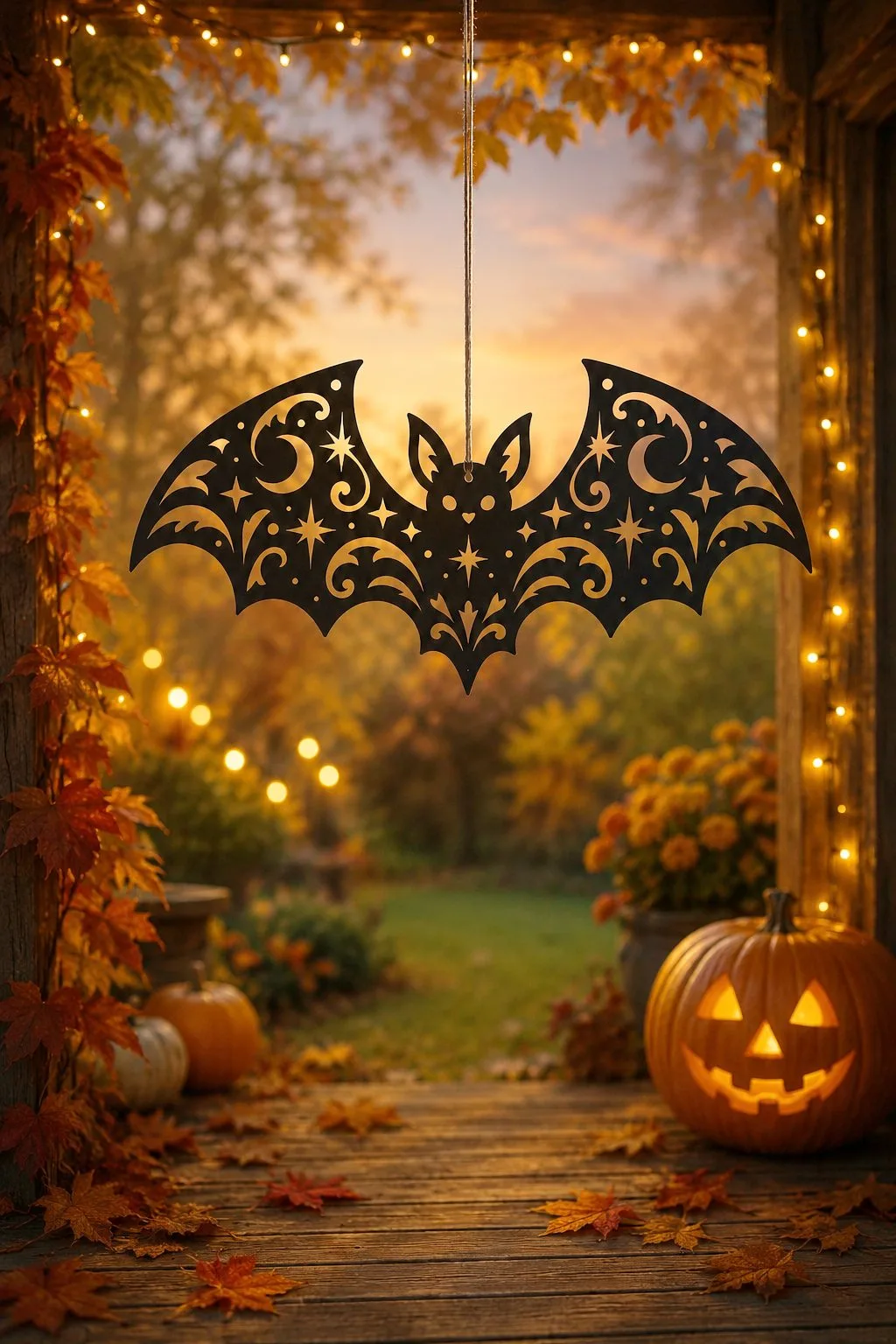
Pumpkin Stack Sign — a fast cut that sells all season. Download free →Witch Moon — single layer, minutes on the machine. Download free →Bat Wall Art — cut a sheet of them from offcuts. Download free →
Every file above is free on Creative Fabrica, and each caption links straight to its download. If you are planning a whole season rather than one piece, the spooky season designs guide and the pumpkin designs guide go through more of these files one by one.
Good to know: the files in this guide are hosted on Creative Fabrica. Downloading is free with their free trial: a payment card is needed to start it, and you can cancel the subscription at any time.
Choosing between xTool and Glowforge for a craft business in 2026: real prices, software lock-in, materials, running costs and which machine fits which seller — without the fanboy noise.
Where to actually find quality free laser cut files — marketplaces with free sections, open libraries and community archives — plus a checklist to spot a bad file before it wastes your plywood.
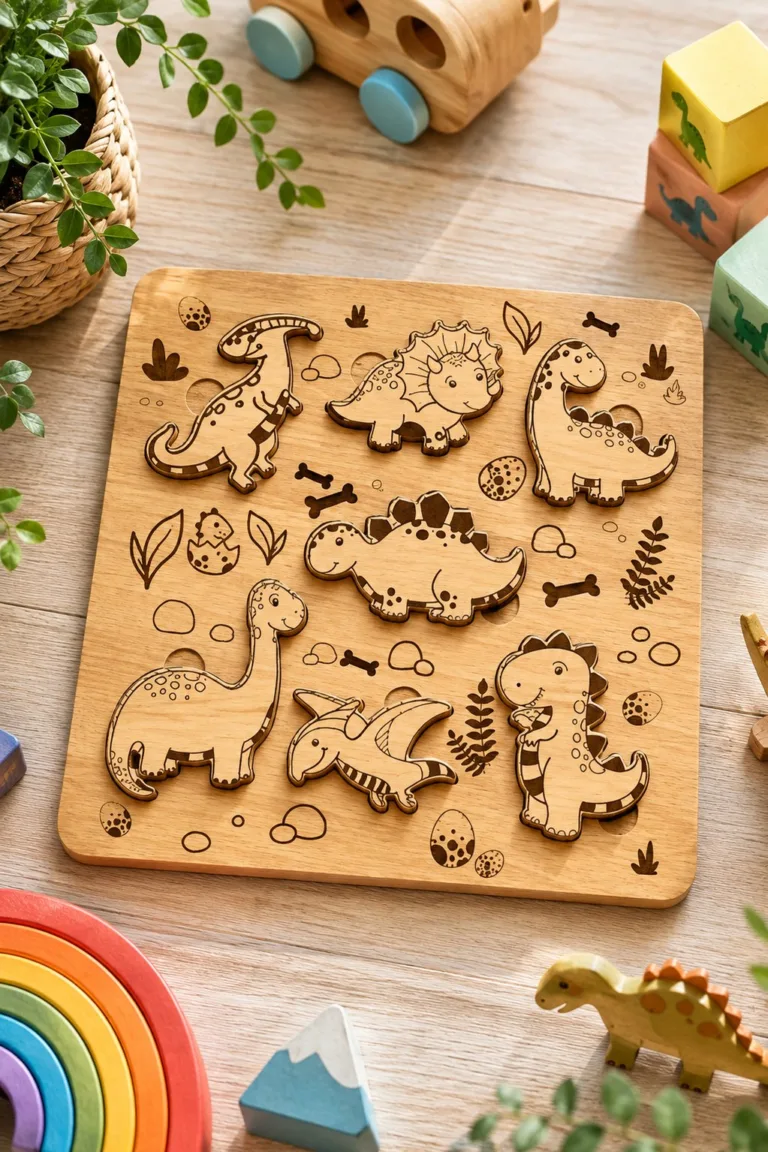
Find a laser cut 3D puzzle template for dinosaurs, animals, insects, games and a carousel. Thirty real maker files, with formats and the checks that save a sheet of wood.
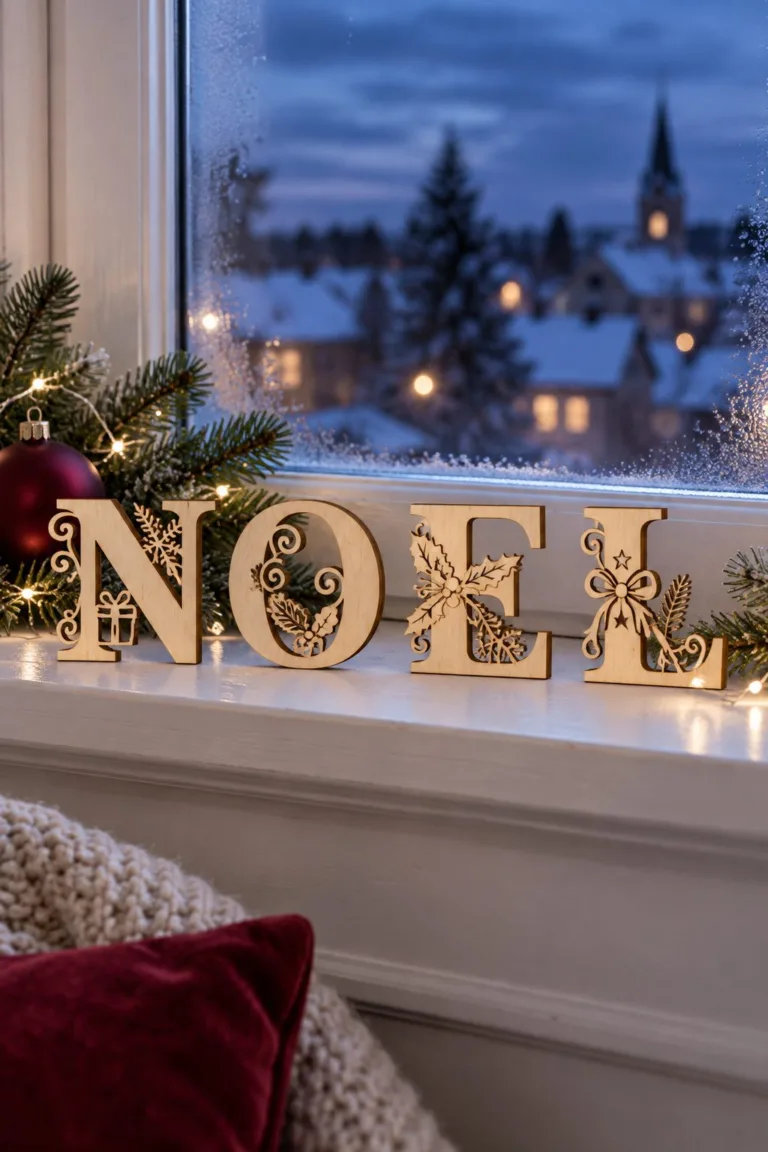
Christmas laser cut files for the whole house: welcome door hangers, a Christmas alphabet, tabletop trees, layered ornaments, bells, glowing shadow box lanterns and a nativity countdown.
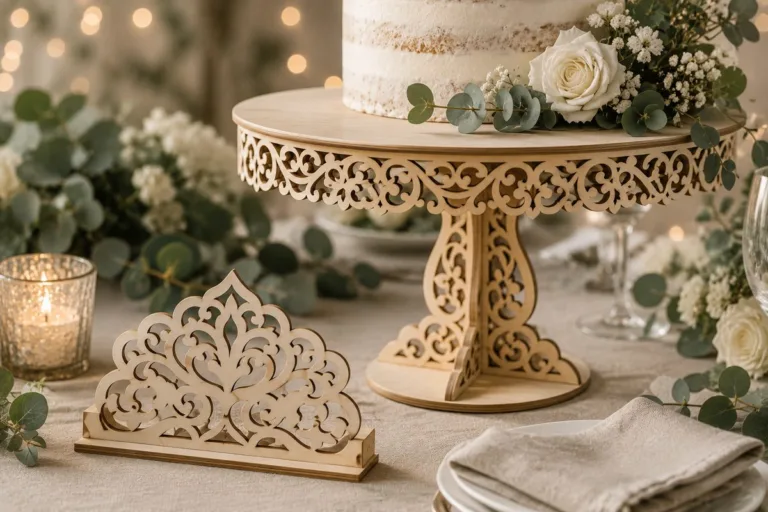
Laser cut wedding SVG ideas for wood and acrylic: invitations, cake toppers, place cards, signs and cake stands, ready for Glowforge, xTool and Cricut.
15 laser cut wall art ideas sorted by difficulty: word-free silhouettes, geometric panels, layered mandalas, topographic maps and backlit pieces — with material tips for each.