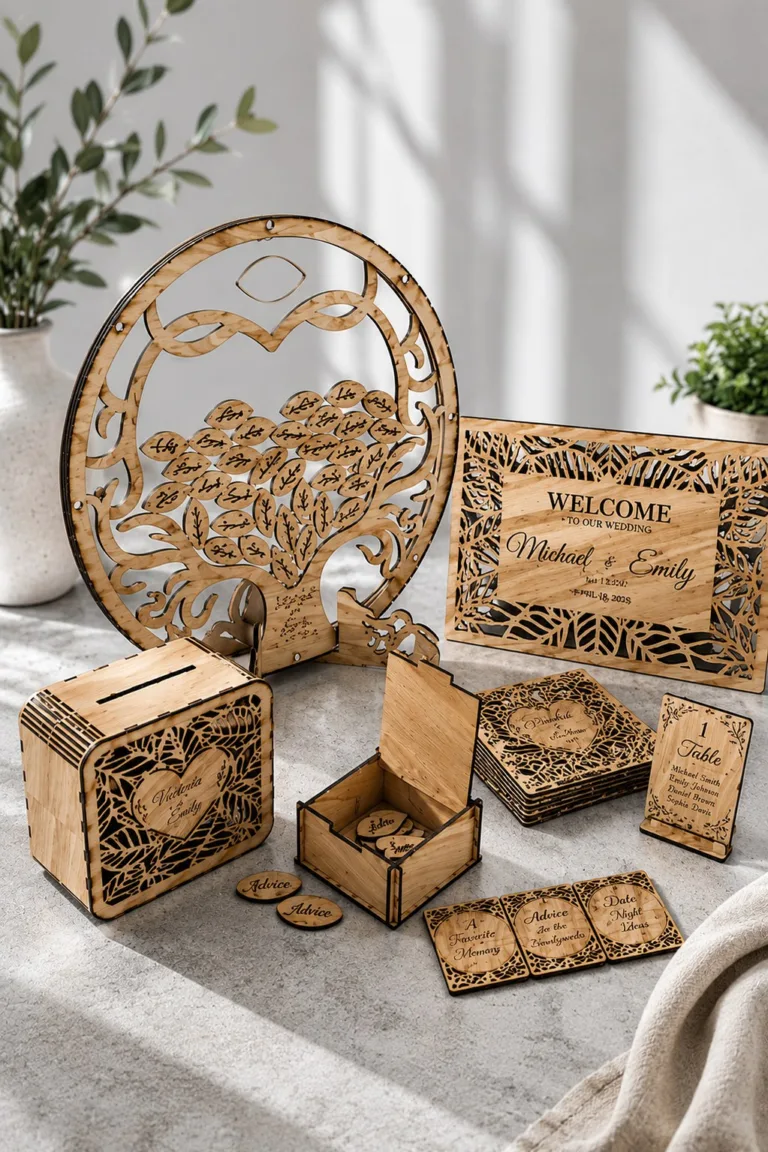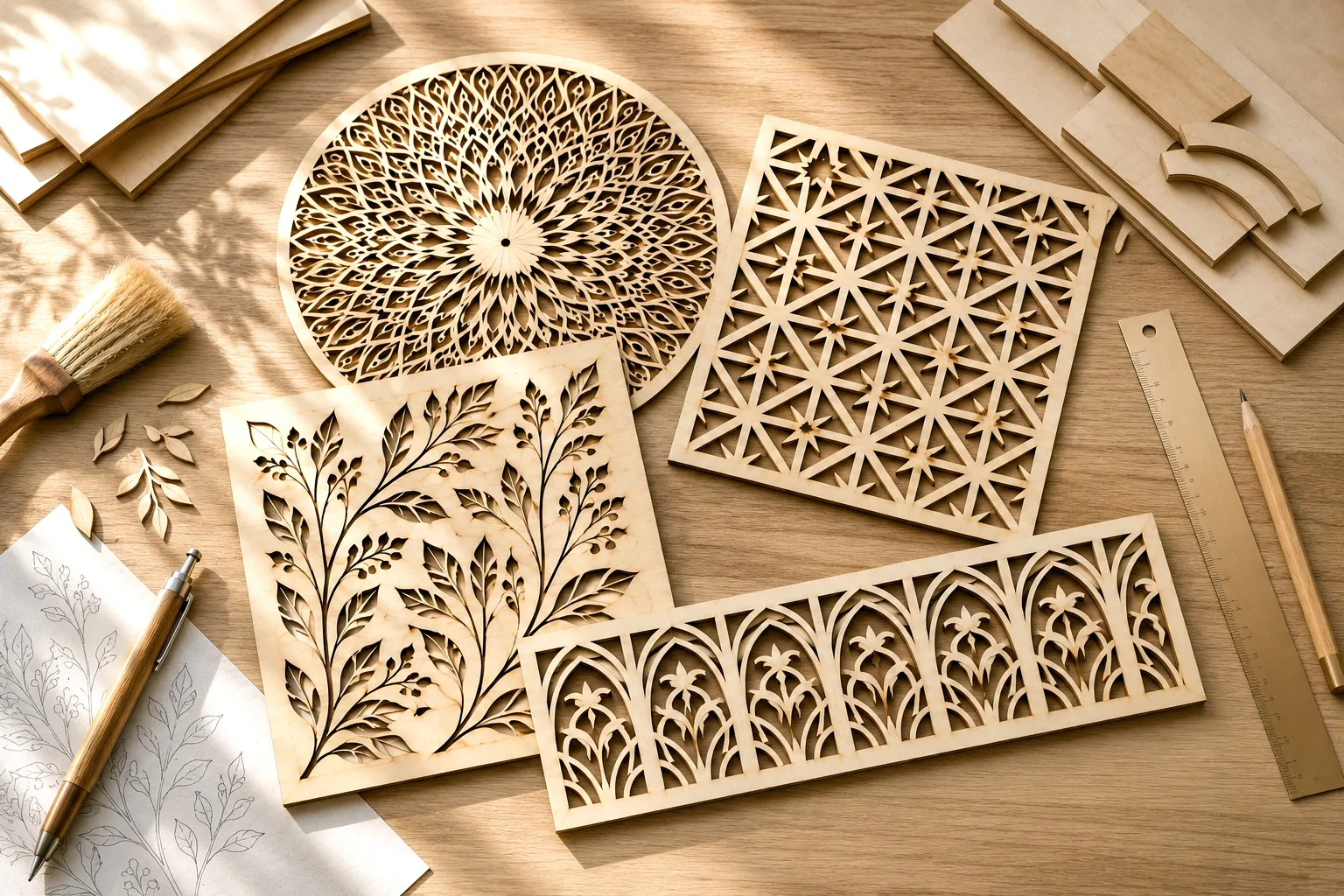
Free Laser Cut Patterns for Wood: Types, Sources & How to Cut Clean (2026)
A good laser cut pattern turns a blank sheet of plywood into something people actually want on their wall or shelf. A bad one wastes material and time on tangled paths that never cut right. This guide walks through the pattern types worth making, where to download them for free, and how to pick files that cut clean on the very first pass.
What separates a good pattern from a frustrating one
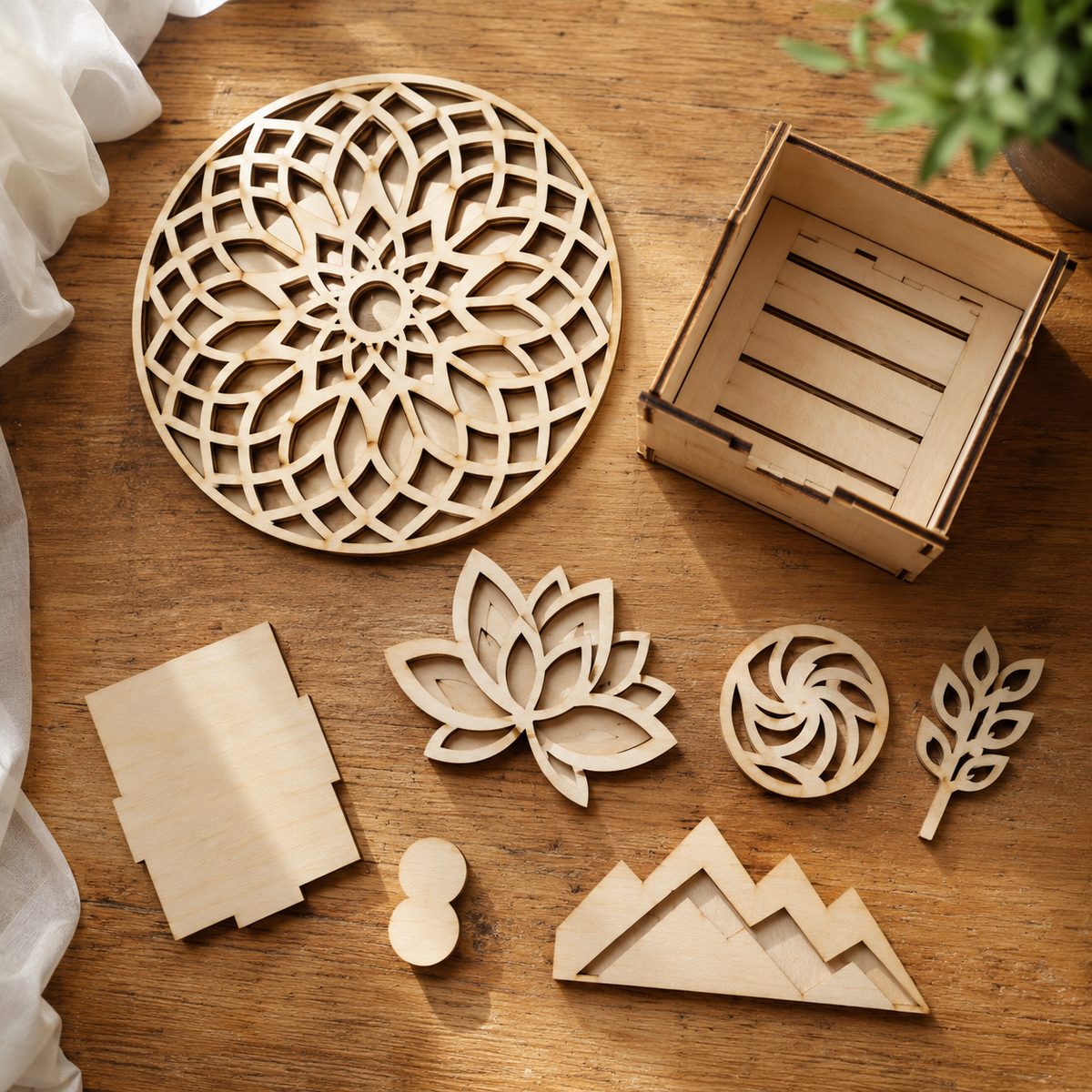
Before you download anything, know what you are looking at. A laser-ready pattern has three things:
- Single, closed vector paths. Two lines stacked on top of each other means the laser cuts the same line twice and scorches the edge. Clean files have one path per cut.
- The right line colors. Most patterns use one color for cuts and another for engraving. If everything is black, you will spend time sorting it by hand.
- A tested size. A pattern drawn at 12 inches will not shrink gracefully to 4 without losing fine detail. Good listings tell you the intended size.
If a file opens as a flat, tidy outline with obvious cut and score lines, it is worth your plywood. If it looks like a scribble, move on.
Pattern types worth cutting
Layered and 3D patterns
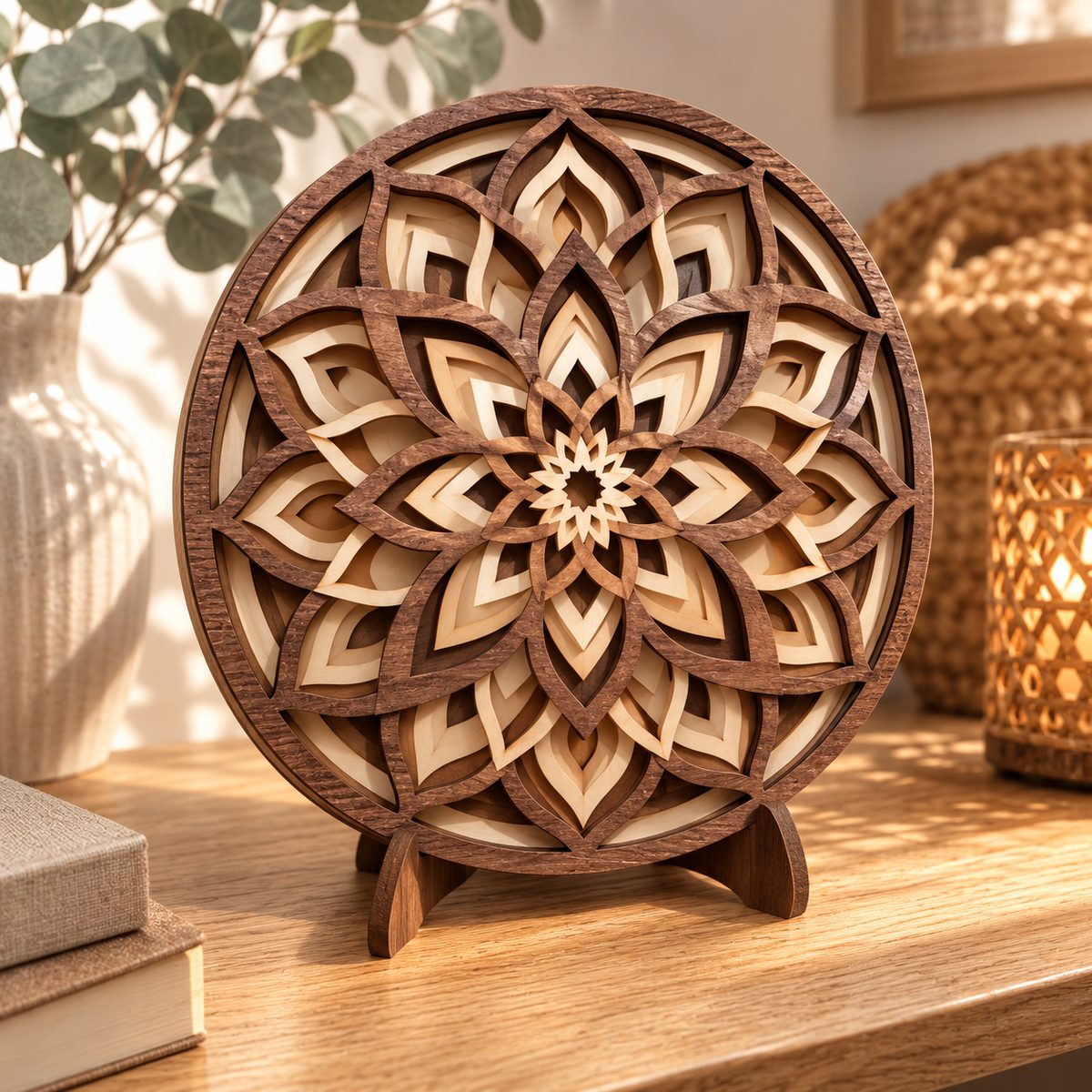
Layered patterns are the ones that stop the scroll. Instead of one flat cut, you stack several flat plywood sheets, each a slightly different silhouette, so the finished piece has real depth. Mandalas, animals and seasonal scenes all work beautifully this way. If you are new to layering, start with our 3D layered mandala guide, then browse ready-made 3D layered patterns to see how the sheets fit together.
Signs and door hangers
Round door signs, porch hangers and layered word art are the bread and butter of a laser craft business. They cut fast, use little material, and sell every season. Our seasonal collection of free Halloween and fall patterns shows how a simple silhouette plus a short phrase becomes a finished product.
Boxes, mandalas and geometric art
Small keepsake boxes, geometric wall panels and full-circle mandalas round out most pattern libraries. These reward clean files the most, because a single doubled line on a repeating geometric pattern multiplies into dozens of scorched edges.
Where to download free laser cut patterns
The largest single library is Creative Fabrica. Its laser cutting section holds hundreds of thousands of patterns, and many are free to download on a trial, so you can test a file on your own machine before committing. It is the fastest way to find layered, sign and mandala patterns in one place.
For a wider net, we pulled together 15 sources for free laser cut files, including smaller craft blogs that release one polished pattern at a time.
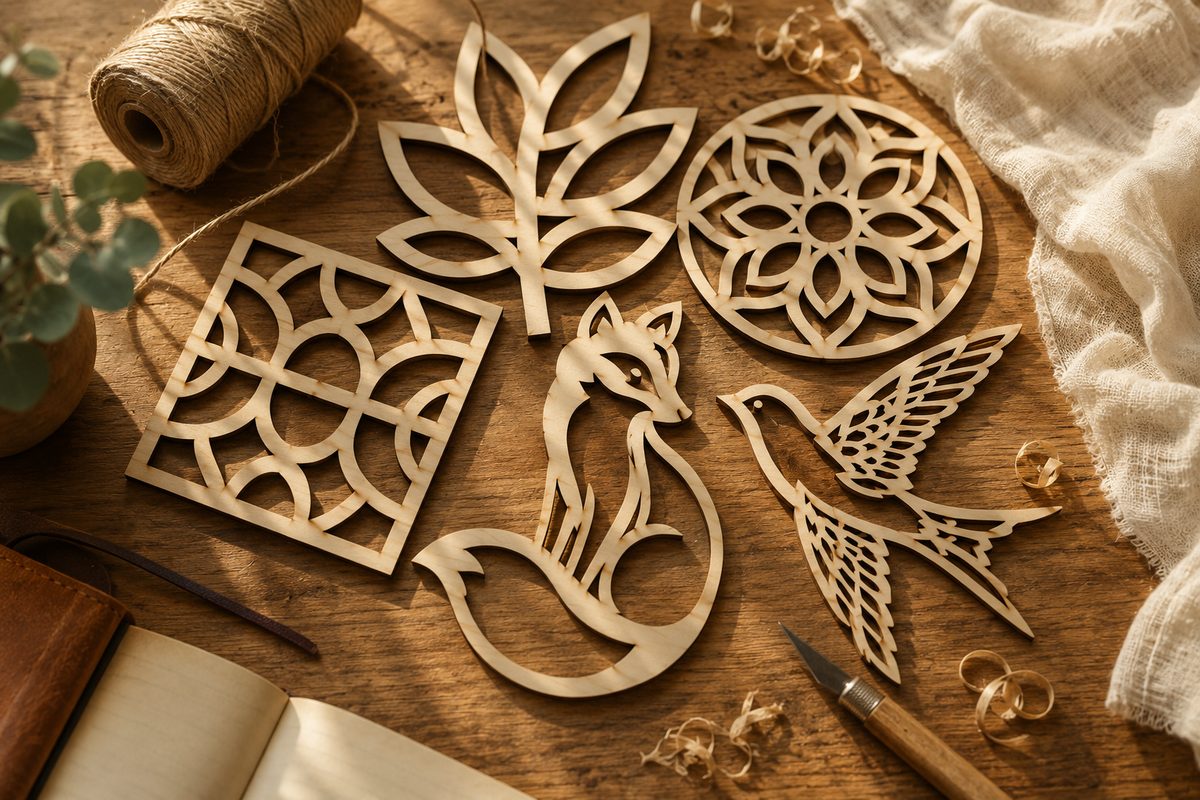
Cut it clean the first time
Once you have a pattern, three habits save the most material:
- Run a small test cut on a scrap of the same plywood. Laser plywood varies batch to batch, and five minutes of testing beats a ruined full sheet.
- Sort cut and score lines before you send the job, so the laser engraves detail before it cuts the piece free.
- Mask the surface with low-tack tape if you want a clean, scorch-free face on show-quality pieces.
Wondering whether your machine is up to the finer patterns? Our xTool vs Glowforge breakdown covers which cutter handles delicate layered work best.
Start with a free pattern today
The quickest way to learn what cuts well is to cut something. Grab a layered or sign pattern from the Creative Fabrica laser library, test it on a scrap, and build from there. Once you have a pattern that cuts clean, it becomes a template you can adapt for every season.
Can’t find the design you need?
Describe your idea in a few words and generate your own SVG design with AI.
Good to know: the files in this guide are hosted on Creative Fabrica. Downloading is free with their free trial: a payment card is needed to start it, and you can cancel the subscription at any time.