3D Layered Paper Art With a Cricut, No Laser Needed
Every gorgeous layered piece you’ve saved on Pinterest — the glowing forests, the deep mandalas, the paper worlds in frames — can be made with the cutting machine already on your desk. Same SVG files, cardstock instead of plywood. Here’s the full walkthrough, from paper weight to framing, written for a first-timer.
Why paper is actually the better starting material
- Cheap mistakes. A ruined sheet of cardstock costs cents; plywood costs real money.
- Color without painting. Cardstock comes in every shade — gradients that would take five staining sessions in wood.
- Same files. Layered SVG files are material-agnostic: what a laser cuts in 3mm birch, a Cricut cuts in 216gsm cardstock.
- Living-room friendly. No fumes, no workshop, no sanding dust.
The result reads as premium as wood — lighted shadow boxes in paper are craft-fair magnets exactly like their wooden cousins.
Paper that works (and paper that ruins everything)
The sweet spot: 200–230 gsm (65–80 lb) cardstock.
- Lighter than 180gsm: layers sag and warp within weeks.
- Heavier than 270gsm: crisp cuts need multiple passes and corners tear on lift.
- Textured cardstock hides fingerprints; smooth photographs better.
- For the top detail layer, consider 160–180gsm — intricate top layers cut cleaner in slightly lighter stock.
One habit that pays forever: buy one brand’s cardstock in a full gradient (cream → terracotta, or white → deep blue). Color-coordinated stacks look designed, not assembled.
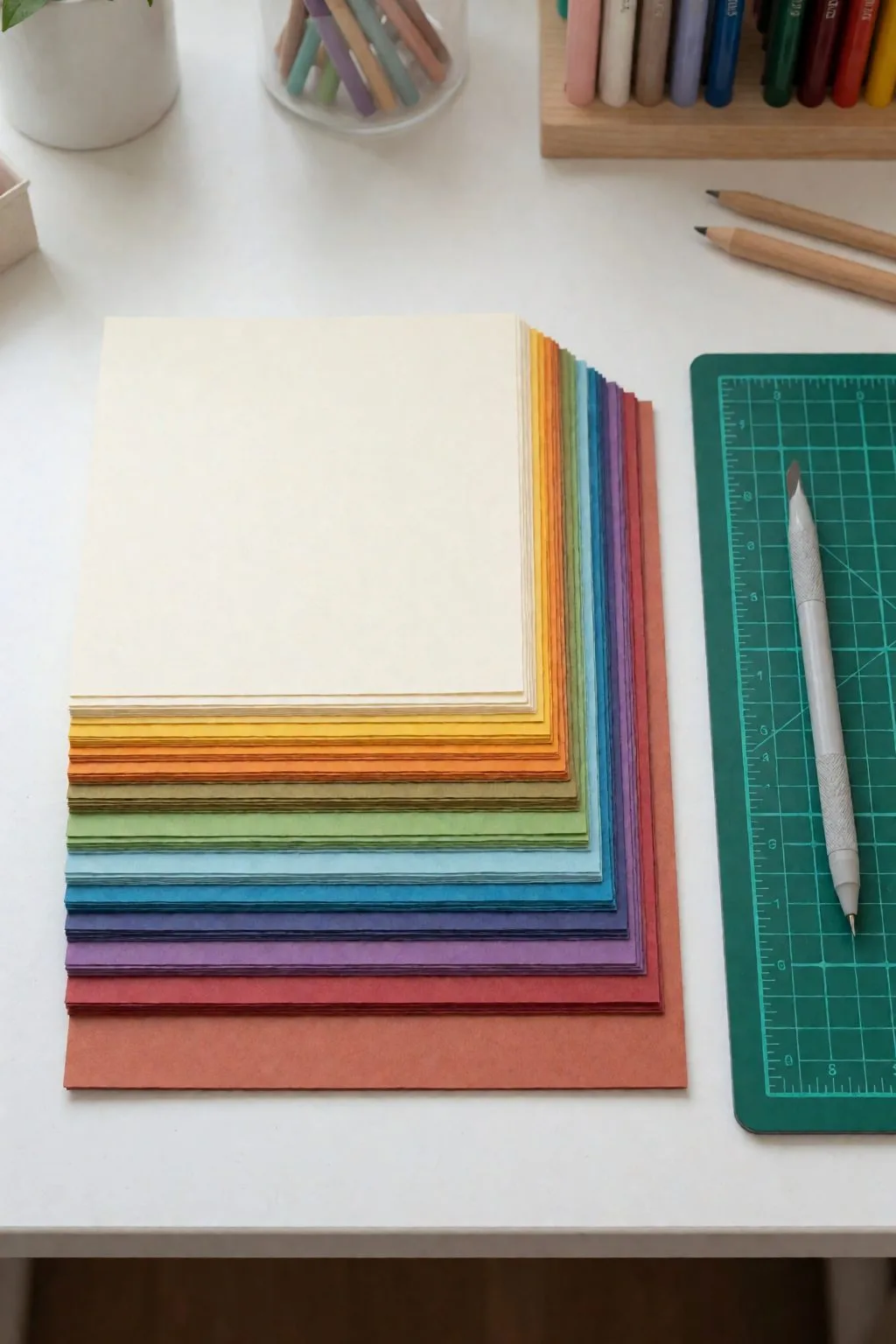
Cut settings that save your nerves
- Fresh fine-point blade. Dull blades cause 90% of torn bridges. A blade is good for roughly 20–30 intricate sheets.
- Setting: “Cardstock (intricate cuts)” — the extra pressure pass matters on 216gsm.
- Slow down for lace-like layers — if your machine allows pressure/pass tuning, two lighter passes beat one heavy one.
- Green StandardGrip mat, and brayer the sheet flat before every cut. Half-lifted corners eat top layers.
- Weed on the mat: flex the mat, let pieces fall out, lift the sheet last.
Assembly: exactly like wood, only lighter
The process mirrors the layered mandala guide: back plate first, foam spacers (2–3mm) where the next layer is solid, tacky glue in dots never lines, work front layer last. Two paper-specific notes:
- Foam dots > cut foam strips for paper: strips telegraph through thin stock as ridges.
- Give the finished stack an hour under a heavy book before framing — it settles microscopic warps and the piece reads flatter and sharper.
Framing: the step that doubles perceived value
A deep shadow box frame (2cm+ interior depth) turns paper layers into wall art. White frame + white top layer + colored depths is the classic look for a reason: the frame disappears and the depth does the talking. For gifts, add a name cut into the top layer — personalization is what turns “pretty” into “sold,” as every seller in our craft-fair list confirms.
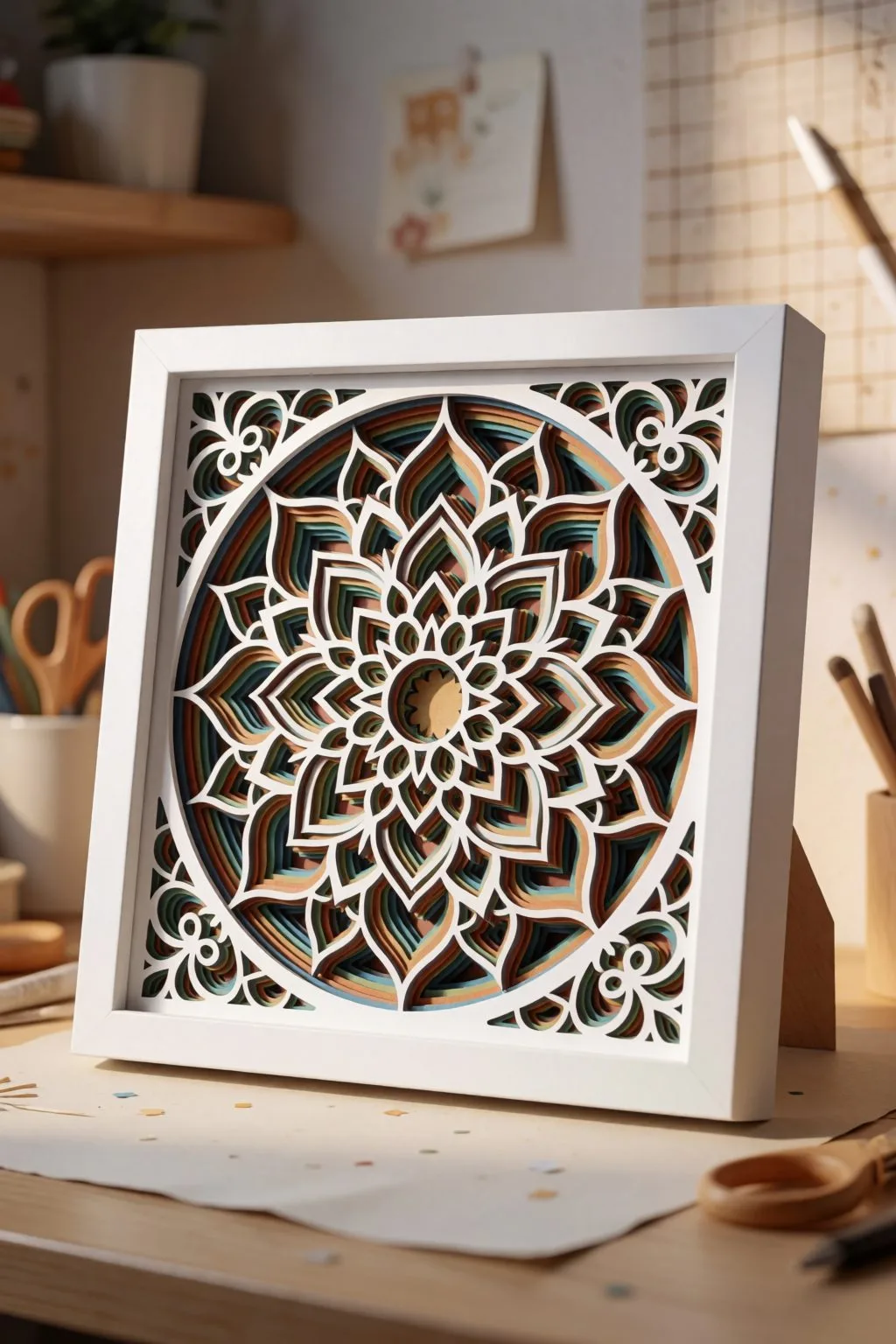
Three mistakes every beginner makes once
- Gluing without spacers “just to preview” — without air gaps there are no shadows, and shadows are the whole art.
- Choosing a 12-layer file first. Start at 5 layers; the depth already wows and the assembly stays fun.
- Framing behind glass pressed to the paper. Glass must not touch the top layer — it kills the shadows. Use the frame’s depth or add a spacer ring.
Where to get layered files
Creative Fabrica and Design Bundles both carry deep layered-SVG catalogs that work identically for paper and laser (check the commercial license per file if you plan to sell). Start with anything marked “layered” + “beginner” + 4–6 layers, and you’ll have a frame-worthy piece by Sunday evening.
FAQ (schema-ready)
What cardstock weight is best for layered paper art? 200–230 gsm (65–80 lb) for most layers; slightly lighter 160–180 gsm for very intricate top layers. Below 180 gsm layers warp; above 270 gsm intricate cuts tear.
Do laser SVG files work on a Cricut? Yes — layered SVG files are material-agnostic. The same file cuts in cardstock on a Cricut or in plywood on a laser; only spacers and glue differ.
Why does my layered art look flat? Spacers are too thin or missing. The air gap between layers creates the shadows that create the depth — go from 2mm to 3mm spacers and the difference is dramatic.
Can’t find the design you need?
Describe your idea in a few words and generate your own SVG design with AI.
Good to know: the files in this guide are hosted on Creative Fabrica. Downloading is free with their free trial: a payment card is needed to start it, and you can cancel the subscription at any time.