xTool vs Glowforge for a Craft Business (2026): An Honest Side-by-Side
If you’re buying a laser to make things you’ll sell, the machine question changes. Hobby buyers compare specs; business buyers compare cost per finished product, downtime risk, and how fast a beginner reaches sellable quality. That’s the lens for this whole comparison. Prices below were checked in July 2026 — both brands run sales constantly, so treat them as reference points, not gospel.
The lineups in one minute
Glowforge built its name on simplicity: enclosed CO2 machines (Plus at $1,999, Pro at $4,995, plus newer HD versions) and the entry-level Aura, a small 6W diode. Everything runs through Glowforge’s cloud software — beautiful, beginner-proof, and internet-dependent.
xTool competes on power-per-dollar and flexibility: the S1 enclosed diode line (10W to 40W), the P2S — a 55W CO2 machine at $1,899, the newer 80W P3, and specialty machines like the F1 for on-the-spot engraving at markets. Software: their own xTool Creative Space or LightBurn, the industry-standard offline app.
What actually matters for a business
1. Cost of the working watt
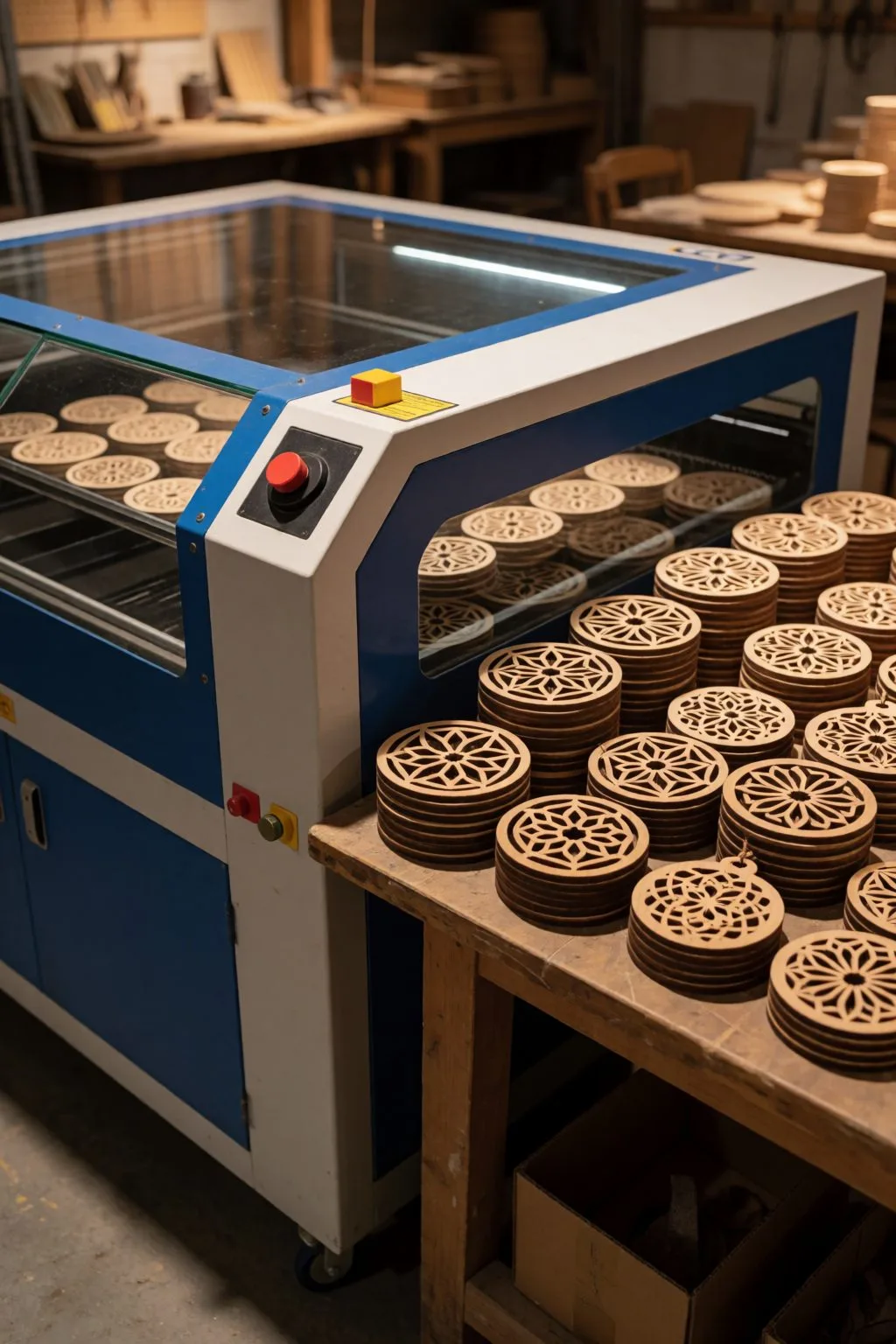
The clearest gap: xTool’s P2S gives you 55W of CO2 for $1,899 — a hundred dollars less than Glowforge’s 40W Plus, and less than half the price of the 45W Pro. More watts = thicker cuts in one pass = more products per hour. For pure production math, xTool wins this row, and it isn’t close.
2. Software: convenience vs control
Glowforge’s cloud software is genuinely the smoothest onboarding in the industry — if you’ve never touched a laser, you’ll make your first clean cut sooner. The cost: no internet, no cutting. A cloud outage (theirs or yours) stops your production day. xTool works offline, and LightBurn compatibility matters more than beginners think: it’s the software every laser forum, tutorial and preset library speaks.
For a business, offline capability is an insurance policy. Ask yourself what a lost production Saturday before a craft fair costs.
3. Materials and what you can sell
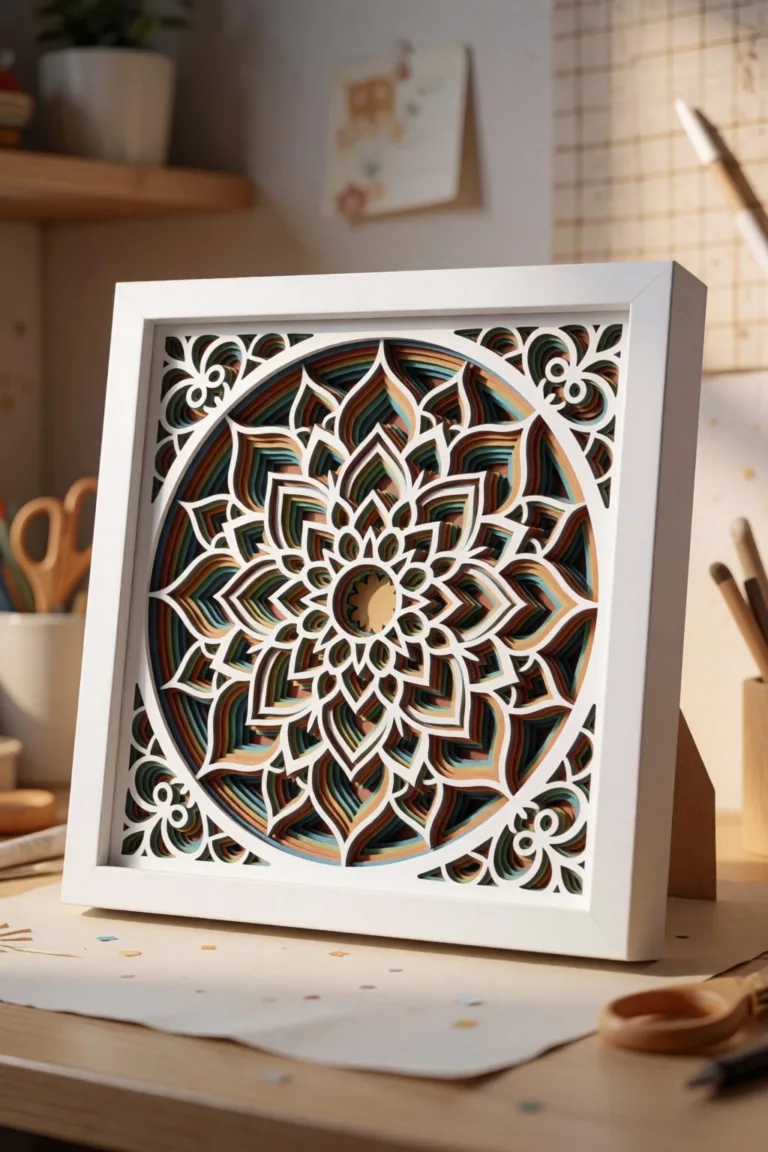
Both cut the craft staples: plywood to ~10mm class, acrylic, leather, cardstock (yes — layered SVG projects run beautifully on both). The 55W+ CO2 class pulls ahead on thick acrylic and dense hardwood — relevant if your product list includes chunky signage or deep 3D pieces. Diode machines (S1, Aura) can’t cut clear acrylic at all — that’s physics, not marketing; if acrylic is in your plans, it’s CO2 or nothing.
4. Running costs nobody mentions in unboxings
- CO2 tubes are consumables: expect a replacement somewhere in the 2–5 year window depending on hours.
- Glowforge’s proprietary ecosystem extends to replacement parts and its filter units; xTool parts are cheaper and the machines are more repair-friendly.
- Neither brand’s “official materials” are mandatory — local plywood suppliers cut your material cost by half or more versus branded sheets. Budget real money for a proper exhaust or filter with either brand.
5. Community and answers at 11pm
Glowforge’s owner community is famously warm and beginner-focused. xTool’s is bigger on the maker/business side, and LightBurn’s forums answer literally everything. Tie — different flavors.
So which one, for which seller?
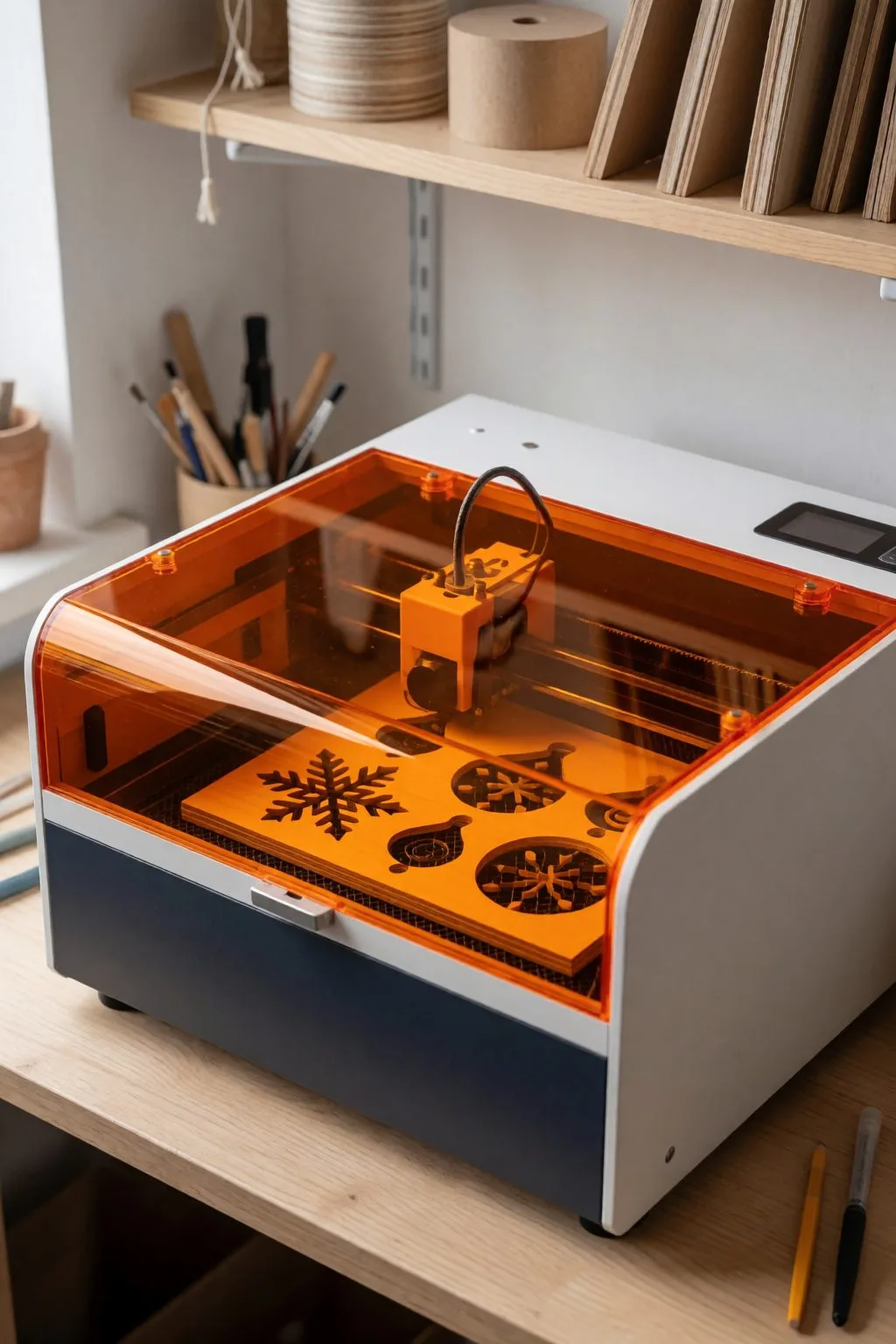
Choose Glowforge if: you’re brand new, slightly intimidated, value a guided experience, and your products are engraving-heavy (personalized boards, tumblers, gifts) rather than thick-cut. The Aura is a fine toe-in-the-water for cardstock and thin wood — but check its tiny work area against your product sizes first.
Choose xTool if: you’re optimizing for margin and throughput, want offline reliability, or plan to grow into thicker materials and bigger batches. The P2S at $1,899 is, frankly, the default recommendation for a craft business starting seriously in 2026: CO2 power, LightBurn freedom, and enough capacity that you won’t outgrow it in year one.
Budget reality check: if $1,899 isn’t happening this year, a 20–40W diode (xTool S1 class) plus free files to practice on will earn its keep on wood and leather products — just accept the no-clear-acrylic limit and slower thick cuts.
The honest bottom line
Both machines make money in thousands of real craft businesses. Glowforge sells you the smoothest first month; xTool sells you cheaper watts and independence. For most sellers doing this as a business rather than a hobby, the spreadsheet points one way — and it’s the reason our own product list assumes cut capacity, not just engraving.
Prices checked July 2026 on official stores; both brands discount aggressively around holidays — never pay full list price without checking the sale calendar.
FAQ (schema-ready)
Is xTool or Glowforge better for beginners? Glowforge has the gentlest learning curve thanks to its cloud software. xTool is close behind and pays that small extra effort back with offline use and LightBurn compatibility.
Can a diode laser like the Aura or S1 cut acrylic? Blue diode lasers cannot cut clear acrylic — the beam passes through it. They handle wood, leather, cardstock and opaque acrylics. For clear acrylic products you need a CO2 machine.
What does a laser for a craft business cost in 2026? Entry diode machines start well under $1,000; serious CO2 capacity starts around $1,899 (xTool P2S, 55W) with Glowforge Plus at $1,999 (40W) and Pro at $4,995 (45W). Add a few hundred for ventilation and starter materials.
Can’t find the design you need?
Describe your idea in a few words and generate your own SVG design with AI.
Good to know: the files in this guide are hosted on Creative Fabrica. Downloading is free with their free trial: a payment card is needed to start it, and you can cancel the subscription at any time.