Free Laser Cut Files: 15 Sources Worth Your Time
“Free laser cut files” returns a million results and most of them waste your evening: broken paths, no kerf consideration, mystery licenses. This is the shortlist we actually use, plus — more importantly — how to judge any file before it ruins a sheet of plywood.
Marketplaces with real free sections
1. Creative Fabrica — daily free files including laser categories; a free account is enough. Quality is marketplace-grade because the same designers sell premium files next door.
2. Design Bundles — a dedicated free design resources section with laser cutting files; licenses are spelled out per file.
3. So Fontsy — smaller, craft-focused, with a rotating free section for cutting machines.
4. Thingiverse — famous for 3D printing, but its laser-cut tag hides thousands of tested DXF/SVG files, all free.
5. 3axis.co — a huge archive of free DXF and SVG projects: boxes, lamps, panels, stands. Quality varies — apply the checklist below.
Open and community libraries
6. Librecad / OpenClipart ecosystems — public-domain vector art you can adapt into cut files.
7. Maker forum file sections — laser communities share tested project files (boxes, hinges, joints) with cut-settings notes, which beats any anonymous download.
8. Museum open collections — several major museums release public-domain ornament and pattern scans; trace them into SVG for genuinely unique decorative panels.
9. Box generator tools — parametric generators (finger-joint boxes, living hinges) that output free SVG sized to your exact material thickness. Technically not “files” — better: files made to measure.
Free sections of machine brands
10–12. xTool, Glowforge and LightBurn communities — every laser brand maintains a free project library to feed its owners; you don’t need their machine to use most SVG files. Brand libraries are conservative but tested, which counts for a lot.
Seasonal freebie drops
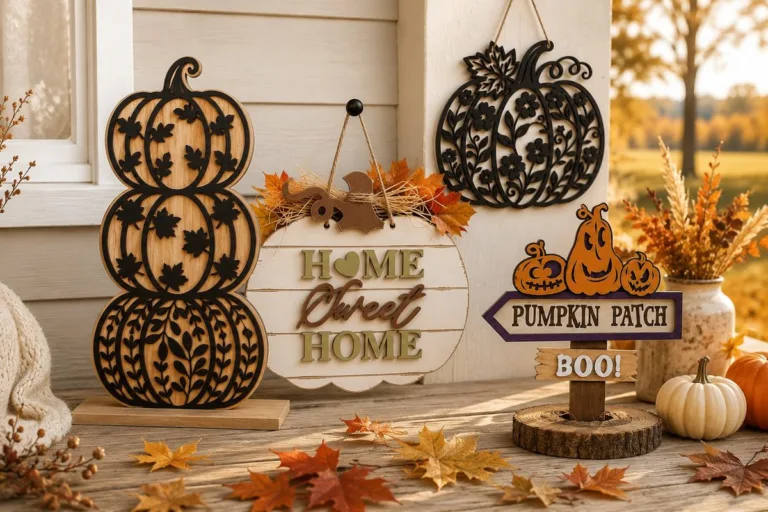
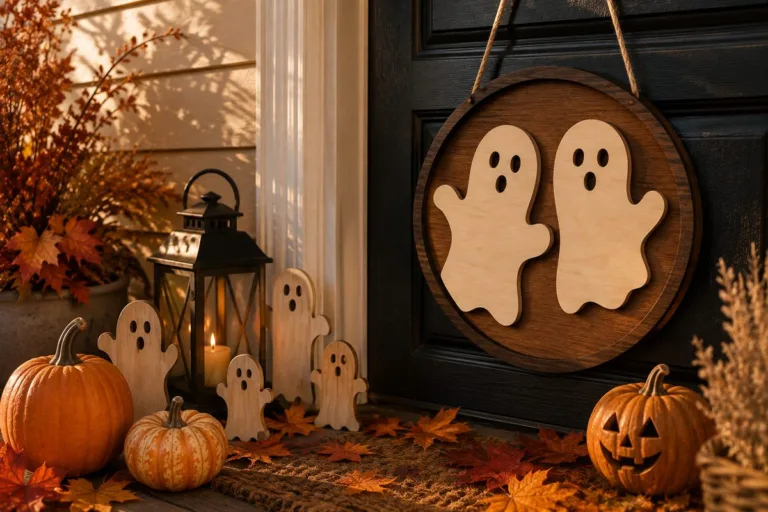
13. Holiday collections — most marketplaces drop free Christmas/Easter/Halloween packs 6–8 weeks before each holiday. Set a reminder for early October: that’s when the Christmas drops start, exactly when ornament season begins for sellers.
14. Designer newsletters — individual laser designers give a welcome freebie for signing up; two or three good designers’ lists = a steady free pipeline.
15. Our own library — we’re building a free SVG library with laser-ready files to accompany each tutorial. Coming soon; the first files will be a practice mandala and a 6-layer shadow box scene.
The 60-second file check (do this before cutting)
- Open it in your software first. Missing layers and broken paths show up instantly.
- Check for double lines — the #1 flaw of free files: outlines drawn twice cut twice, scorching edges.
- Look at the smallest detail. Thinner than 1.5× your material thickness? It will break. Scale up or skip.
- Confirm the license. “Free” often means free for personal use only. If you sell finished items, you need a commercial license — read the file page, not the pin that led you there.
- Test-cut a corner of the design in cardboard before committing plywood.
Free files are a starting point, not a business
Honest note: free files are perfect for learning your machine and testing ideas. But everyone has them — if a design is on every craft-fair table, price collapses. The makers who actually sell use free files to practice and paid or original designs to stand out. Treat freebies as your training ground.
FAQ (schema-ready)
Are free laser cut files safe to sell from? Only if the file’s license explicitly allows commercial use of finished items. Many free files are personal-use only. Check the license on the download page every time.
What format do laser cutters need — SVG or DXF? Both work in most software. SVG is standard for Glowforge and diode lasers; DXF is preferred by industrial machines and CAD workflows. Good sources offer both.
Why does my free file cut every line twice? The file has duplicated paths — a common flaw in free files. Open it in your design software, select overlapping outlines and delete the duplicates before cutting.
Can’t find the design you need?
Describe your idea in a few words and generate your own SVG design with AI.
Good to know: the files in this guide are hosted on Creative Fabrica. Downloading is free with their free trial: a payment card is needed to start it, and you can cancel the subscription at any time.