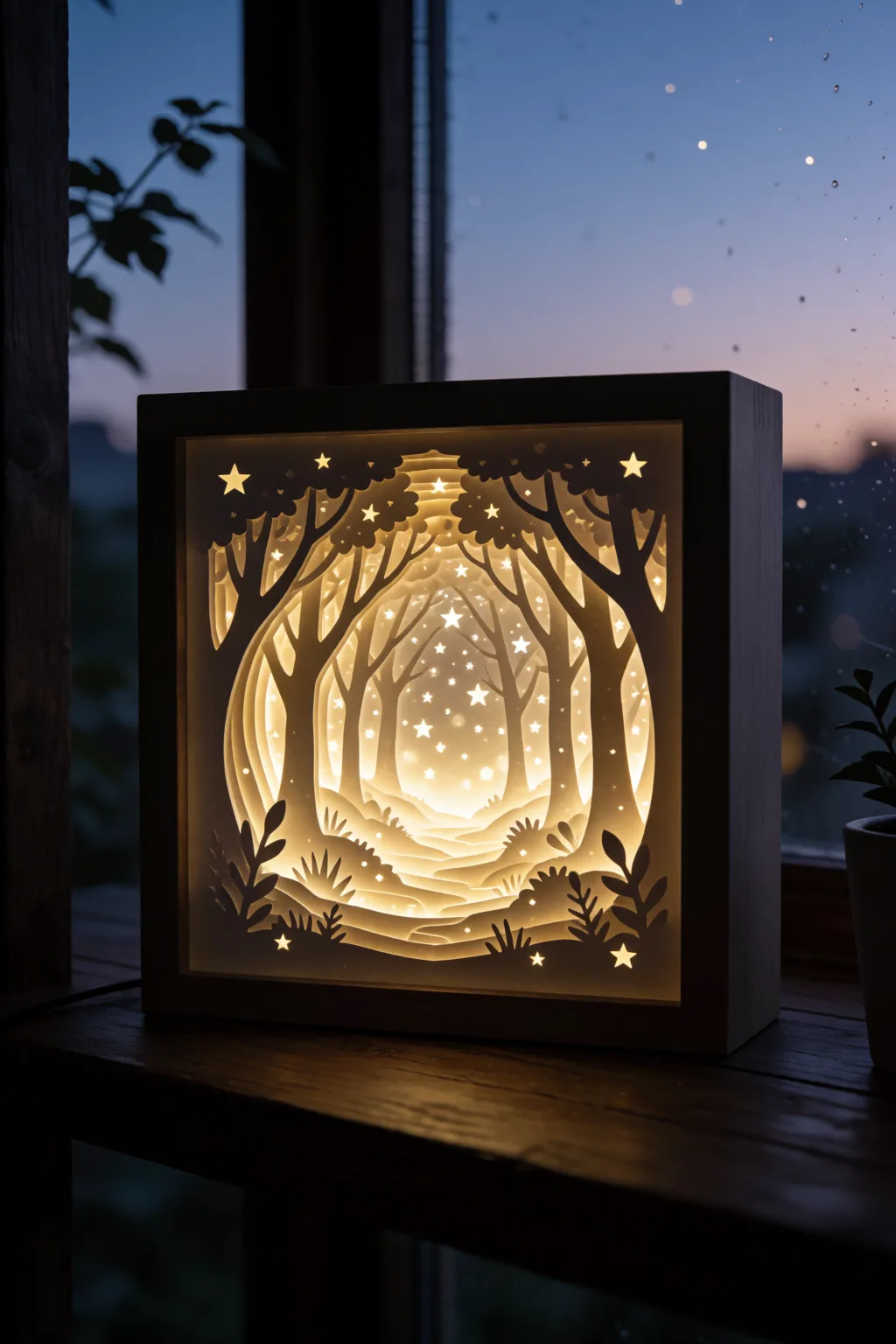
Lighted Shadow Box: From SVG Template to Glowing Wall Art
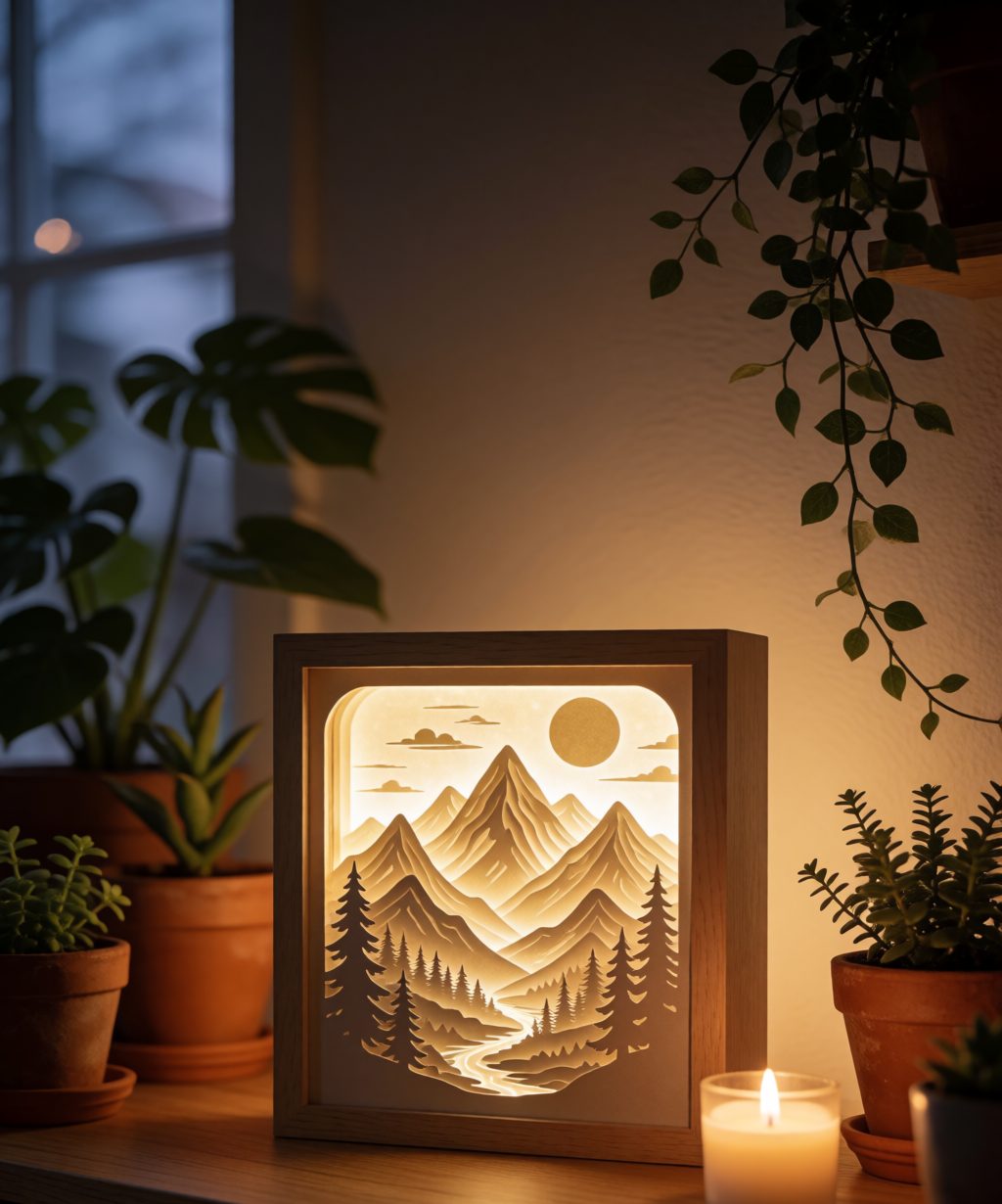
Of everything you can cut from an SVG file, nothing gets the reaction a lighted shadow box does. Daylight: a nice layered scene. Lights off: a glowing miniature world. At craft fairs, this is the table people stop at — and one of the best-selling laser projects per hour of work.
Here’s the honest full process, including the wiring part that tutorials love to skip.
How a shadow box SVG actually works
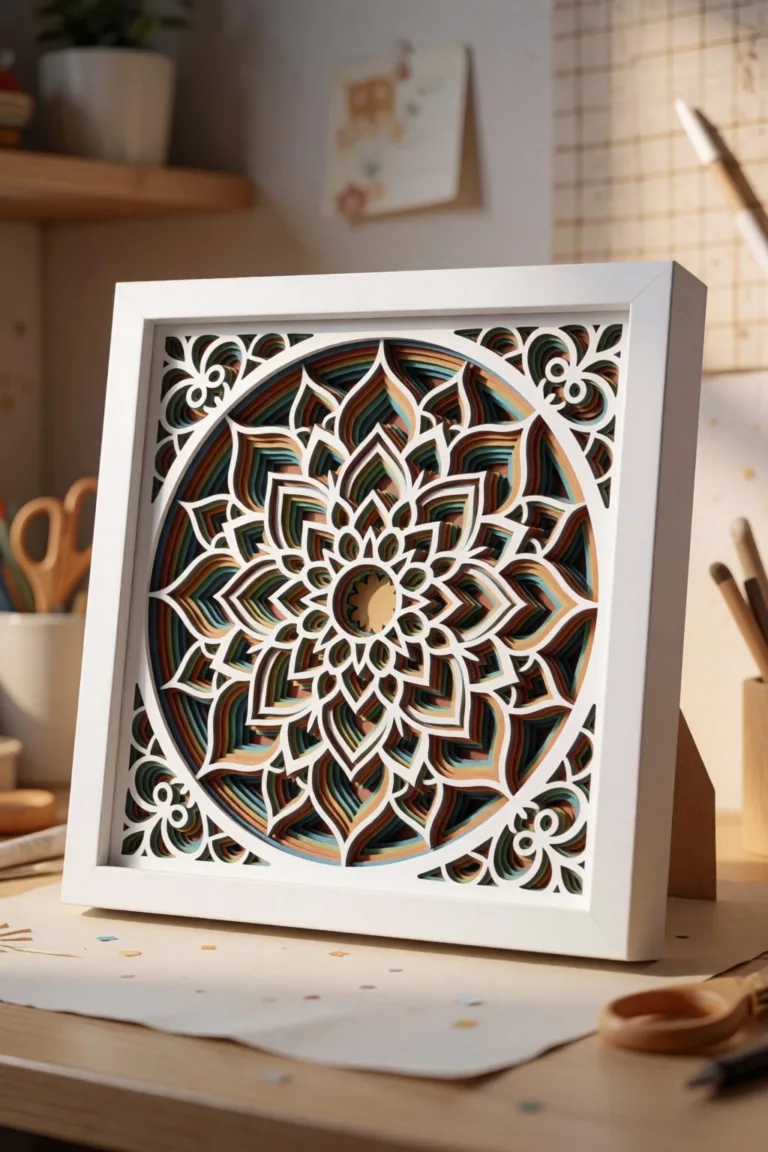
A shadow box file is a stack of 6–12 scene layers — say, a forest: front trees, midground trees, deer silhouette, hills, moon, back panel. Two things make it different from a layered mandala:
- A frame layer repeats between scene layers, creating the “tunnel” depth.
- The back panel is a diffuser — white paper or frosted acrylic that spreads LED light evenly.
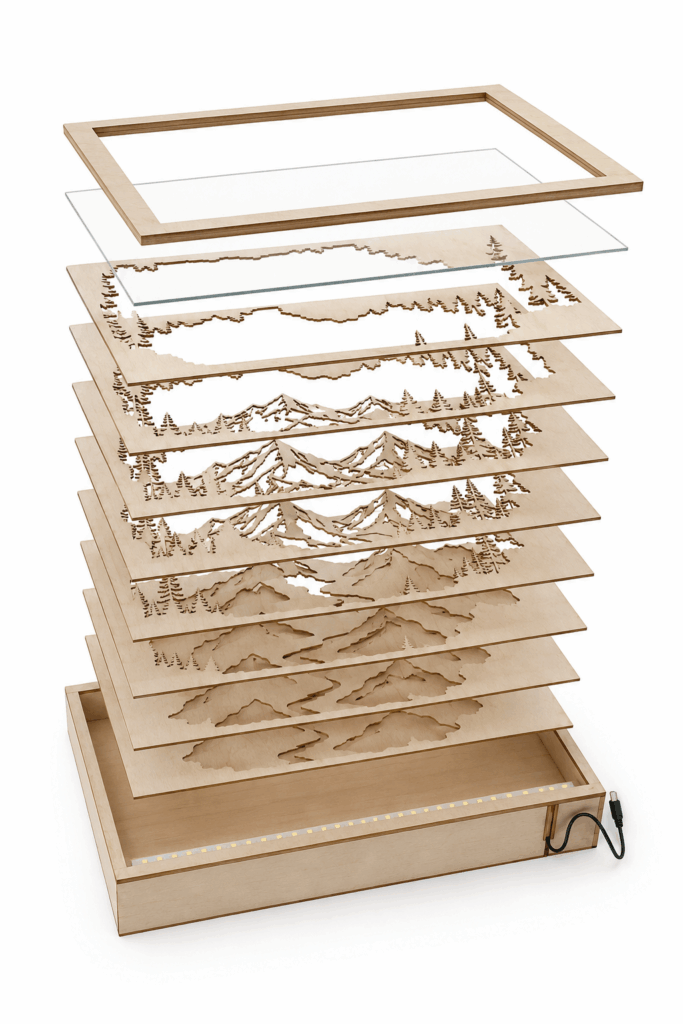
When you shop for templates, check the listing includes: numbered layers, a frame/spacer layer, sizing for a standard frame depth, and a photo of the assembled box lit. Creative Fabrica has hundreds of scenes as part of the subscription (strongest selection we’ve found); Design Bundles carries premium one-off sets.
Materials
- Cardstock 200–230 gsm: white for scene layers (light bounces between white layers beautifully) or colored for a tinted scene
- One sheet of vellum / thin white paper — the diffuser
- Foam board or the template’s frame layers for spacing
- Warm white LED strip, USB-powered, WITH inline switch or remote — battery packs die at the worst moments; USB + wall adapter wins
- Deep frame: 4–5 cm (1.5–2″) for 8+ layers, or the template’s self-frame
- Tacky glue + glue dots
Laser version: 3 mm plywood scene layers look stunning; keep the diffuser as acrylic or vellum, and mind that LED heat is negligible but wire channels must be planned (cut a small notch in bottom frame layers — most good templates include it).
Cutting order that saves your sanity
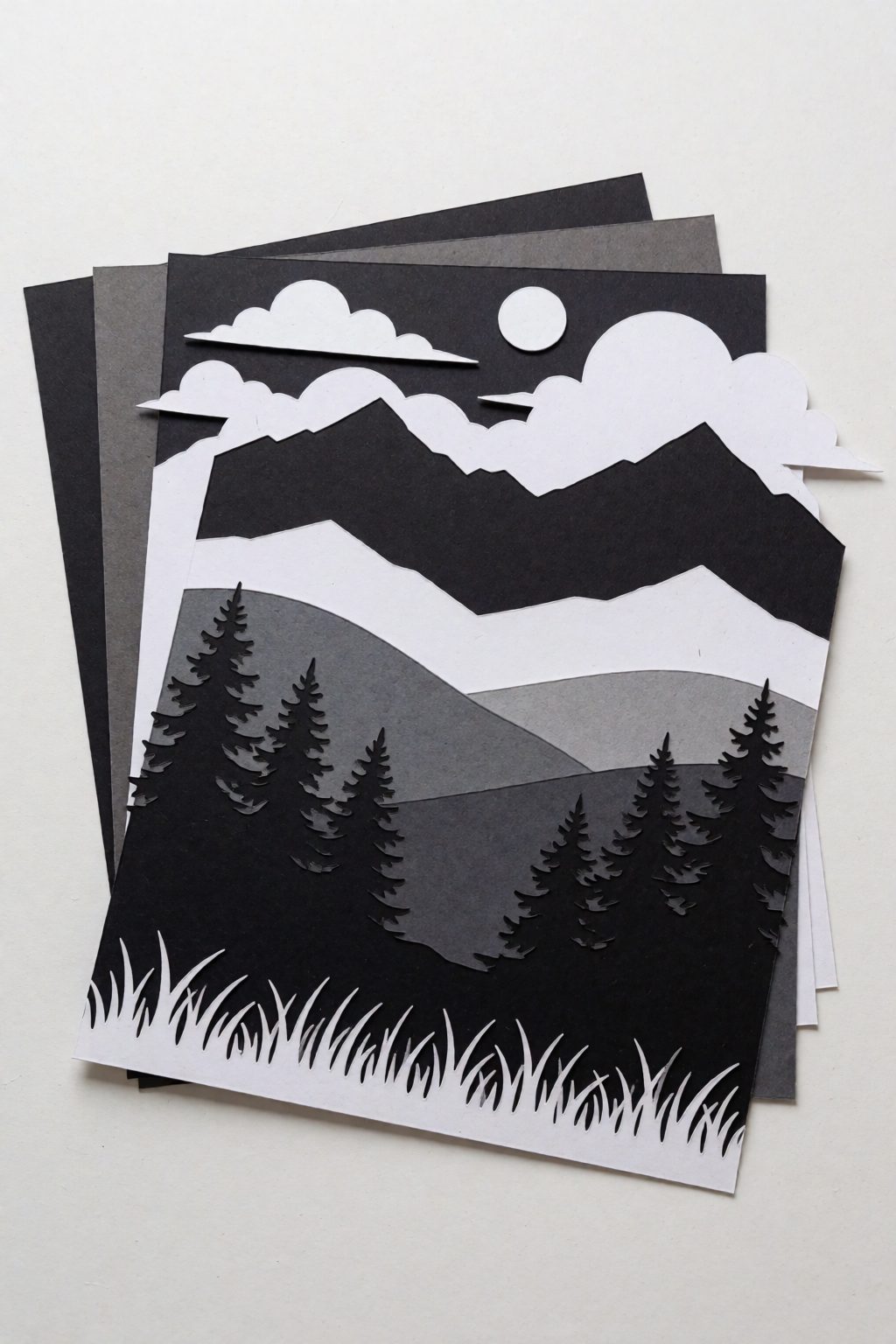
Cut back-to-front and label every layer with a pencil number on the back edge the moment it comes off the mat. Ten stacked forest layers look identical in a pile at midnight. Keep offcuts of the frame layers — they become spare spacers.
Assembly
- Dry-stack first. All layers, no glue, in the frame. Check the depth fits and the scene reads.
- Glue scene layer → frame layer → scene layer, keeping outer edges flush. Square alignment matters here more than in mandalas — use the frame corner as your jig.
- Stop two layers before the back. Time for light.
The LED part nobody explains
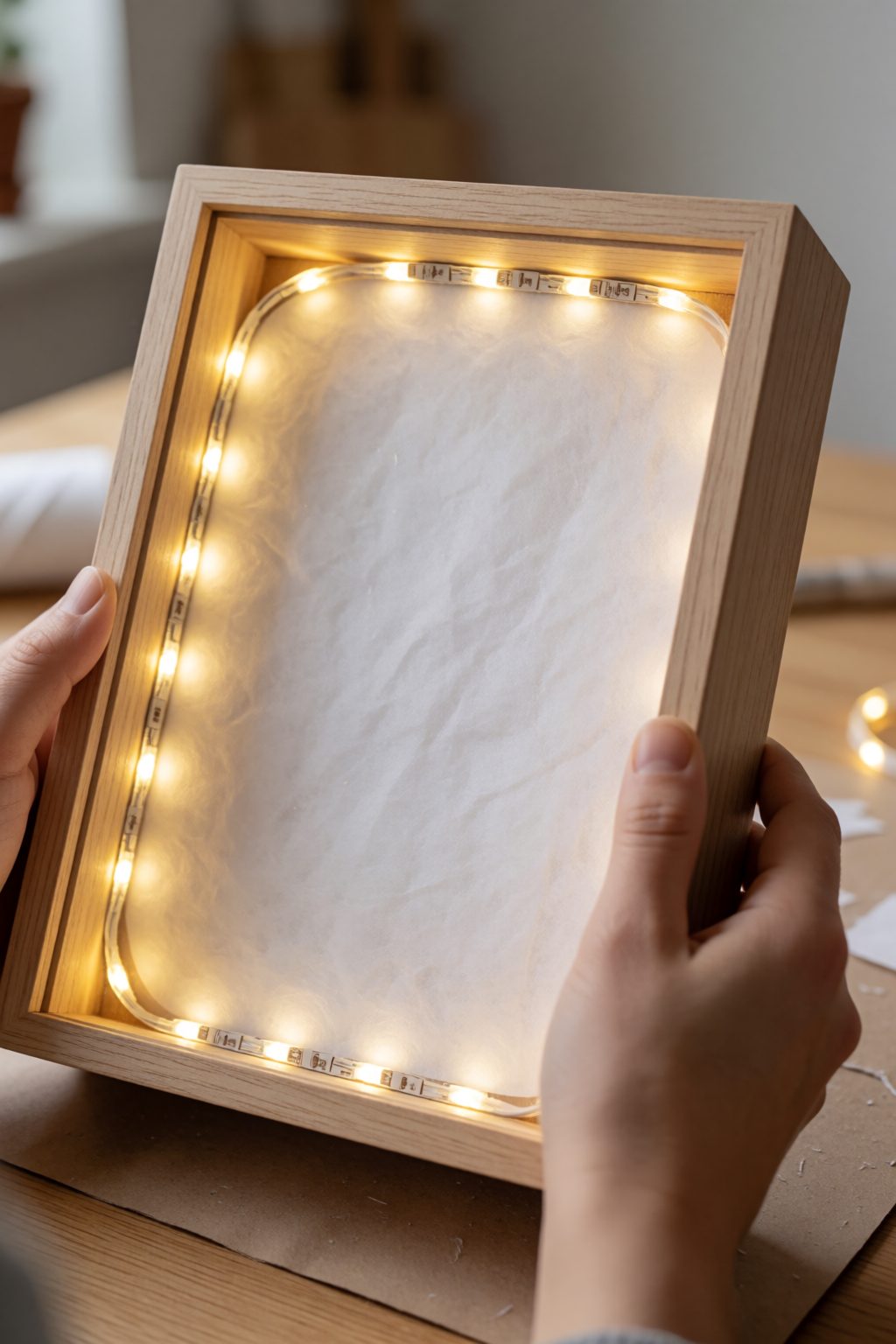
- The strip goes in a ring around the inner frame edge, behind the last scene layer, pointing at the diffuser — NOT at the viewer and not visible through any cutout. If you can see an LED dot, light placement failed.
- Route the wire through the bottom notch. Hot-glue the strip lightly — full adhesive backing makes repositioning impossible, and you will reposition.
- Warm white (2700–3000K) for cozy scenes, cold white for winter/moon scenes. RGB remotes feel fun but wash out paper colors; plain warm white sells better.
- Test the lit look before sealing the back panel. This is the moment to move the strip a centimeter — after sealing, it’s surgery.
Sealing and hanging
Diffuser in, LED ring in, wire out through the notch, then the back panel. Tape the panel rather than gluing if you ever want to swap the LED. Add a sawtooth hanger only if the USB cable can reach a socket — otherwise it’s a shelf piece, and honestly shadow boxes look best on a shelf at eye level.
Troubleshooting
- Hot spots / visible LED dots: strip too close to a cutout or diffuser too thin. Double the vellum.
- Scene looks gray when lit: too many layers for your LED brightness — remove one midground layer or brighten the strip.
- Layers bow inward over time: frame spacers only at corners; add mid-edge spacer pieces from your offcuts.
Make one, then make five
The first box takes an evening. The fifth takes 90 minutes, and that’s when this becomes a product, not a project: seasonal scenes (Christmas village, autumn deer, beach sunset) are repeat bestsellers at $45–120, and buyers collect them.
Disclosure: some links above are affiliate links — if you buy through them we may earn a commission at no extra cost to you.
FAQ (schema-ready)
What is a shadow box SVG? A design split into stacked scene layers plus frame/spacer layers. Cut each layer, stack them with spacing, add a light source behind a diffuser — the layered depth and backlight create a glowing 3D scene.
What lights are best for a lighted shadow box? A USB-powered warm white LED strip with an inline switch. Battery packs run out quickly; USB with a wall adapter is maintenance-free. Place the strip in a ring behind the last scene layer, aimed at the diffuser.
Can I make a lighted shadow box with a Cricut? Yes — cardstock shadow boxes are a classic Cricut project. The same SVG templates work on a laser with thin plywood for a premium wooden version.
Can’t find the design you need?
Describe your idea in a few words and generate your own SVG design with AI.
Good to know: the files in this guide are hosted on Creative Fabrica. Downloading is free with their free trial: a payment card is needed to start it, and you can cancel the subscription at any time.